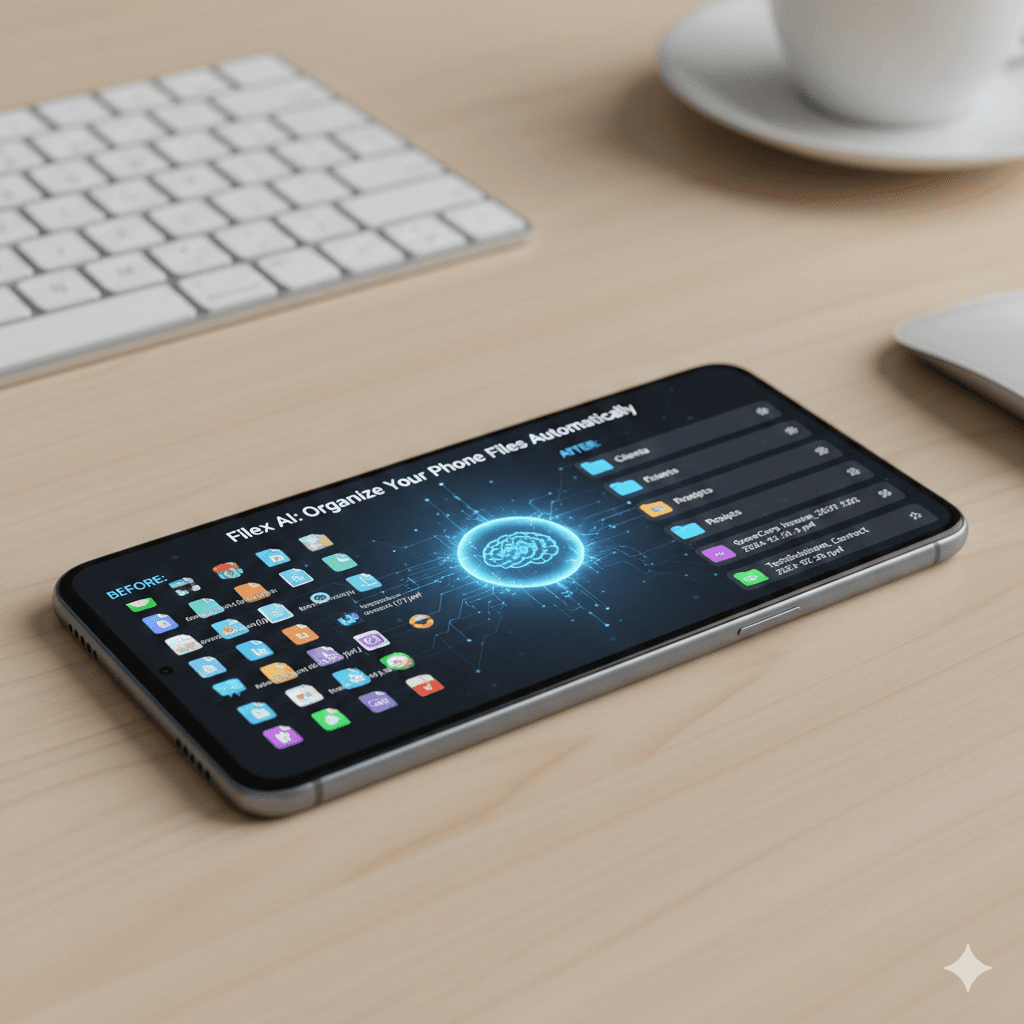
We all do it. You see a recipe you want to try, a flight confirmation number you need to remember, or a funny meme you want to send to a friend, and you press those two buttons on the side of your phone. Click. The screen flashes, and the information is saved.
But where does it go? It goes into a massive, unorganized digital graveyard known as your "Screenshots" folder. Months later, when you actually need that Wi-Fi password or that specific payment confirmation, you are forced to scroll through thousands of identical-looking rectangular images, squinting at your screen while your frustration mounts.
Stop the endless scroll. In 2026, relying on manual sorting for your digital captures is a recipe for burnout. Welcome to the era of the AI screenshot organizer, where artificial intelligence reads, tags, and categorizes your images instantly. In this complete guide, we will explore why our phones are cluttered, how AI technology solves the problem, and how professionals across every industry are using platforms like Filex AI to reclaim their digital sanity.
Turn screenshot clutter into searchable files
Filex AI reads, tags, categorizes, and searches your screenshots so important confirmations and notes never disappear.
Try Filex AI FreeThe Screenshot Epidemic: Why Our Phones Are Cluttered
Before we can fix the problem, we have to understand the psychology behind it. Why do we take so many screenshots, and why are they so hard to manage?
The "Quick Capture" Reflex
Taking a screenshot is the fastest way to capture information in the modern world. It is faster than copying and pasting text into a notes app, faster than downloading a PDF, and faster than writing something down on a piece of paper. We use screenshots as a form of "cognitive offloading"—we tell our phones to remember the information so our brains don't have to.
The Utility Image Problem
The vast majority of screenshots are what we call "Utility Images." They have absolutely zero sentimental value. You don't want to frame a screenshot of an Amazon tracking barcode or a Zoom meeting schedule. You only care about the data contained within the image.
The Failure of Traditional Folders
Traditional phone operating systems (both iOS and Android) treat screenshots like regular photographs. They dump them all into one massive, chronological folder. Because every screenshot is just a rectangular image of a screen, they all look visually similar when you are scrolling quickly.
If you want to find a specific screenshot, traditional search bars are useless because the file is named something like Screenshot_2026-05-12_1430.png. The search engine cannot read the text inside the image, so it cannot help you find it. This is why learning how to organise screenshots automatically has become a critical productivity skill.
Let AI read every screenshot for you
OCR and natural language search make screenshots searchable by the text, context, people, and companies inside them.
Manage Screenshots with AIWhat is AI Screenshot Management?
So, how do we fix this digital hoarding problem? The answer is not to spend your Sunday afternoons manually dragging screenshots into albums. The answer is to delegate the work to Artificial Intelligence.
Think of AI screenshot management like handing your phone to a hyper-intelligent, speed-reading assistant who instantly looks at every single screenshot, reads all the text on the screen, understands the context, and files it perfectly without you having to ask.
1. Optical Character Recognition (OCR)
This is the foundational technology behind any smart image organizer. OCR allows the AI to look at a screenshot and extract the written text from it.
If you take a screenshot of a flight boarding pass, a traditional phone just sees a grid of pixels. An AI system with OCR reads the text: "Delta Airlines, Flight 482, Gate B12, Seat 14A." It turns a static, unsearchable image into a dynamic, fully searchable database of text.
2. Computer Vision and Contextual Understanding
It isn't enough just to read the text; the AI must understand what the text means. Computer vision allows the AI to identify the layout and context of the screenshot. It knows the visual difference between a text message thread, a bank transfer confirmation, a recipe, and a meme.
3. Natural Language Processing (NLP)
NLP is what allows you to search your screenshots the way you talk. Instead of relying on exact keyword matches, the AI understands the semantic meaning behind your words. It knows that "flight to Chicago" is related to the screenshot of the "O'Hare Boarding Pass."
Traditional vs. AI Screenshot Organization
Let's look at exactly how these two systems stack up against each other in daily use:
| Feature | Traditional Screenshot Folder | AI Screenshot Management |
|---|---|---|
| Sorting Method | Chronological (Date/Time) | Contextual (What the screenshot actually is) |
| Text Recognition | Cannot read text on the screen | Full OCR (Extracts all text for searching) |
| Search Capabilities | Unsearchable by content | Natural language (e.g., "Wi-Fi password") |
| Manual Effort | High (Requires manual album creation) | Zero (Auto-categorizes in the background) |
| Clutter Control | Keeps everything forever | Identifies duplicates and temporary utility images |
Organise screenshots automatically
Filex AI routes payment confirmations, travel screenshots, order numbers, recipes, and social captures into smart categories.
Get Filex AIHow to Organise Screenshots Automatically with Filex AI
While basic phone apps are getting slightly better at recognizing faces and pets, they still fail miserably at managing information. They are built for memories, not for productivity.
This is where Filex AI steps in. Filex AI is designed specifically for people who use their cameras as productivity tools. It bridges the gap between a simple photo gallery and a powerful, enterprise-grade document management system.
Here is exactly how Filex AI transforms your screenshot workflow:
1. Instant Auto-Categorization
The moment you take a screenshot, Filex AI goes to work in the background. It analyzes the image and automatically routes it to the correct smart folder.
- Financial: Payment confirmations, bank balances, crypto wallet addresses.
- Travel: Boarding passes, hotel addresses, Uber receipts.
- Shopping: Order numbers, tracking barcodes, gift ideas.
- Social: Funny tweets, Instagram memes, text threads.
2. Talk to Your Screenshots (Natural Language Search)
Because Filex AI has read the text inside your images, you can search your screenshots the exact same way you talk to a human assistant.
Examples of Natural Language Search:
- Instead of scrolling for 10 minutes...
- You search: "Screenshot of the Wi-Fi password from the Airbnb"
- Instead of hunting for a tracking number...
- You search: "Amazon order confirmation for the new laptop"
- Instead of digging for a recipe...
- You search: "Screenshot of the lasagna recipe from last week"
3. Extract and Copy Text Instantly
Have you ever taken a screenshot of a long serial number or a complex crypto wallet address, only to realize you have to manually type it out later? With Filex AI, you can instantly copy and paste the text directly out of the screenshot. The OCR technology makes the text selectable, saving you from tedious manual data entry.
Industry-Specific Use Cases for AI Screenshot Organizers
The ability to manage, search, and extract data from screenshots isn't just a neat trick for personal use; it is a massive productivity booster for professionals across every industry. Let's explore how different sectors are leveraging this technology.
For Students and Researchers
Students take hundreds of screenshots of digital textbooks, online lectures, and research papers. Finding a specific quote before an exam used to take hours. With an AI file organizer for students and an AI file organizer for researchers, a user can simply search for a specific concept (e.g., "Screenshot of the mitosis diagram"), and the AI will instantly retrieve every relevant image.
For Real Estate and Property Managers
Real estate agents and property managers live on their phones. They take screenshots of MLS listings, text messages from clients, and property boundary maps. Using an AI file organizer for real estate or an AI document organizer for property managers, an agent can search for "Screenshot of the Zillow listing for 123 Main Street" and get instant results while standing in front of a client.
For HR Teams and Law Firms
Human Resources and Legal professionals deal with massive amounts of digital evidence, including screenshots of emails, social media posts, and digital contracts. An AI file organizer for HR teams and an AI file organizer for law firms ensures that these critical screenshots are securely categorized, instantly searchable by the text they contain, and easily retrievable for audits or case building.
For Accountants and Freelancers
Freelancers and accountants constantly deal with digital payment confirmations, screenshots of wire transfers, and digital receipts. An AI file organizer for accountants and an AI file organizer for freelancers allows them to instantly pull up deductible expenses during tax season. Searching "Show me all screenshots of PayPal transfers from Q2" turns a week-long accounting nightmare into a five-second query.
For Small Businesses and Marketing Teams
Marketing teams take screenshots of competitor ads, social media analytics, and website layouts for inspiration. A small business AI file organizer or an AI file organizer for marketing teams allows the entire team to pool their visual research. A marketer can search "Screenshots of Facebook ad examples," and the AI will instantly aggregate the visual data.
For Construction Professionals
Project managers and contractors take screenshots of digital blueprints, material order confirmations, and weather reports. An AI file organizer for construction ensures that when a contractor is on the job site, they can instantly pull up the "Screenshot of the lumber delivery schedule" without having to scroll through their personal photos.
Create smart screenshot collections instantly
Use AI Lenses to gather tax receipts, travel confirmations, design inspiration, or payment screenshots without manual albums.
Explore AI LensesThe Magic of Filex AI Lenses for Screenshots
While natural language search is amazing for finding a single screenshot, sometimes you need to slice and dice your visual data on the fly to find a group of screenshots for a specific project or audit. This is where the groundbreaking Filex AI Lens System comes in.
What Are AI Lenses?
AI Lenses are a revolutionary feature that allows you to view your screenshots and documents through highly specific, context-aware filters. Instead of permanently moving files around into static albums, a Lens acts as a smart viewing glass that instantly gathers related images based on the exact parameters you define.
Dynamic Collections vs Traditional Folders
Traditional folders are rigid. If you put a screenshot in the "2026 Receipts" folder, it lives there. But what if you also need that screenshot for a "Q2 Marketing Audit" folder?
Dynamic Collections created by AI Lenses solve this. They are temporary, fluid groupings. A single screenshot of a payment confirmation can appear in your "May 2026" Lens, your "Software Subscriptions" Lens, and your "Overdue Bills" Lens simultaneously, without ever leaving its original smart folder. It is grouping at the speed of thought.
Examples of Visual Lenses for Screenshots:
- The Tax Prep Lens: "Show me all screenshots of deductible travel receipts from 2025."
- The Travel Lens: "Group all screenshots of boarding passes, hotel confirmations, and maps for my trip to London."
- The Inspiration Lens: "Show me all screenshots of website design ideas."
Search screenshots from your phone
Use Filex AI on iPhone or Android to find, copy text from, and organize screenshots directly from your pocket.
Download Filex AIManaging Screenshots on the Go: iPhone and Android
Screenshot clutter happens on your phone, which means the solution needs to live on your phone. You don't want to have to transfer images to your desktop just to search them.
Whether you are looking for the best screenshot organizer for iPhone or need a file manager for Android to organise screenshots automatically, Filex AI has you covered.
With the Filex AI mobile app, you can manage and search your visual data directly from your pocket. Simply open the app, type your natural language query into the search bar, and retrieve your screenshots in seconds.
If you need to organize documents on your iPhone or find the best document organizer for Android, Filex AI turns your smartphone from a chaotic junk drawer into a perfectly organized, instantly searchable visual database.
Download the Filex AI App Today:
Conclusion: Reclaim Your Digital Sanity
We capture more digital information today than at any other point in human history, and a huge percentage of that information is trapped inside screenshots. Relying on traditional, chronological photo scrolling is a recipe for frustration, wasted time, and lost data.
Finding a specific screenshot shouldn't induce a panic attack. AI screenshot management is not just a fancy tech trend; it is a fundamental shift in how we retrieve visual information. It is about reclaiming your time, reducing your daily stress, and giving yourself the mental clarity to focus on what truly matters.
Stop the endless scroll. Stop manually creating albums. Stop losing important confirmations in a sea of memes. Embrace the power of Filex AI, and transform your messy camera roll into a perfectly organized, instantly searchable visual ecosystem today. Your future self will thank you.