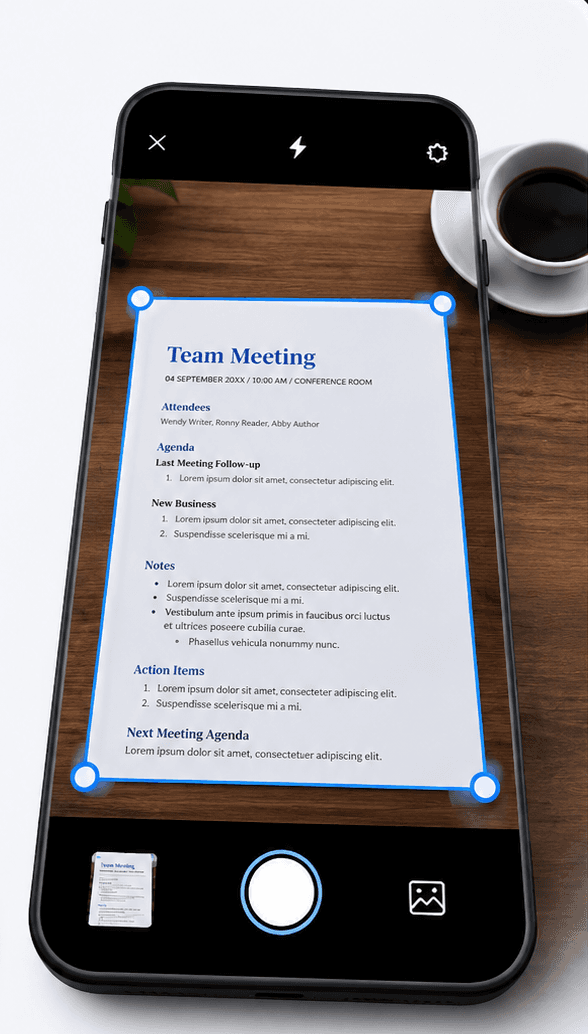
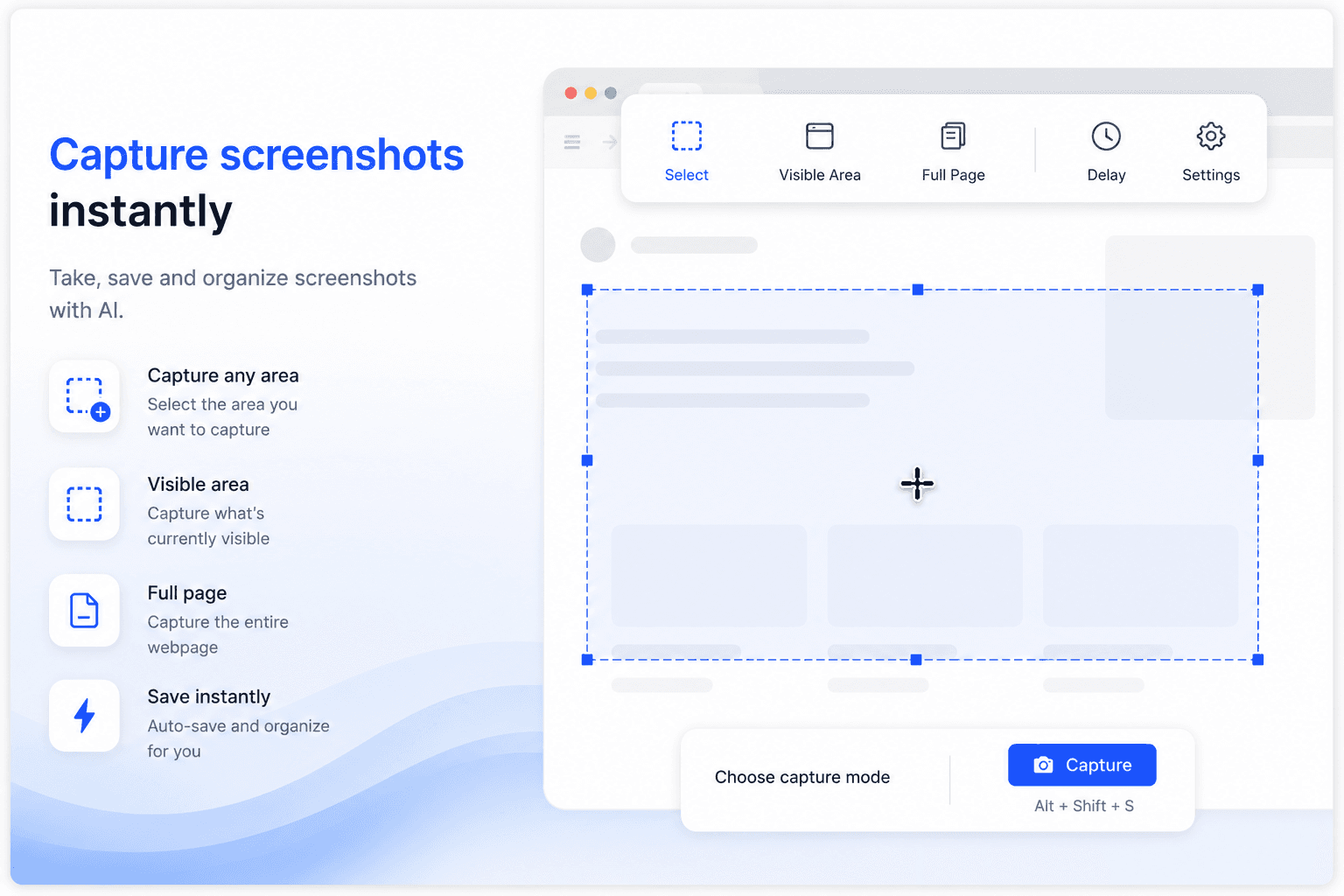
AI file management built for screenshots and photos

Filex AI reads the text inside every screenshot and photo, then groups them by topic, extracts what matters, and makes them searchable in plain English. No albums to create. No manual sorting.

No credit card required ยท Free plan included

Watch a real workflow. Thousands of unsorted screenshots become searchable and organized by topic in seconds.

The Problem

Screenshots pile up faster than you can sort them

Every important detail gets screenshotted, and camera rolls turn into an unsearchable wall of thumbnails within weeks.

6+
hours saved monthly on screenshot search
3 sec
to find any screenshot or photo
100%
images made searchable by text content
๐Ÿ—‚๏ธ

Thousands of unsorted images

Screenshots from chats, receipts, and articles pile up in one giant camera roll with no structure at all.

โฑ๏ธ

Hours lost scrolling

Finding one screenshot means scrolling through hundreds of thumbnails that all look the same at a glance.

๐Ÿ”Ž

Text trapped inside images

WiFi passwords, confirmation numbers, and addresses live inside screenshots as pixels, not searchable text.

๐Ÿงน

No way to clean up safely

Deleting old screenshots feels risky because you are never sure what important detail might be buried in there.

How it works

Set up AI file management in three steps

From a messy camera roll to a searchable archive in minutes.

01

Upload your screenshots and photos

Import your camera roll or specific folders from desktop, phone, or cloud storage. Any format, any filename.

02

AI reads and organizes

Filex AI runs OCR on every image, extracts the text and topic, then groups screenshots automatically.

03

Find anything instantly

Search in plain English across your entire photo library on web, iPhone, or Android. Every device stays in sync.

Features

Everything screenshot management needs, automated by AI

Built for anyone whose camera roll has become an unsearchable mess of important information.

๐Ÿ“ธ

Auto-organize by topic

Filex AI reads the content of every screenshot and groups related images together, like travel, receipts, or work chats, automatically.

๐Ÿ”ญ

AI Lenses for screenshot collections

Create collections in natural language, like "everything for my Japan trip" or "all receipts this month". One screenshot can live in multiple lenses at the same time without duplication.

๐Ÿ”

Natural language search

Ask "find the screenshot with the WiFi password" and get the exact image in seconds, searching the text inside it.

๐Ÿ“„

OCR text extraction

Every screenshot and photo is scanned with OCR, turning WiFi passwords, confirmation numbers, and addresses into searchable text.

๐Ÿงพ

Entity extraction

Names, dates, amounts, and codes hidden inside screenshots are pulled out and turned into structured, searchable data.

โฐ

Smart reminders

Booking confirmations and deadline screenshots are detected automatically so important dates never get lost in your camera roll.

๐Ÿ—‚๏ธ

Search across every format

Screenshots, photos, scanned documents, and PDFs are all indexed together in one search.

๐Ÿงน

Safe to clean up

Because every screenshot is indexed and searchable, you can confidently archive or delete without losing important information.

๐Ÿ”’

Private, on every device

Your images are encrypted in transit and at rest, never used to train public AI models. Available on Android, iPhone, iPad, and the web.

Before and after

From a messy camera roll to a searchable archive

Filex AI reads the text inside every screenshot, like names, numbers, and topics, and builds the structure for you.

Before

  • ๐Ÿ“„IMG_4821.jpg
  • ๐Ÿ“„Screenshot_20260114_093012.png
  • ๐Ÿ“„IMG_4822.jpg
  • ๐Ÿ“„Screenshot (2).png
  • ๐Ÿ“„unnamed.jpeg
  • ๐Ÿ“„WhatsApp Image 2026-05-02.jpeg

After: organized by Filex AI

โœˆ๏ธ Travel

  • Flight Confirmations โ€บ 2026-03_Delta-Booking.png
  • Hotel Bookings โ€บ 2026-03_Marriott-Confirmation.png

๐Ÿงพ Receipts & Bills

  • Coffee Shop โ€บ 2026-03-14_Receipt_$4.50.jpg
  • Utilities โ€บ 2026-03_Electricity-Bill.png
AI extraction

Every detail, pulled out automatically

From Screenshot_20260114_093012.png. No manual data entry, ever.

โœˆ๏ธ Type

Flight Confirmation

๐Ÿ”ข Booking Number

DL4821X

๐Ÿ“… Date

14 Mar 2026

๐Ÿข Airline

Delta

๐Ÿ“ Text extracted

Yes, via OCR

Use cases

Just ask, in plain English

โ€œFind the screenshot with the WiFi passwordโ€

โ€œShow all screenshots from WhatsApp last weekโ€

โ€œWhich screenshots mention the flight confirmation number?โ€

โ€œFind the photo of my receipt from the coffee shopโ€

โ€œShow all screenshots with phone numbersโ€

โ€œFind the meme I saved last monthโ€

โ€œWhich photos have addresses in them?โ€

โ€œShow screenshots from the team chat about the deadlineโ€

Comparison

Why switch from a plain camera roll

Everything you do by scrolling today, Filex AI does automatically the moment a screenshot is taken.

Capability

Filex AI

Camera roll

Auto-organize by topic

Screenshots grouped by content, like travel or receipts, automatically

OCR text extraction

Text inside every screenshot becomes fully searchable

Natural language search

Type "find the screenshot with the WiFi password" and get the exact image

AI Lenses collections

One screenshot can live in many collections at once, with no duplication

Entity extraction

Names, dates, and codes pulled out of screenshots automatically

Safe cleanup

Delete old screenshots confidently since everything is indexed first

Cross-device sync

Web, iPhone, and Android stay in sync in real time

Encrypted and private

Files encrypted in transit and at rest, never used to train public models

Simple, transparent pricing

Start free. Upgrade only when you need more power.

Free

Start organizing smarter with AI-powered file management.

$0
  • 20 files one time
  • AI content analysis & auto-sorting
  • Smart file renaming
  • Basic tagging
  • Cloud sync across devices
  • Export Organized Folders
Most Popular

Premium

Ideal for professionals who organise files, notes, and projects every day.

$2.99/month
  • 500 files organization per month
  • Advanced subject-based folders
  • OCR for images & scans
  • Handwritten notes analysis
  • Mobile app access
  • Share-to-organize from anywhere
  • Priority support
  • Export Organized Folders
Best Value

Premium (Yearly)

Save more with annual billing

$29/year
  • 6000 files organization per year
  • Advanced subject-based folders
  • OCR for images & scans
  • Handwritten notes analysis
  • Mobile app access
  • Share-to-organize from anywhere
  • Priority support
  • Export Organized Folders

Guides & resources

Screenshot and photo organization guides

Deep dives on organizing screenshots, extracting text, and searching photos with AI.

How to Organize Thousands of Images Without Creating Folders (AI Guide)
Photo Organization7 min read

How to Organize Thousands of Images Without Creating Folders (AI Guide)

Drowning in a sea of IMG_9482.jpg files? Learn how to organize thousands of images without creating a single folder using AI semantic search and dynamic lenses.

Jun 26
Traditional Photo Organization vs. AI Photo Organization: Stop the Endless Scroll
Photo Organization7 min read

Traditional Photo Organization vs. AI Photo Organization: Stop the Endless Scroll

Compare traditional photo organization with AI photo organization and learn how Filex AI helps you sort, search, and retrieve receipts, screenshots, documents, and utility photos instantly.

Jun 1
How to Organize Thousands of Photos Automatically: The Ultimate Guide for 2026
Photo Organization12 min read

How to Organize Thousands of Photos Automatically: The Ultimate Guide for 2026

Learn how to organize thousands of photos automatically using AI, OCR, computer vision, natural language search, duplicate cleanup, AI Lenses, and Filex AI.

Jun 1
How to Find Any Photo in Seconds Using AI Search
Photo Organization9 min read

How to Find Any Photo in Seconds Using AI Search

Learn how AI photo search uses OCR, computer vision, natural language processing, and Filex AI to find receipts, screenshots, documents, boarding passes, and visual notes in seconds.

Jun 1
Screenshot Management using AI: The Complete Guide for Automatic Organization in 2026
Photo Organization10 min read

Screenshot Management using AI: The Complete Guide for Automatic Organization in 2026

Learn how AI screenshot management uses OCR, computer vision, natural language search, smart categories, and Filex AI Lenses to organize and find screenshots instantly.

Jun 1
How to Organize WhatsApp Screenshots Automatically in 2026
Screenshot Organization11 min read

How to Organize WhatsApp Screenshots Automatically in 2026

Learn how to organize WhatsApp screenshots automatically using OCR, AI categorization, natural language search, smart reminders, AI Lenses, cross-device sync, and Filex AI.

Jun 1

Frequently asked questions

Everything you need to know about using Filex AI

What is AI file management for screenshots?

AI file management for screenshots uses artificial intelligence and OCR to read the text inside every screenshot and photo, then automatically groups them by topic and makes them searchable in natural language. Instead of scrolling through a camera roll, you describe what you are looking for and the AI finds it.

How does Filex AI organize screenshots?

Filex AI runs OCR on every screenshot to extract the text inside it, identifies the topic or type of content, such as a receipt, confirmation, or chat, and groups related screenshots together automatically.

Can I search for text that appears inside a screenshot?

Yes. Filex AI indexes the actual text content of every screenshot, so you can search for a WiFi password, confirmation number, or phone number even though it is technically part of an image, not a text file.

Is it safe to delete old screenshots after organizing?

Yes, once they are indexed. Because Filex AI extracts and stores the important information from each screenshot, you can archive or delete the original images with confidence that nothing important is lost.

Can one screenshot belong to multiple collections?

Yes. Using AI Lenses, a single screenshot, like a flight confirmation, can appear in both your "Travel" collection and your "Tax Documents" collection at the same time, with no duplicate files.

Does this work for photos too, not just screenshots?

Yes. Filex AI processes any image, including photographed receipts, business cards, and documents, the same way it processes screenshots, extracting text and organizing by content.

Is my photo library private?

Yes. All images are encrypted in transit and at rest on secure cloud infrastructure. Your photos are private to your account, are never sold or shared, and are never used to train public AI models.

Do I need to sort screenshots before uploading?

No. Upload your entire camera roll or screenshot folder as it is. The AI reads the content and handles the organizing, extraction, and categorization for you.

What are AI Lenses and how do they help with screenshots?

AI Lenses let you group images using natural language instead of albums. You can create collections like "everything for my Japan trip" or "all receipts this month", and a single screenshot can appear in multiple lenses at once without duplication.

Put your screenshots on autopilot

Join people who let AI make their camera roll searchable. Free to start, no credit card required.