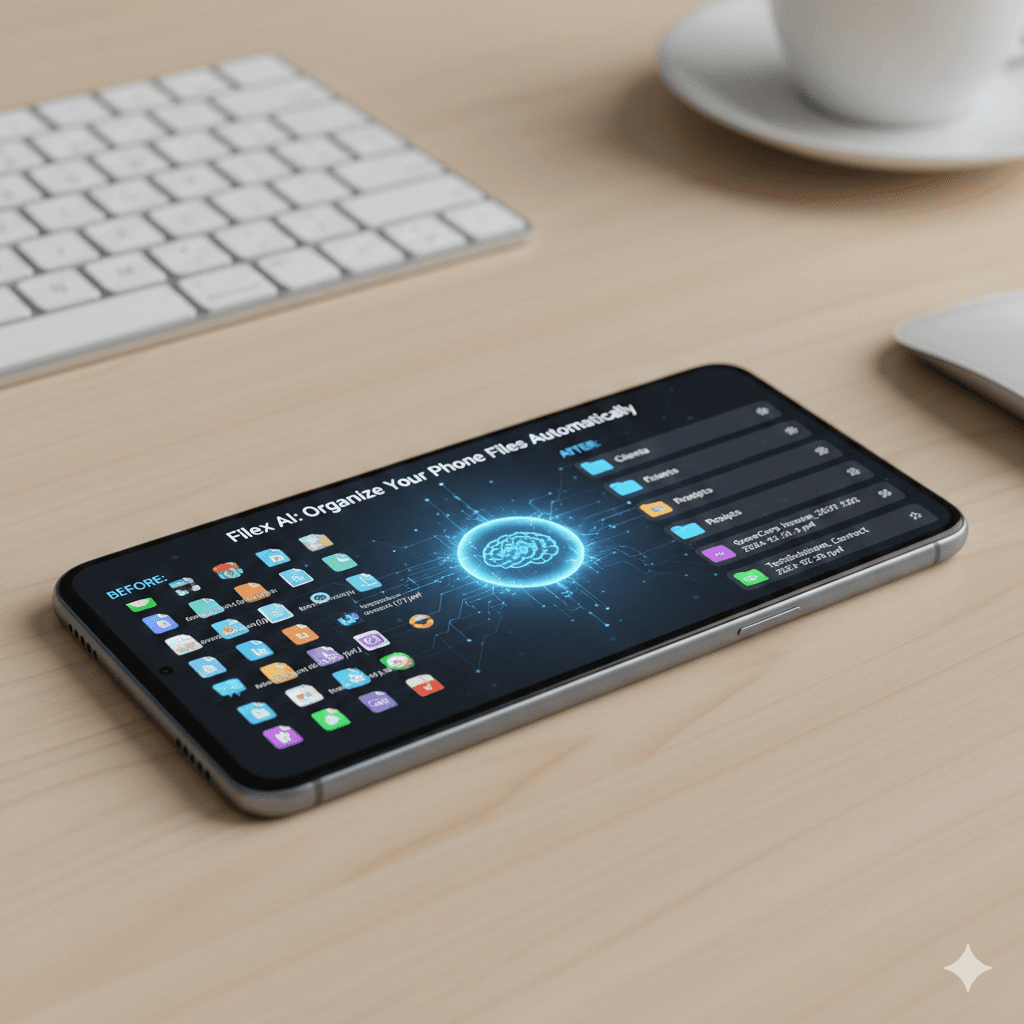
Your Android phone has 3,247 files.
Screenshots from last year. Downloaded PDFs with names like "document_final (7).pdf". Photos mixed with work files. Invoices you saved from email but can't find anymore.
You know they're somewhere in your phone. You just have no idea where.
If you've ever scrolled endlessly through your Files app looking for that one document you definitely saved, you're not alone. Android gives you powerful file management—but it doesn't help you stay organized.
Until now.
Why Android File Management Gets Messy Fast
Android phones are incredible productivity tools. You can save files, download documents, take screenshots, receive attachments—all from your pocket.
The problem? Everything lands in one place, with cryptic names, and you're expected to organize it yourself. Manually. On a phone screen.
Here's what happens:
Downloads pile up endlessly. Every PDF you open from email. Every receipt you save. Every contract you review. They all go to Downloads with names like "Invoice_March_2026_final_v3.pdf" or worse, "document (18).pdf".
Screenshots multiply out of control. "Screenshot_20260315_143052.jpg" means nothing when you're looking for that specific confirmation number or address you captured three weeks ago.
Work files mix with personal files. Client contracts next to vacation photos. Tax documents next to memes. There's no separation unless you manually create folders—which nobody does on their phone.
Search barely helps. Android's search finds filenames. But if you can't remember what you called it, or it was named something generic when it downloaded, you're stuck scrolling.
Creating folders on mobile is tedious. Sure, you can manually create folder structures on your Android phone. But who actually does that? Tapping, typing folder names, dragging files one by one on a 6-inch screen?
The result: your Android storage becomes a digital junk drawer. And unlike your computer, you carry this mess everywhere.
Organize your phone files automatically
Stop scrolling through thousands of mystery files. Set your own rules in plain English and let Filex AI handle the sorting and renaming.
Download Filex AI (Free)What Android Users Actually Need
Most file organizer apps for Android do one of two things:
They're just file browsers. Prettier ways to browse the same mess. They show you folders and files, maybe with search—but they don't actually organize anything.
They auto-sort into generic categories. "Documents", "Images", "Videos", "Audio". That's it. Your 500 PDFs are now in one "Documents" folder instead of Downloads. You've traded one mess for another.
Neither approach solves the real problem: you need files organized your way, without spending hours doing it yourself on a tiny screen.
What if your Android phone could organize files automatically—based on rules you set in plain English?
How AI File Organization Works on Android
An AI file organizer for Android changes everything about mobile file management.
Instead of manually creating folders and renaming files, you tell the AI what you want—once—and it handles the organization automatically. On your phone. In the background.
Here's what that looks like:
The AI reads your files' actual content. Not just filenames. It opens your PDFs, Word docs, images, and screenshots and understands what they contain. A lease agreement. A receipt. A work contract. A screenshot of a tracking number.
You set organization rules in plain English. Right from your Android phone, you tell the AI: "Put all receipts in a folder called Receipts and rename them with the vendor name and date" or "Organize screenshots by month" or "Create folders for each client and put their files there."
It creates smart folders automatically. The AI builds a folder structure based on your actual files and your instructions. Not generic categories—your specific needs. Client folders. Project folders. Monthly archives. Whatever makes sense to you.
Files get renamed to make sense. "document_scan_099.pdf" becomes "ElectricBill_March2026.pdf". "Screenshot_20260315.jpg" becomes "AmazonOrderConfirmation_2026-03-15.jpg". Automatically. Every file becomes findable.
Everything stays organized going forward. New files you download or save get automatically sorted and renamed based on your rules. Your phone stays organized without you touching it.
You can access everything from anywhere. Set up your organization on your Android phone, and the same system syncs across your laptop, tablet, whatever. Same folders, same naming, same ability to find files instantly.
This is smart file management designed for how you actually use your Android phone.
Real Examples: AI Organization on Android
Let's get specific about how this works in real life:
Scenario 1: Small Business Owner You run your business from your phone. Client emails, invoices, receipts, contracts—everything comes through mobile.
You tell the AI: "Create folders for each client by name. Inside, organize invoices, contracts, and receipts separately. Rename everything to include client name, file type, and date."
The AI scans your Downloads and files:
- "invoice_march.pdf" becomes "GreenCorp_Invoice_2026-03-12.pdf" in "GreenCorp > Invoices"
- "contract_final_NEW.pdf" becomes "TechSolutions_Contract_2026-02-20.pdf" in "TechSolutions > Contracts"
- "receipt_scan.jpg" becomes "OfficeDepot_Receipt_2026-03-15.jpg" in "Expenses > Receipts"
Scenario 2: Student Your phone is your study hub. Lecture notes, assignment PDFs, research papers—scattered across Downloads.
You tell the AI: "Organize files by course name. Put lectures in one folder, assignments in another. Rename files to include course code and topic."
The AI organizes everything:
- "notes_week3.pdf" becomes "ECON101_SupplyDemand_Lecture_Week3.pdf"
- "assignment_final.docx" becomes "PSYCH200_ResearchPaper_Assignment2.docx"
- All files sorted into "ECON101 > Lectures", "PSYCH200 > Assignments", etc.
Scenario 3: Property Manager You manage properties from your phone. Tenant issues, contractor invoices, inspection photos—it all comes through mobile.
You tell the AI: "Create folders for each property address. Inside, organize by type—leases, maintenance, tenant docs. Rename files to show property, unit, and date."
The AI structures everything:
- "lease_new.pdf" becomes "BakerStreet_Unit4B_Lease_2026-03.pdf"
- "photo_repair.jpg" becomes "OakAvenue_Unit2A_Maintenance_2026-03-15.jpg"
- Everything organized by property and category
Scenario 4: Freelancer Managing Screenshots You screenshot everything—client feedback, payment confirmations, design inspiration, order tracking.
You tell the AI: "Organize screenshots by month. If it's a receipt or confirmation, rename it with the vendor name. If it's work-related, add the client name."
The AI analyzes each screenshot:
- Bank confirmation → "ChaseBank_PaymentConfirmation_2026-03-10.jpg"
- Client feedback → "ClientABC_DesignFeedback_2026-03-12.jpg"
- Random screenshot → "Screenshot_March2026/Screenshot_2026-03-15.jpg"
Ready for a cleaner Android experience?
From screenshots to work PDFs, Filex AI keeps your mobile life organized in the background so you don't have to.
Start Organizing NowWhy Android Users Choose Filex AI
Filex AI is available on the Google Play Store—and it's built specifically for mobile-first file organization.
Here's what makes it different:
Set rules in plain English—right from your Android phone. No complicated settings. Just tell Filex AI how you want files organized: "Put all work files in a Work folder. Put receipts in Finances. Rename invoices to show vendor and date." Done.
Smart folders that match your life. Not generic categories. Your actual workflow. Your actual projects. Your actual clients. Filex AI creates organization that makes sense to you because you told it what you need.
Automatic file renaming. Every file gets a clear, descriptive name. No more scrolling through "document (7).pdf" and "Screenshot_20260315_142019.jpg". Everything is named based on what it actually is.
Works in the background. Filex AI organizes files automatically as they arrive. You don't have to manually sort anything. Just download, save, or screenshot—the AI handles the rest.
Available on Google Play Store. Download Filex AI directly to your Android phone or tablet. Set it up in minutes. Start experiencing organized files immediately.
Syncs across all your devices. Organize files on your Android phone and the same structure appears on your laptop, tablet, wherever. One system, everywhere.
Secure and encrypted. Your files—including sensitive documents, financial records, and personal information—are encrypted and protected. You control access.
You stay in control. Change how you want files organized? Tell Filex AI your new rules and it reorganizes everything automatically. You're always in charge of the logic.
The difference between Filex AI and manual organization is simple: you decide how files should be organized, and the AI handles all the tedious execution. On your phone. Automatically.
The Benefits of AI File Organization on Android
Once you have Filex AI working on your Android device:
You find files instantly. Need that invoice from two months ago? Search "invoice baker street february" and it appears—even if you can't remember the exact filename. The AI read the content and knows what it is.
Your phone stays clean. No more endless Downloads folder. No more mystery files. Everything has a logical place and a clear name.
You save hours every month. No scrolling through hundreds of files. No manually creating folders. No trying to remember what you named things. Just instant file access.
Work gets easier. Whether you're running a business, managing properties, studying, or freelancing—having organized files on your phone means you can work efficiently from anywhere.
You can actually use your phone's storage properly. When files are organized and named clearly, you know what you have. You can make smart decisions about what to keep and what to delete.
Productivity increases. Fast file access means faster responses to clients, faster homework completion, faster expense tracking—faster everything.
Getting Started with Filex AI on Android
Ready to organize your Android files automatically?
Step 1: Download from Google Play Store Search for "Filex AI" in the Play Store or visit the direct link. Install the app on your Android phone or tablet.
Step 2: Connect your files Grant Filex AI access to your file storage. The app scans your existing files to understand what you have—documents, photos, downloads, screenshots, everything.
Step 3: Tell the AI your organization rules In plain English, explain how you want files organized. Be specific: "Create folders by client name", "Organize receipts by month", "Rename invoices to show vendor and date." Filex AI understands and builds your system.
Step 4: Let it organize The AI processes your existing files, creates your folder structure, and renames everything according to your rules. This initial organization might take a few minutes depending on how many files you have.
Step 5: Adjust and refine After using Filex AI for a week, you'll notice adjustments you want. Maybe you need a new category. Maybe you want a different naming format. Just tell the AI your updates—it reorganizes everything automatically.
Step 6: Enjoy automatic organization From now on, every file you download, save, or screenshot gets automatically organized and renamed based on your rules. No more manual work. Your Android phone stays clean.
Why Mobile-First Organization Matters
We live on our phones. We work from our phones. We manage our lives from our phones.
But phone file organization has been stuck in the desktop era—manual folders, cryptic filenames, endless scrolling.
AI changes that. With Filex AI on your Android device, your phone becomes as organized as you want it to be, without the tedious manual work.
You set the rules once. The AI maintains the system forever.
Your files stay organized. Your productivity increases. Your digital life makes sense.
That's what file management should feel like on Android: clean, organized, and automatic.
If you're looking for the best AI file organiser for iPhone, check out this detailed guide on how to automatically organise your files using AI.