Your professor just sent lecture slides via email. Your study group shared notes on WhatsApp. Someone forwarded a research paper through Telegram. You downloaded an assignment PDF from the learning portal.
Where are these files now? Scattered across your phone's Downloads, WhatsApp media, Telegram files, and email attachments—with names like "IMG_20260315_143052.pdf", "document (12).pdf", and "notes_final_FINAL_v3.docx".
Good luck finding that specific biochemistry lecture when finals week hits.
If you're a student in 2026, you're drowning in digital files from a dozen different sources. And traditional file management? It's not built for how students actually work.
The Modern Student's File Management Nightmare
Here's what your digital life looks like as a student:
Files come from everywhere:
- Professors email lecture slides and reading materials
- TAs send assignment files through learning portals
- Study groups share notes via WhatsApp
- Classmates forward research papers on Telegram
- You download textbook PDFs from course websites
- You screenshot important slides during online lectures
- Group project files arrive through Slack or Discord
Everything gets saved with terrible names:
- "Lecture_Week5.pdf" (which course? which semester?)
- "IMG-20260315-WA0023.pdf" (WhatsApp auto-naming strikes again)
- "document (17).pdf" (thanks, Chrome)
- "notes_final_v2_UPDATED_FINAL.docx" (why is there always a "final" that isn't final?)
Files pile up across multiple apps:
- Phone Downloads folder: 500+ files
- WhatsApp: Dozens of PDFs buried in chat media
- Telegram: Files from different study groups, all mixed together
- Email attachments: That one important file you can't find
- Google Drive: Random structure you created sophomore year
The result? You spend hours searching for files instead of studying. You re-download things you already have. You miss assignment deadlines because you can't find the requirements doc.
Organize notes, assignments & study files automatically
Stop digging through WhatsApp, Telegram, and Downloads. Set simple rules once and let Filex AI automatically organize and rename your study materials.
Get Filex AI for Students (Free)Why Traditional Organization Doesn't Work for Students
Most students try one of these approaches:
Manual folder organizing: "I'll create folders by course, then by week, then by type..." Sounds great in theory. Reality? You're busy. You don't have time to manually sort every single file that comes through five different apps.
Leaving everything in Downloads: The path of least resistance. Until you need to find something specific among 847 files and give up after 10 minutes of scrolling.
Cloud storage chaos: Upload everything to Google Drive or Dropbox. Files are backed up, but you still have to manually organize them. And if you forgot to upload that WhatsApp file? It's lost in your phone somewhere.
Different systems for different sources: Email attachments in one place, WhatsApp files in another, Telegram downloads somewhere else. You need three different search strategies to find one file.
None of these scale when you're juggling four courses, multiple group projects, research papers, and study materials from classmates.
How AI File Organization Transforms Student Life
Imagine this instead:
Every file you receive—from email, WhatsApp, Telegram, downloads, screenshots, anywhere—gets automatically organized the moment it hits your device.
No manual sorting. No creating folders. No renaming files. Just instant, automatic organization based on rules you set once.
Here's what that looks like with AI file organization:
The AI reads every file's content. Not just the filename. It opens your PDFs, Word docs, images, and slides to understand what they contain. A biochemistry lecture. A history assignment. Group project research. Study notes from your economics course.
You set organization rules in plain English. Tell the AI once: "Organize by course name and semester. Inside each course, create folders for lectures, assignments, and study notes. Rename files to include the course code and topic."
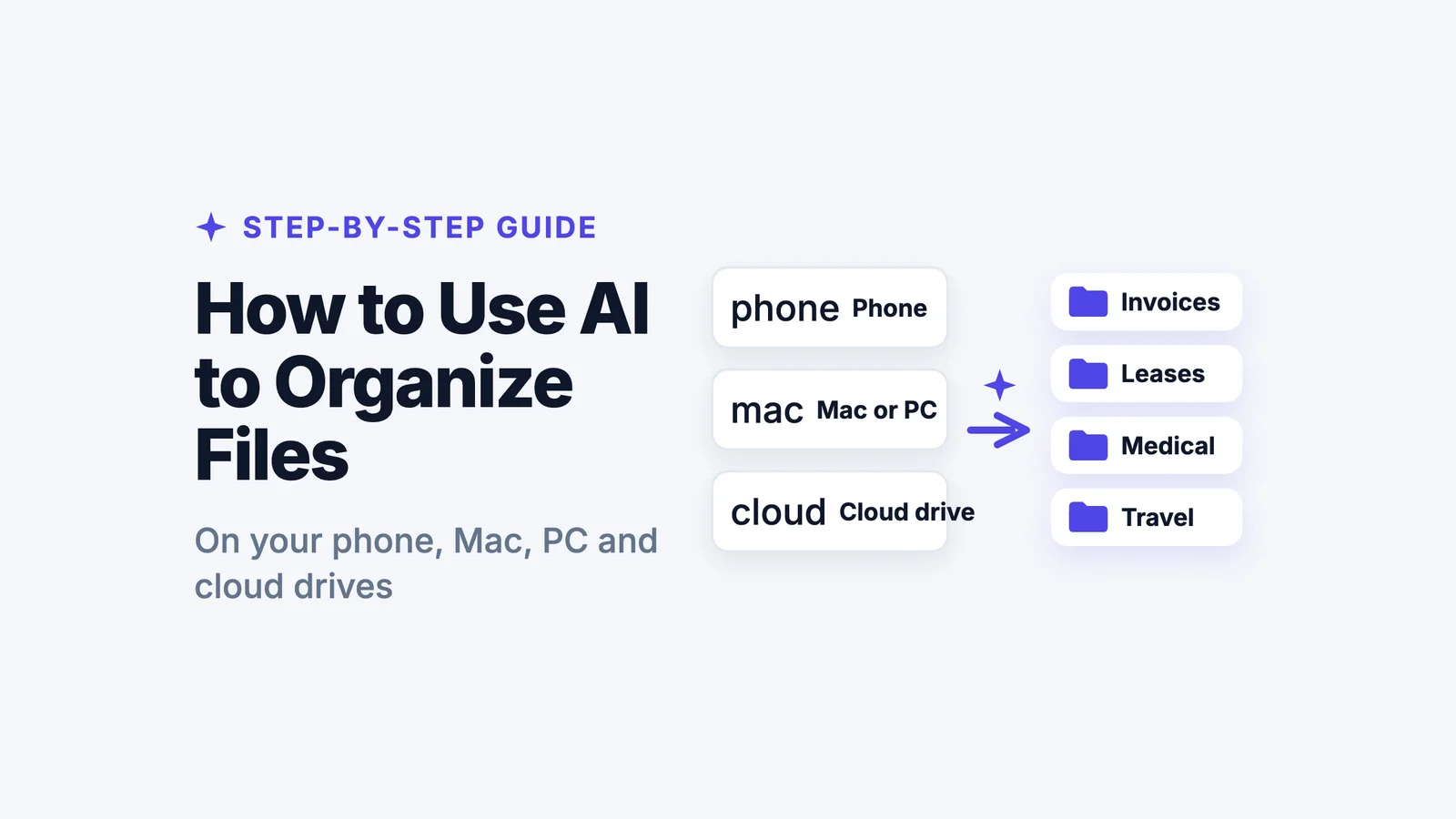
It works across ALL your file sources. Email, WhatsApp, Telegram, Downloads, screenshots—the AI sees everything and organizes it all into one coherent system. No more hunting across multiple apps.
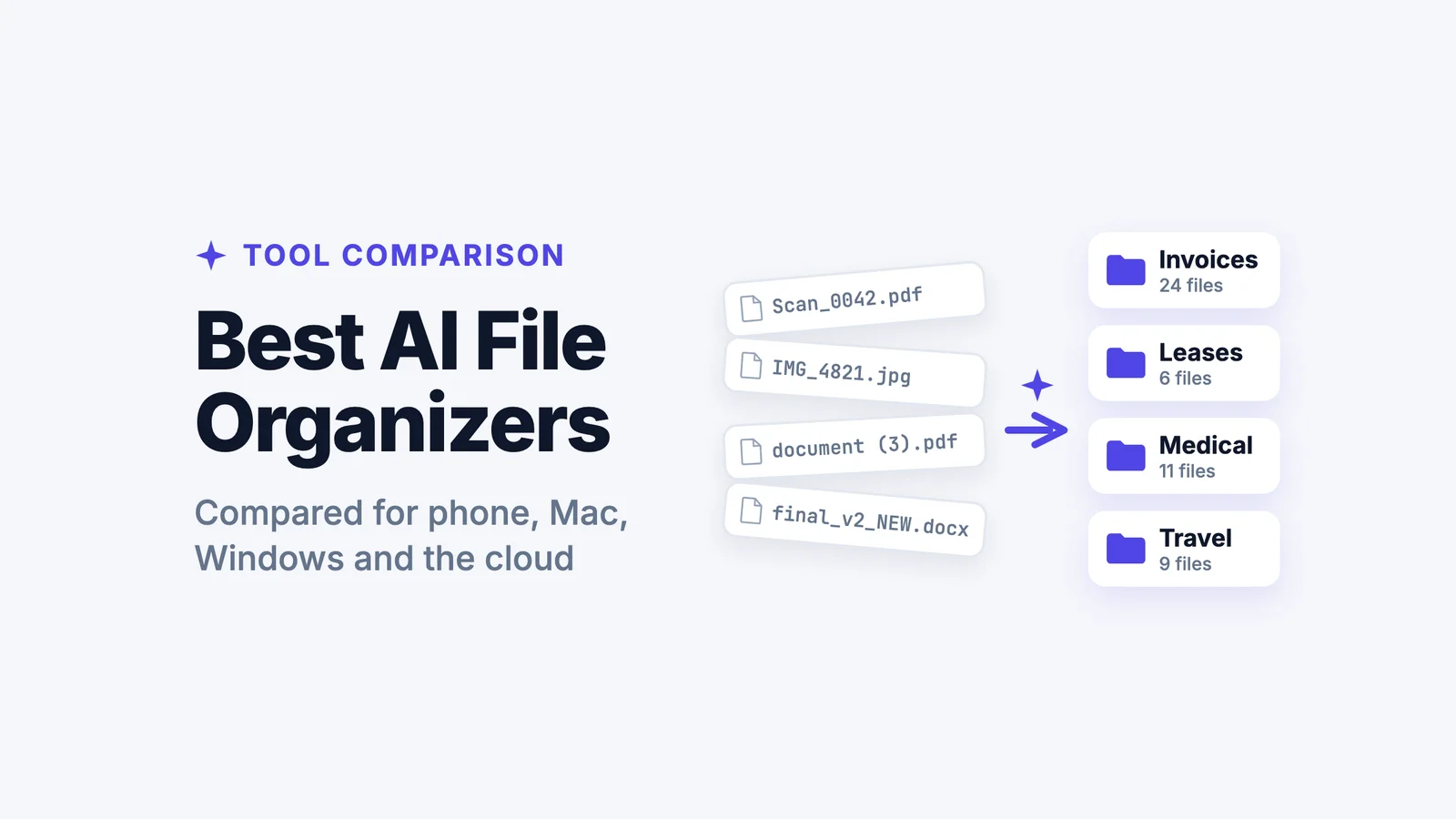
Files get renamed to make sense. "IMG-WA0045.pdf" becomes "BIOCHEM301_MetabolismLecture_Week5.pdf". "document (12).pdf" becomes "HIST102_EssayAssignment_MidtermPaper.pdf". Every file becomes instantly identifiable.
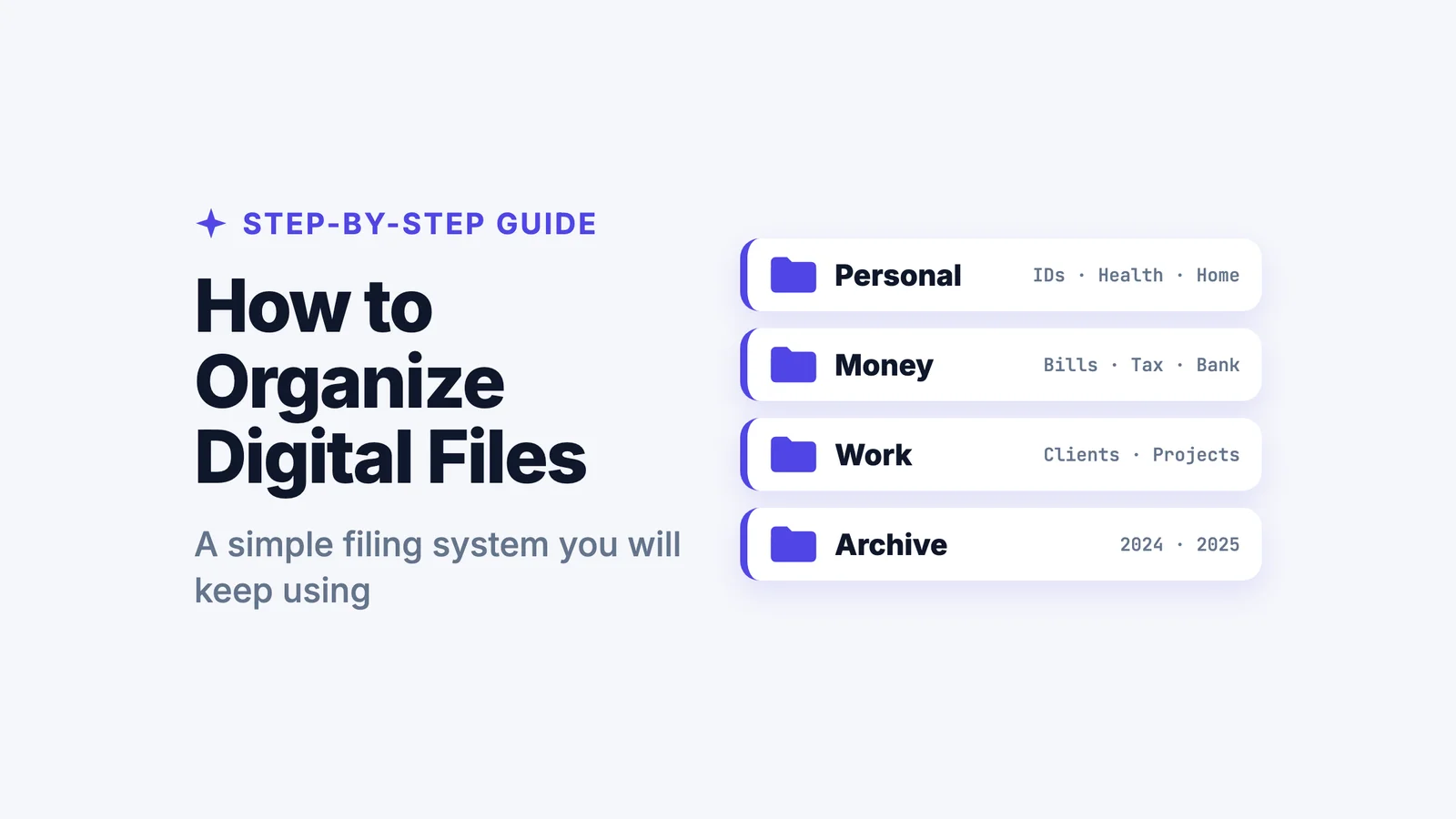
Smart folders match your coursework. Not generic "Documents" folders. Actual course-specific organization that mirrors your semester schedule. "BIOCHEM 301 > Lectures", "HIST 102 > Assignments", "GROUP PROJECT - Marketing Plan > Research".
Everything syncs everywhere. Set up your organization on your phone, and it's instantly available on your laptop for studying. Work on your tablet in the library, same system. One organized file structure across all your devices.
This is smart file management designed for student life in 2026.
Spend time studying, not searching for files
From lecture slides to group project PDFs, Filex AI keeps all your academic files organized across devices—without manual sorting.
Start Organizing Your Study FilesReal Student Scenarios: AI Organization in Action
Let's get specific about how this works:
Scenario 1: Managing Multiple Courses You're taking five courses this semester. Each professor has a different system for sharing materials.
- Biology prof emails PDFs
- History TA posts files to learning portal
- Economics study group shares notes on WhatsApp
- Chemistry classmates forward papers via Telegram
- Math homework comes as downloads from the course site
You tell Filex AI: "Create folders for each course by code and name. Inside, organize lectures, assignments, and notes separately. Rename everything to show course code, type, and topic."
What happens:
- Email attachment → "BIO201_Lecture_CellDivision.pdf" in "BIO201 Biology > Lectures"
- WhatsApp note → "ECON101_StudyNotes_SupplyDemand.pdf" in "ECON101 Economics > Notes"
- Telegram paper → "CHEM205_Assignment_LabReport3.pdf" in "CHEM205 Chemistry > Assignments"
- Download from portal → "HIST102_Lecture_WorldWar2.pdf" in "HIST102 History > Lectures"
All automatically. From every source. Into one organized system.
Scenario 2: Group Project File Hell You're working on three different group projects across different courses. Files are flying through WhatsApp groups, Telegram channels, Discord servers, and email threads.
You tell Filex AI: "Create folders for each group project. Organize by type—research, drafts, final versions, meeting notes. Rename files to include project name and file type."
What happens:
- WhatsApp PDF → "MarketingPlan_Research_CompetitorAnalysis.pdf"
- Telegram doc → "SoftwareProject_Draft_UserInterface.docx"
- Email attachment → "HistoryPresentation_Final_SlideShow.pptx"
- Discord screenshot → "ChemistryLab_MeetingNotes_2026-01-15.jpg"
Every file from every app, organized by project, not scattered across chat apps.
Scenario 3: Exam Preparation Finals week is approaching. You need to review four months of lectures, notes, and study materials across five courses—but they're scattered everywhere.
Your files are already organized by course and type (thanks to Filex AI). You search: "biochemistry lectures metabolism" and instantly pull up every relevant lecture from the semester. Search "economics study notes supply demand" and get every note file related to that topic.
No scrolling through Downloads. No checking multiple apps. Just instant access to exactly what you need to study.
Scenario 4: Research Paper Management You're writing a major research paper. PDFs come from everywhere:
- Library database downloads
- Professor-recommended papers via email
- Classmate sharing via WhatsApp
- Research group papers through Telegram
- Your own screenshots of key findings
You tell Filex AI: "Put all research papers in a folder for my thesis project. Organize by topic—methodology, literature review, data analysis. Rename to include author and year."
What happens: Every paper gets sorted by topic and renamed clearly:
- "Johnson2023_Methodology_Statistics.pdf"
- "Smith2022_LiteratureReview_Psychology.pdf"
- "Screenshot_finding.jpg" → "DataAnalysis_KeyFinding_Graph2026.jpg"
Why Students Choose Filex AI
Filex AI is built for how students actually work—across devices, across apps, across file sources.
Here's what makes it essential for student life:
Available as webapp AND mobile app: Use Filex AI on your laptop when studying at your desk. Use it on your phone when files come through WhatsApp between classes. Same system, both platforms. Download the mobile app from Google Play Store for Android.
Organizes files from EVERY source: Email attachments, WhatsApp PDFs, Telegram documents, Screenshots, Downloads, Google Drive—Filex AI sees it all and organizes everything into one coherent system.
Share files directly from messaging apps: Received a study guide on WhatsApp? Share it directly to Filex AI and it gets automatically organized and renamed. Got research papers through Telegram? Forward them to Filex AI—instant organization. The app integrates with how you actually receive files.
Set rules in plain English: No complicated settings. Just tell Filex AI: "Organize by course and semester. Rename files to include course code and topic. Put group projects in separate folders." Done.
Smart folders that match your semester: Filex AI creates organization based on YOUR courses, YOUR projects, YOUR study needs. Not generic categories. Your actual academic workflow.
Automatic file renaming: Every file from every app gets a clear, descriptive name. "COURSE_Type_Topic.pdf" instead of "IMG-WA0098.pdf" or "document (23).pdf".
Works across all your devices: Organize on your phone while riding the bus. Access the same files on your laptop when studying at the library. Work on your tablet in class. Everything syncs.
Find files instantly with natural language search: Search "biochemistry lecture about DNA" or "history assignment about Renaissance"—even if the original filename was completely different. Filex AI read the content and knows what it's about.
Secure and encrypted: Your class notes, research papers, and personal study materials are encrypted and protected. Academic integrity maintained.
Adjustable organization: Semester changed? New courses? Different organization needs? Tell Filex AI your updated rules and it reorganizes everything automatically.
The Specific Benefits for Students
Once you start using Filex AI as a student:
No more lost files: That assignment doc someone sent via WhatsApp three weeks ago? Find it in seconds. The lecture PDF your professor emailed last month? Right where it belongs.
Faster studying: Instead of spending 30 minutes finding materials, you spend 30 seconds. More time actually learning, less time file-hunting.
Better group work: When someone shares a file through WhatsApp or Telegram, it automatically joins your organized project folder. No more "wait, who sent that file?" or "can someone resend the research doc?"
Reduced stress: Knowing exactly where every file is—across all apps and devices—removes that constant background anxiety of potentially missing important materials.
More productive study sessions: Quick access to organized lecture notes, assignments, and study materials means more efficient review and better exam prep.
Cleaner digital workspace: No more 800-file Downloads folder. No more mystery files in WhatsApp. Everything has a clear name and logical place.
Better academic performance: When you're not wasting time searching for files, you have more time to actually engage with course material. Organization supports learning.
Getting Started with Filex AI as a Student
Ready to organize your academic life automatically?
Step 1: Choose your platform
- Webapp: Access Filex AI through your browser on laptop/desktop at filex.ai
- Mobile App: Download from Google Play Store for Android to organize files on-the-go
Step 2: Connect your file sources Grant Filex AI access to your file storage. The app scans existing files and starts understanding what you have—across Downloads, WhatsApp media, Telegram files, screenshots, everything.
Step 3: Set your student organization rules Tell Filex AI in plain English:
- "Create folders for each of my courses: BIOCHEM301, HIST102, ECON101, CHEM205, MATH208"
- "Inside each course, create subfolders for Lectures, Assignments, Study Notes, and Exams"
- "Rename files to include course code, file type, and topic"
- "Create separate folders for group projects"
- "Organize research papers by topic"
Step 4: Share files from messaging apps When you receive study materials:
- In WhatsApp: Long-press the file → Share → Filex AI
- In Telegram: Tap the file → Share → Filex AI
- In Email: Download attachment → Auto-organizes
- Screenshot something: Auto-organizes based on content
Step 5: Let it organize Filex AI processes your existing files and builds your course structure. This might take a few minutes if you have thousands of files accumulated over semesters.
Step 6: Enjoy automatic organization From now on:
- Every new file gets auto-sorted
- Every WhatsApp PDF goes to the right course folder
- Every Telegram doc gets renamed and organized
- Every download lands in the correct place
- Zero manual work required
Step 7: Study smarter Search for materials in natural language. "Find economics notes about supply and demand from last month." "Show me all biochemistry lectures." "Where's the history assignment about World War 2?"
Instant access to exactly what you need to study.
Why This Matters for Modern Students
Student life in 2026 means getting files from everywhere:
- Professors use email
- Study groups use WhatsApp
- Classmates use Telegram
- Universities use learning portals
- Research comes from databases
- Personal notes are screenshots
Traditional file organization assumes everything comes from one source and gets saved to one place. That's not reality.
Filex AI is built for the reality of modern student life: files from everywhere, accessed from multiple devices, needed at a moment's notice.
You set your organization rules once—based on how you actually think about your coursework—and the AI maintains that system forever. Across apps. Across devices. Automatically.
No more weekend organizing sessions. No more panic-searching before exams. No more "I know I saved that somewhere."
Just clean, organized, instantly accessible study materials—so you can focus on actual learning instead of file hunting.
Student Life With Organized Files
Imagine this:
Monday morning: Your professor emails next week's lecture slides. They automatically appear in "BIOCHEM301 > Lectures" with a clear filename. You don't touch anything.
Tuesday afternoon: Your study group shares 5 PDFs on WhatsApp. You tap Share → Filex AI. They're instantly organized by course and renamed clearly. Available on your laptop when you get home.
Wednesday evening: Working on group project. Teammate sends research via Telegram. Forward to Filex AI. It lands in "Marketing Project > Research" automatically.
Thursday: Quiz tomorrow. You search "economics supply demand" and get every relevant lecture and note from the semester. Study time: 2 hours reviewing content. File searching time: 0 minutes.
Friday: Need to reference that assignment from last month. Search "history renaissance assignment." Instant result. Turn in your paper with proper citations.
Weekend: No organizing marathon. No sorting files. Your system maintains itself. You go enjoy college life.
That's what student life should be with AI file organization.