Your Android "Downloads" folder is a black hole.
You download a PDF menu, an insurance policy, or a work contract. You look at it once. Then it disappears into a list of thousands of files named document(14).pdf. Finding it again feels impossible.
You don't need to live like this.
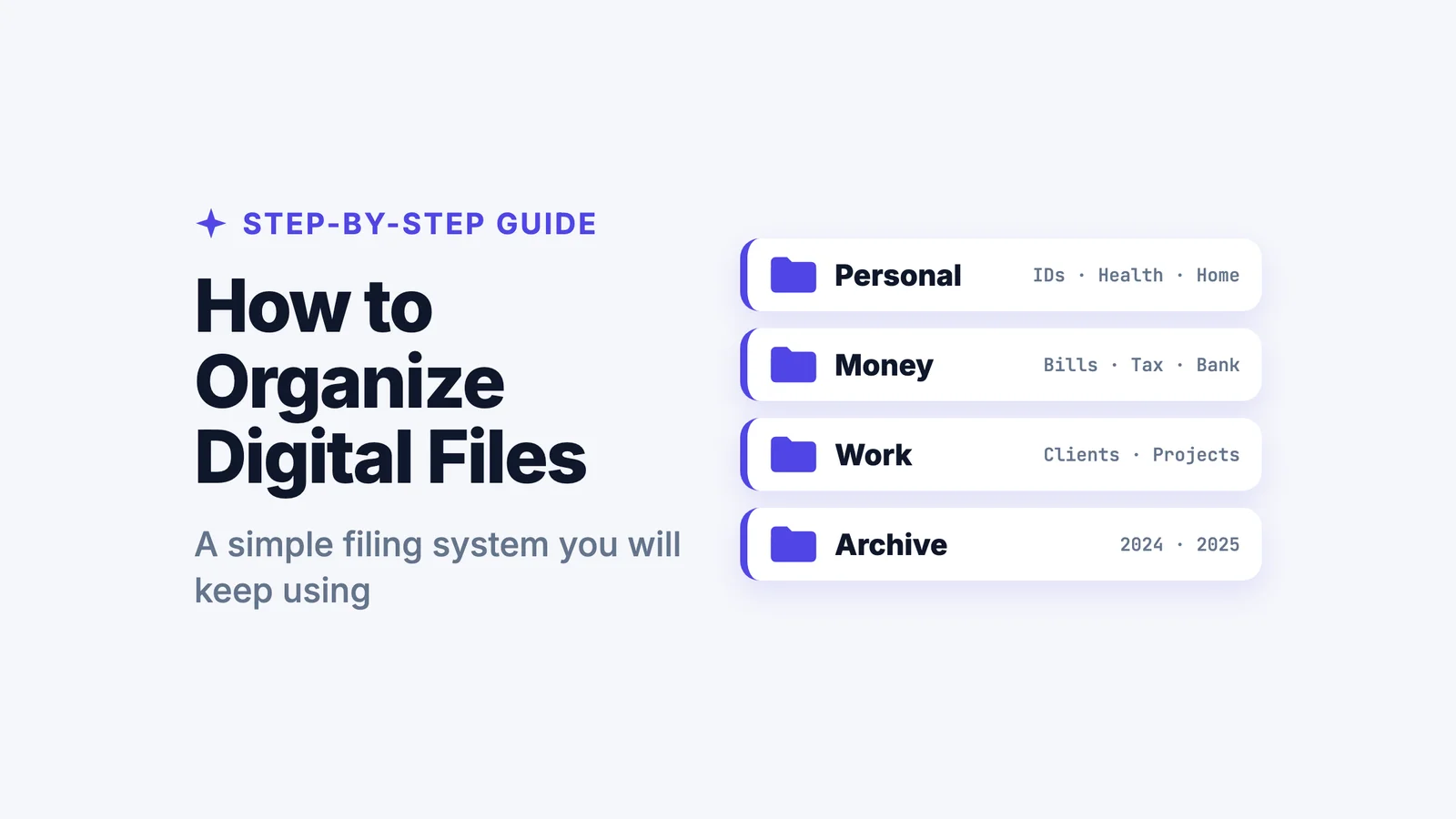
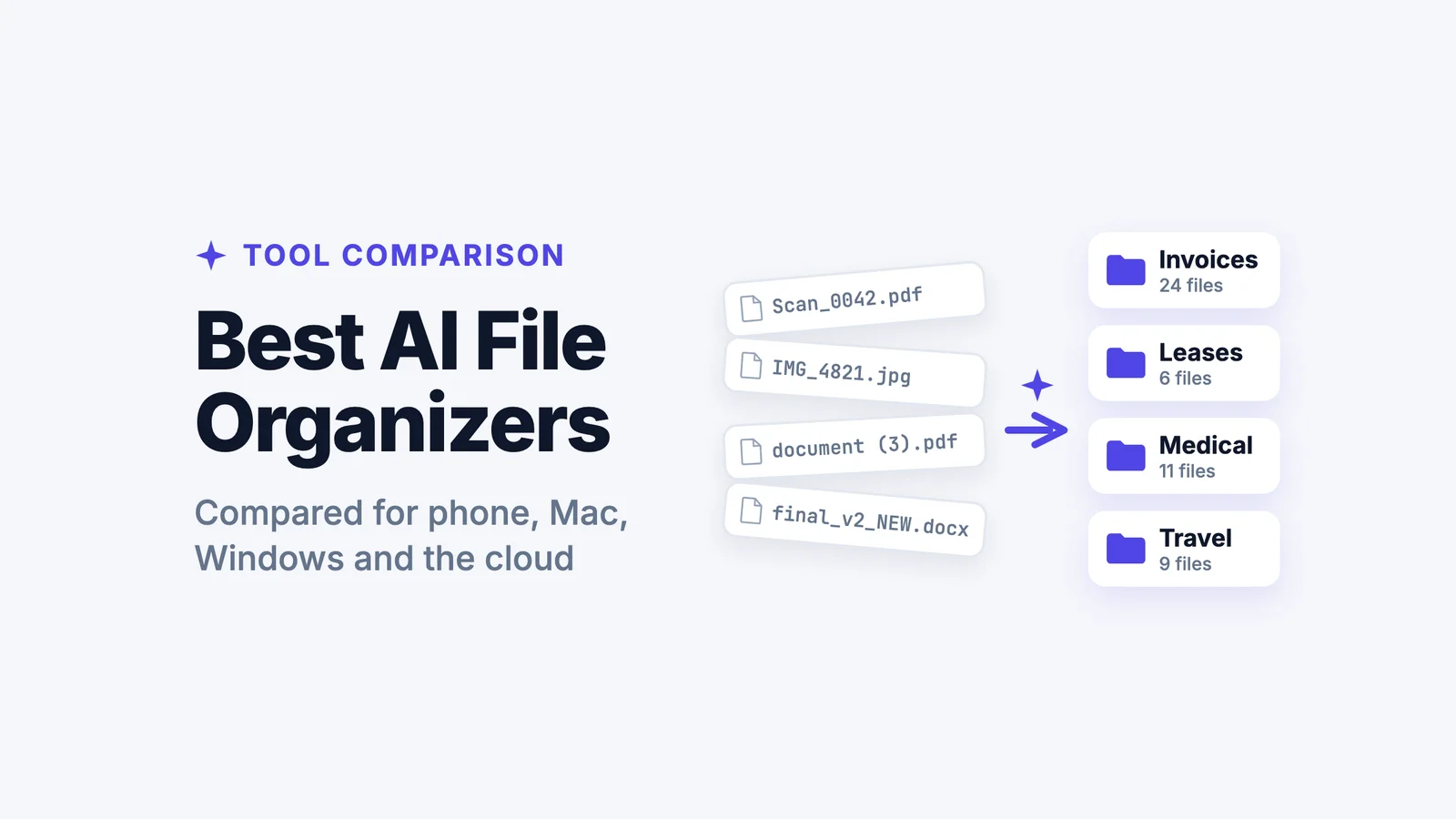
Filex AI is the best file management app for Android that fixes your document chaos instantly. It is an automatic document management system that reads your files, understands what they are, and sorts them into neat, labeled folders without you lifting a finger.
Your Downloads Folder Is Not a Filing System
Stop digging through document(14).pdf. Let Filex AI read, rename, and organise your documents automatically.
Try Filex AI FreeThe Invisible Crisis: Why Mobile Document Management is Broken
We talk constantly about organizing our physical lives—tidying our desks, filing our taxes, cleaning our closets. But we rarely talk about the mess inside our pockets.
Your Android phone is likely the most powerful computer you own. It has more storage than your laptop did five years ago. Yet, the way we manage documents on it is stuck in the 1990s.
The problem isn't that you are lazy. The problem is that the system is flawed.
1. The "Downloads" Dumpster Fire
Every time you tap "Download" on Chrome, Gmail, or Slack, that file goes to one place: the Downloads folder. It is a chronological list of everything you have ever touched.
- A PDF of a restaurant menu from 2023 sits next to your car insurance policy.
- A meme you saved sits next to a signed employment contract.
- A zip file you can't even open sits next to your tax returns.
There is no structure. There is no logic. It is just a pile. And because mobile screens are small, you can only see 6 or 7 files at a time. Finding a specific document from six months ago requires endless scrolling and guessing.
2. The App Silo Problem
Android apps love to hide files.
- WhatsApp saves documents in Android > Media > com.whatsapp > WhatsApp > Media > WhatsApp Documents.
- Telegram has its own hidden folder.
- CamScanner has another.
If you need to find a specific PDF, you have to remember how you received it. "Did John email that to me? Or did he WhatsApp it? Or did I download it from the portal?"
You shouldn't have to be a detective to find your own files. You need a document organiser app that unifies everything.
3. The Filename Nightmare
Computers are great at generating filenames that are useless to humans.
- 2026-02-03-09-11-22.pdf
- scan_doc_final_v3_PRINT.pdf
- unknown_document.pdf
When you are searching for "Lease Agreement," none of these files show up. You are forced to open them one by one, waiting for the PDF viewer to load, only to realize it's the wrong file. It is a massive waste of time.
Let AI Organise Your Documents
Instead of manually creating folders, tell Filex AI how you want files organised and let it handle everything instantly.
Try Filex AI FreeThe Solution: Why AI Changes Everything
For years, the advice for organizing files was "be more disciplined." We were told to create folders, rename files immediately, and delete junk regularly.
But let's be honest: nobody does that on a phone.
Typing on a glass screen is annoying. Dragging and dropping files with your finger is imprecise. The interface fights you every step of the way.
This is why Filex AI is such a breakthrough. It stops asking you to do the work and starts using Artificial Intelligence to do it for you.
Filex AI is a smart file organiser that acts like a digital librarian. It doesn't just look at the file name; it looks at the file content.
How It Works: The "Magic" Explained
When you use Filex AI as your automatic file organiser, a sophisticated process happens in the background:
-
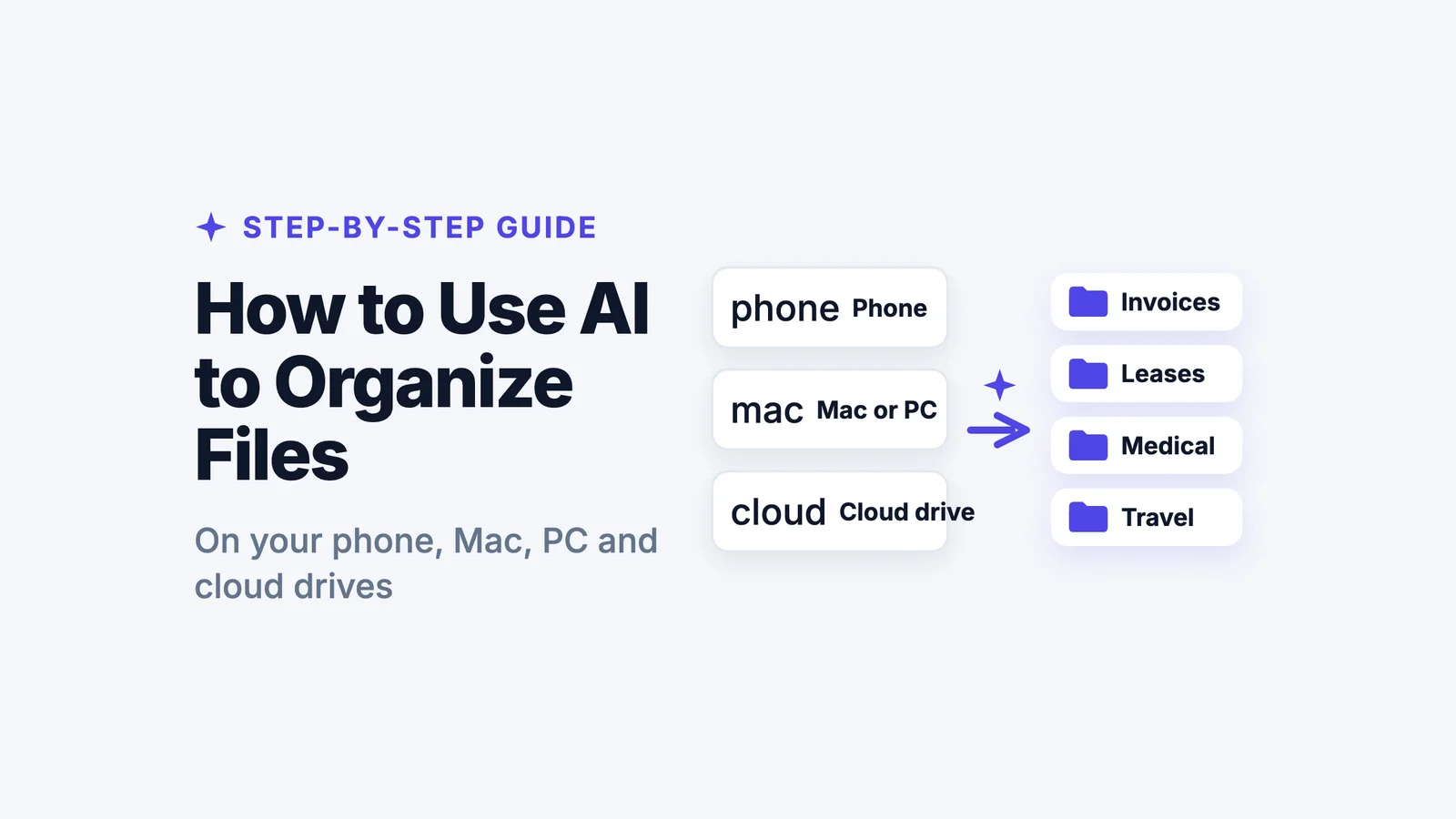
Ingestion: You share your messy folders (Downloads, WhatsApp, etc.) to the app.
-
OCR (Optical Character Recognition): The AI scans every document. It reads the text inside PDFs, Word docs, and even images of documents. It converts pixels into readable data.
-
Entity Extraction: The AI identifies key information. It spots dates (Feb 3, 2026), entities (Chase Bank, State Farm, University of Texas), and document types (Invoice, Contract, Syllabus).
-
Classification: Based on what it reads, it decides where the file belongs. It knows that a document containing "Amount Due" and "Account Number" is a Bill, not a Recipe.
-
Action: It renames the file to something human-readable and moves it to the correct folder.
Ready to Clean Up Your Files?
Upload your Downloads and WhatsApp documents once and let AI build a structured filing system automatically.
Start Organising NowStep-by-Step: Transforming Your Android into a Pocket Office
Ready to stop the scrolling and start finding? Here is a detailed guide on how to set up your AI document organiser using Filex AI.
Step 1: Installation and Setup
Download Filex AI from the Google Play Store. The app is designed to be lightweight and secure. You will create an account, which ensures your organized filing system is backed up to the cloud—meaning if you lose your phone, you don't lose your organized documents.
Step 2: The Great "Purge" (Uploading)
This is the most satisfying part of the process. You are going to take your digital mess and dump it into the sorter.
- Open your standard Android "Files" or "My Files" app.
- Navigate to Downloads.
- Long press to select files. You can select all, or just the ones that look important.
- Tap Share and select Filex AI.
Pro Tip: Do the same for your WhatsApp Documents folder. This is often a goldmine of forgotten important files.
Step 3: The AI Processing
Once the files are uploaded, Filex AI gets to work. You don't need to keep the app open. The processing happens in the cloud.
During this time, the auto sort files engine is analyzing thousands of pages of text. It is distinguishing between a "Flight Itinerary" and a "Bus Ticket." It is separating "Medical Records" from "Gym Memberships."
Step 4: Review and Enjoy
Open Filex AI. You will see a dashboard that looks nothing like your old Downloads folder. Instead of a list of files, you see categories:
- Finance
- Legal
- Personal
- Travel
- Education
- Work
Tap into Finance, and you might see sub-folders like Receipts, Tax Documents, and Bank Statements.
Tap into a file, and you will see it has been renamed. scan001.pdf is now BankStatement_Chase_Feb2026.pdf.
Freelancer, Parent, Student or Traveler?
From invoices to medical records to travel tickets—Filex AI keeps every document organised and searchable.
Organise My DocumentsReal-World Use Cases: Who Needs This?
You might think, "I don't have that many documents." But you would be surprised. Here is how Filex AI serves different types of users as the ultimate app to organise documents.
1. The Freelancer & Small Business Owner
If you run a side hustle or a full-time business from your phone, organization is money.
-
The Pain: You lose track of expense receipts. You forget to send an invoice because the draft got lost in your downloads. You can't find the contract when a client disputes a fee.
-
The Filex AI Solution: Every time you get a business document, you share it to Filex AI. It automatically files invoices under Income and receipts under Expenses. It can even group them by Client Name. Come tax season, you don't have to hunt for anything. You just open the "2026 Expenses" folder, and everything is there.
2. The Busy Parent / Home Manager
Managing a household is a full-time job. You have medical records for the kids, vaccination cards, insurance policies, mortgage documents, and appliance manuals.
-
The Pain: The school needs a copy of the vaccination record now, but you can't remember if you scanned it or took a photo of it, or where you saved it.
-
The Filex AI Solution: You upload everything to Filex AI. The app identifies "Vaccination Record" and puts it in a Medical folder. It identifies "Warranty" and puts it in Home. When the washing machine breaks, you search "Washer Manual" and find it in seconds.
3. The Student
University life is a blizzard of PDFs. Syllabi, reading lists, research papers, assignment briefs, and slide decks.
-
The Pain: Your Downloads folder is a mix of 5 different courses. You accidentally study the wrong version of the syllabus. You lose the research paper you needed for your bibliography.
-
The Filex AI Solution: Filex AI reads the content of the PDFs. It sees "Chemistry 101" and "Professor Miller" and creates a Chemistry folder. It sees "History of Art" and creates a History folder. Your study materials organize themselves.
4. The Traveler
Travel involves a lot of paperwork: Visas, flight tickets, hotel bookings, travel insurance, passport copies.
-
The Pain: You are at the check-in desk, the internet is slow, and you can't find the PDF of your return ticket in your email.
-
The Filex AI Solution: Before you travel, you upload all your docs to Filex AI. It creates a Travel folder. It renames files to Flight_Delta_NYC_London.pdf. You can mark them for offline access so they are ready instantly, even without Wi-Fi.
Stop Doing Manual File Work
Why spend minutes per document when AI can sort and rename everything in seconds?
Automate My FilesWhy "Smart" Beats "Manual" Every Time
There are hundreds of file manager apps on the Play Store. ES File Explorer, Solid Explorer, Files by Google. Why is Filex AI the best file management app?
Because those other apps are tools for manual organization. They give you the ability to create folders and rename files, but they require you to do the work.
-
Manual Sorting: Requires 2-3 minutes per document. You have to open it, read it, close it, long-press, rename, move, find the folder, paste.
-
AI Sorting: Requires 2-3 seconds. You share it. Done.
In 2026, manual file management is a waste of human potential. We have automatic document management systems that can read faster than us and sort more accurately than us. Using a manual file manager today is like washing your clothes by hand when you have a washing machine.
Private. Encrypted. Secure.
Your documents stay encrypted and protected while AI organises them intelligently.
Securely Organise FilesSecurity: Trusting AI with Your Documents
When you use an AI document organiser, you are trusting it with sensitive data. Security is not an afterthought; it is the foundation.
Filex AI is built with enterprise-grade security:
-
Encryption: Your files are encrypted the moment they leave your phone. They are stored encrypted in the cloud. Even if someone intercepted the data, they couldn't read it.
-
Private Processing: The AI analyzes your documents to organize them, but it does not "learn" from your personal data to train public models. Your data remains yours.
-
User Control: You can delete a file or your entire account at any time, and it is permanently wiped from the servers.
Upgrade to Intent-Based Organisation
Tell Filex AI what you want once—and let it maintain your file structure automatically forever.
Upgrade My File SystemThe Future of File Management
We are entering the era of Intent-Based Computing.
In the past, you had to tell the computer how to do things. "Create folder. Name folder. Move file." Now, you just tell the computer what you want. "Keep my documents organized."
Filex AI is at the forefront of this shift on Android. It bridges the gap between the chaotic way we receive information (messy downloads, chat apps) and the structured way we need to use it.
It turns your phone from a content consumption device into a legitimate productivity machine.
Turn Your Phone Into a Productivity Machine
Download Filex AI and transform your messy Downloads folder into a smart, searchable document system.
Download Filex AIConclusion: Stop Being a Digital Janitor
You spend hours on your phone every day. How much of that time is spent searching? How much frustration do you feel when you can't find what you need?
Your time is valuable. Your peace of mind is valuable.
Stop treating your Downloads folder like a junk drawer. Stop accepting that "mobile means messy."
Download Filex AI today. Upload your chaos. Watch it turn into order.
It is the file management software for personal use that finally delivers on the promise of the smartphone: a device that makes your life easier, not more complicated.
Still choosing an app? Compare the best file manager and organizer apps for Android, or see the best AI document management apps across every device.