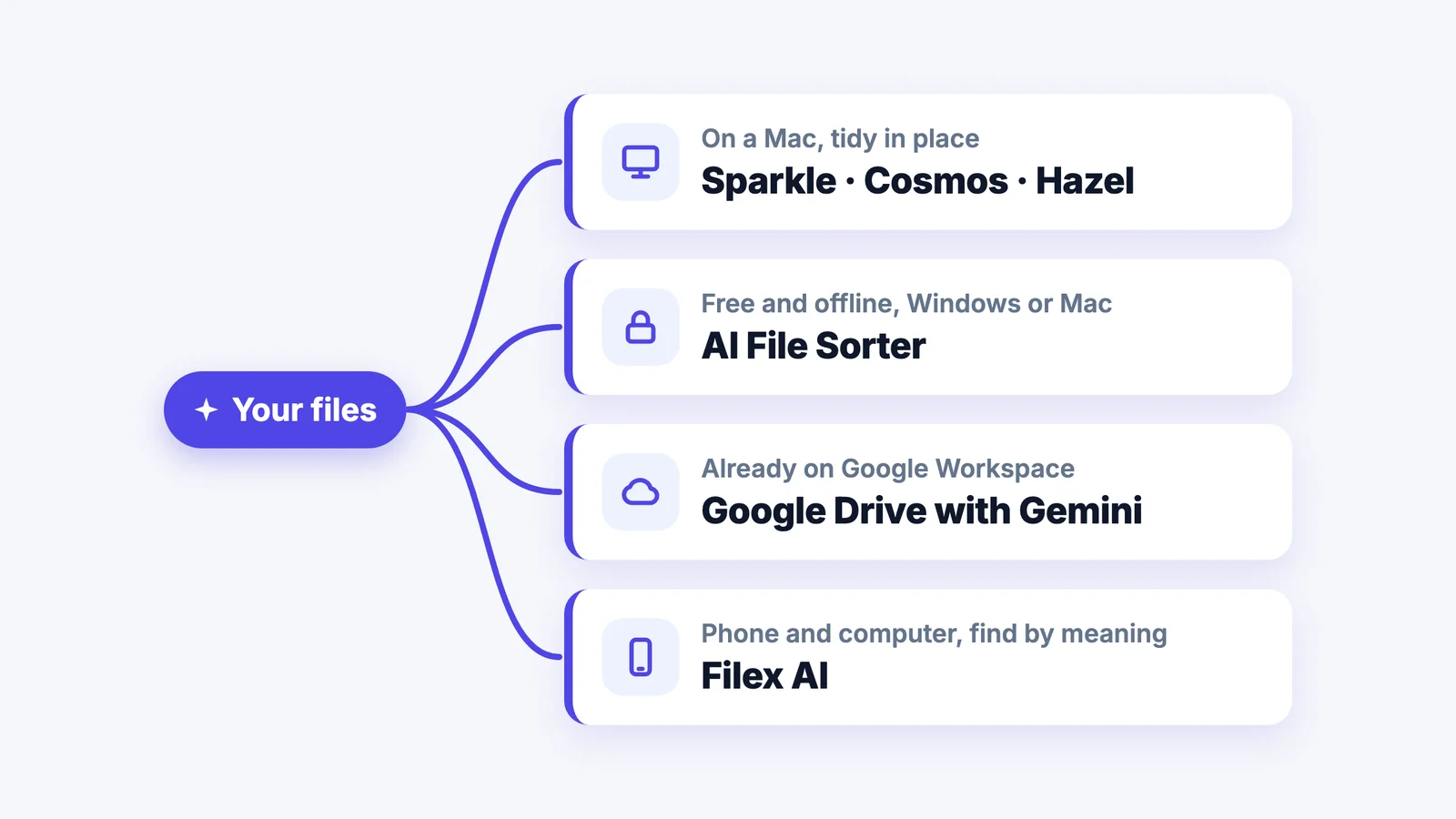
The best AI file organizer depends on where your files live. To sort files on a Mac in place, Sparkle or Cosmos are the simplest, and Hazel is best if you would rather write rules than trust AI. For free and fully offline on Windows or Mac, use AI File Sorter. If your team already pays for Google Workspace, Drive's built-in Gemini can suggest folders. To organize files across phone, computer and the web and find them by describing them, Filex AI does the most.
Below are seven options compared side by side. Filex AI is our own app, so we say clearly where another tool is the better pick.
Try Filex AI on your own files
Open it in your browser, add a messy folder and see how it sorts. Your first 10 files are free.
Try Filex AI FreeQuick Comparison
| Tool | Works on | Sorts files into folders? | Best for | Price |
|---|---|---|---|---|
| Filex AI | Web, iPhone, Android | Yes, in its own library | Files spread across phone and computer | 10 files free, then $7.99/month or $44.99/year |
| Sparkle | Mac | Yes, in place | Tidying Desktop, Downloads and Documents on a Mac | 15-day trial, then $10/month, $99/year or $179 lifetime |
| Cosmos | Mac | Yes, in place, after you approve | On-device AI with no subscription | $14.99 one time |
| Hazel | Mac | Yes, by rules you write | People who want exact, predictable rules | $42 one time |
| AI File Sorter | Windows, Mac | Yes, after you approve | Free, open source, can run fully offline | Free |
| Google Drive (Gemini) | Web | Suggests moves for loose files | Teams already on Google Workspace | Included in some Workspace business plans |
| Dropbox Dash | Web, desktop | No, search only | Finding files across work apps | Part of Dropbox team plans, priced per user |
Prices are from each vendor's site or app store listing in October 2026 and may change.
Try it on your messiest folder
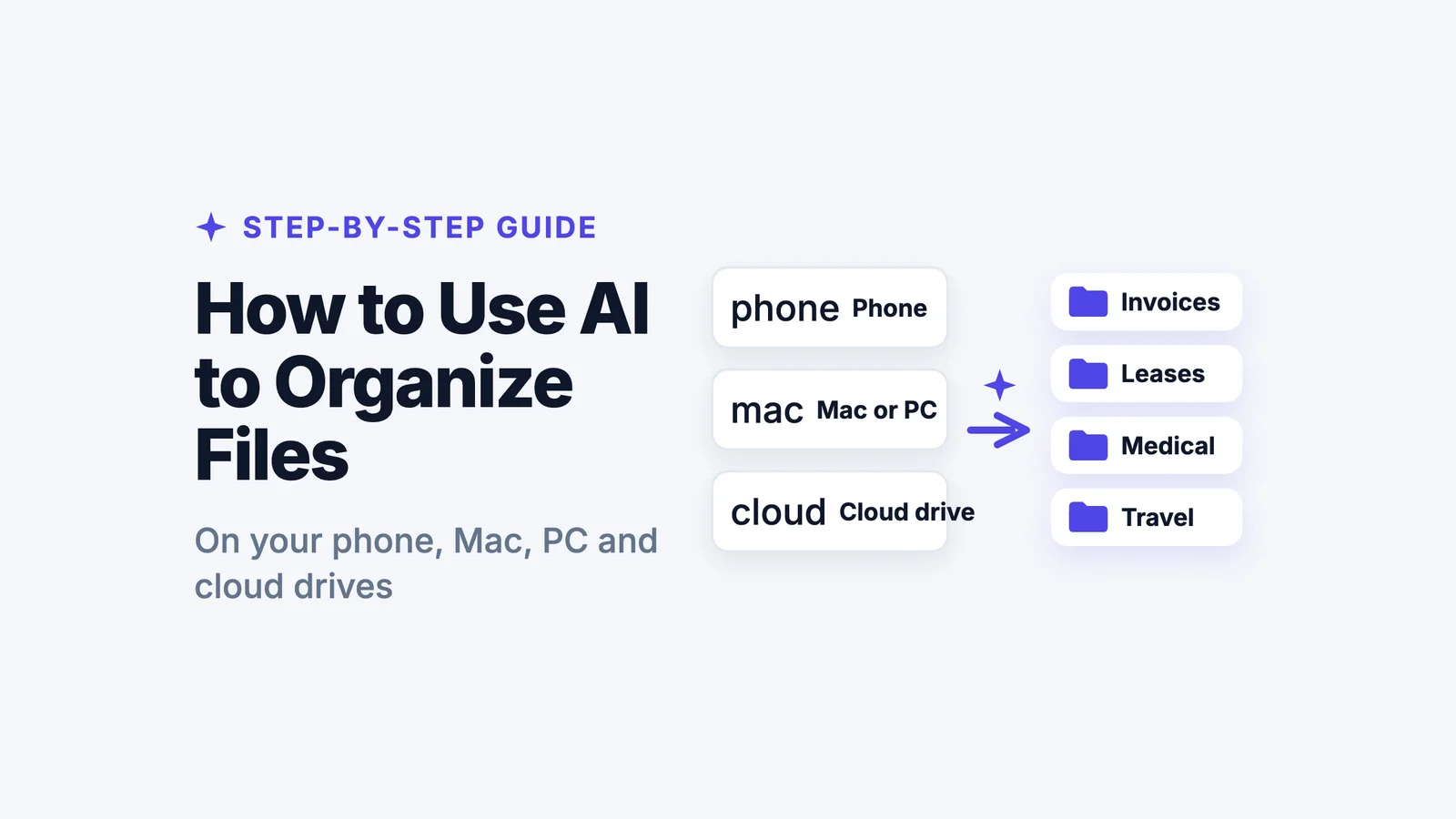
Drag in files from your Mac, PC or phone. Filex AI reads each one, sorts it into a folder and names it clearly.
Try the free AI file organizerHow We Compared Them
We asked the same questions of every tool:
- Where does it run? Phone, Mac, Windows, browser or cloud drive.
- Does it read what is inside a file, or only the filename and type?
- Does it actually sort files into folders, or only help you search?
- Can you check before it moves anything, and undo?
- Where are files processed, and are they used to train AI?
- What does it cost for a normal personal backlog?
1. Filex AI: Best for Files Across Phone and Computer
Filex AI reads each file, including scans and photos, sorts it into a folder, gives it a clear name, and lets you find it later by describing it. It works in the browser, on iPhone and on Android, with one library synced across all three. On a Mac or PC you drag files into the web app and can download the sorted folders as a zip. You can also tell it how you like things organized in plain English, like "group invoices by year and vendor".
Pros
- The same library on phone, computer and web.
- Reads document content, scans and screenshots, not just filenames.
- Plain-English instructions for how to sort and rename.
- Search by meaning: "the lease for Baker Street" finds the lease.
Cons
- Doesn't rearrange files in place on your Mac or PC disk; it organizes the copies you add.
- Files are processed on Filex servers, not on your device.
- The free plan covers 10 files, so a big backlog needs Pro.
Best for: people whose files are split between a phone and a computer and who want to find them by description. Try the free AI file organizer.
2. Sparkle: Best for Tidying a Mac Automatically
Sparkle, from Every, sorts the Desktop, Downloads and Documents folders on a Mac, and can now organize other folders too. It keeps new files tidy as they arrive, with recent files kept separate.
Pros
- Set it up once and your Mac folders stay tidy.
- Works on the folders you already use, in place.
- Simple, with little to configure.
Cons
- Mac only.
- Reports say it sends filenames to its servers and an AI provider to decide categories.
- Subscription or lifetime price is high for light use.
Best for: Mac users who want Desktop and Downloads tidy without thinking about it.
3. Cosmos: Best On-Device AI for Mac
Cosmos is a Mac App Store app that uses an AI model running on your Mac. You add folders, review the suggested sorting, and apply it, with undo. It can sort into subfolders or spread files into Documents, Pictures and other standard folders.
Pros
- Runs on your Mac after a one-time model download, so files stay local.
- You approve every change before it happens.
- One-time price, no subscription.
Cons
- Mac only, and needs a large model download (about 1.8 GB).
- No phone or web access.
- Young app with few reviews so far.
Best for: Mac users who want AI sorting without files leaving the computer.
4. Hazel: Best for Rules You Control
Hazel has been the standard Mac automation app for years. You write rules, like "move PDFs containing invoice into Finance and rename them with the date", and Hazel watches folders and applies them. Version 6 can read text in images and scanned PDFs.
Pros
- Completely predictable: it does exactly what your rules say.
- Runs on your Mac; one-time purchase.
- Very powerful once set up, including scripts.
Cons
- It isn't AI: you have to write and maintain every rule.
- Takes time to set up for a mixed backlog.
- Mac only.
Best for: Mac users with predictable files who want full control.
5. AI File Sorter: Best Free and Offline Option
AI File Sorter is a free, open-source desktop app for Windows and Mac. It can run with a local AI model so nothing leaves your computer, or connect to a remote model. It suggests categories and filenames, shows you a preview, and only changes files after you approve.
Pros
- Free and open source.
- Can work fully offline with local models.
- Preview before anything moves; reads documents and images.
Cons
- More setup than a paid app, especially for local models.
- Desktop only; Linux support is still coming.
- Accuracy depends on the model you choose.
Best for: privacy-minded or technical users who want a free tool that runs locally.
6. Google Drive with Gemini: Best If You Already Use Workspace
Google Drive's Organize my files uses Gemini to suggest moving loose files into existing or new folders. You review and approve each move. It is available on some paid Google Workspace business plans, not on every account.
Pros
- Built into Drive, nothing to install.
- You approve suggestions before anything moves.
- Good search across Drive files.
Cons
- Only on certain Workspace business plans.
- Only works on files in Google Drive.
- Suggests moves for loose files rather than reorganizing everything.
Best for: teams already paying for Google Workspace.
7. Dropbox Dash: Best for Search, Not Sorting
Dropbox Dash is an AI search tool that finds files and answers questions across Dropbox and other work apps. It's often listed as a file organizer, but it doesn't sort files into folders.
Pros
- Searches across many work apps at once.
- Good for finding things in a team.
Cons
- Doesn't move or rename files.
- Comes with Dropbox team plans, priced per user.
Best for: teams that need one search box across their tools, not a tidy folder structure.
5 Questions to Ask Before Choosing an AI File Organizer
- Where are my files processed? On your device (Cosmos, AI File Sorter with a local model, Hazel) or on a server (Filex AI, Sparkle, Google Drive). Server tools are easier and sync across devices; local tools keep files off the internet.
- Are my files used to train AI? Look for a plain statement. Filex AI never uses your files to train AI models.
- Does it read the content, or just the filename? Content matters when your files are called Scan_0042.pdf.
- Can I check and undo changes? A preview step matters most for tools that move files in place.
- Does it work where my files are? A Mac app won't help with documents on your phone, and a phone app won't tidy your Mac's Downloads.
Find any file by describing it
One library on the web, iPhone and Android. Ask for what you remember and get the file back.
Try Filex AI FreeWhich AI File Organizer Should You Choose?
| If you... | Choose |
|---|---|
| Want your Mac's Desktop and Downloads tidy automatically | Sparkle |
| Want AI sorting on a Mac with files staying local, no subscription | Cosmos |
| Prefer exact rules over AI | Hazel |
| Want free, open source, or fully offline on Windows or Mac | AI File Sorter |
| Already pay for Google Workspace | Google Drive with Gemini |
| Need search across team tools, not folders | Dropbox Dash |
| Have files on your phone and computer and want to find them by describing them | Filex AI |
On Android specifically? See the best file manager and organizer apps for Android.
Conclusion
There isn't one best AI file organizer, because people's files live in different places. Mac users who want folders tidied in place have good options in Sparkle, Cosmos and Hazel. AI File Sorter is the pick if free and offline matter most. Teams on Google Workspace can start with Drive's built-in suggestions.
If your files are spread between a phone and a computer, and you want to find any of them by describing it, try Filex AI's free AI file organizer on your messiest folder. For the steps on each device, read how to use AI to organize files.