8 Security & Privacy Risks of Letting AI Organize Your Screenshots
Before you let an AI app scan your camera roll, know the risks: cloud upload exposure, model-training reuse, metadata leaks, and more. Here's how to vet any screenshot organizer.
Filex AI is free cloud storage with AI built in. Store, sync, and access every file from any device โ and unlike Google Drive or Dropbox, Filex AI actually reads what you upload and organizes it for you.
No credit card required ยท Free plan included
Watch a real cloud storage workflow. Files upload, sync across devices, and organize themselves automatically.
The Problem
Google Drive, Dropbox, and iCloud keep your files safe, but none of them actually organize what you upload.
Every file you back up or sync lands in the same root folder, with no structure unless you build it yourself, file by file.
Standard cloud storage search looks at filenames and a bit of metadata, not what is actually inside a document or scan.
The same file gets synced from multiple devices and re-uploaded after edits, quietly eating up your free storage limit.
Cloud storage gives you a place to put files, but every folder, rename, and reorganization is still manual work.
How it works
From an empty account to an organized cloud drive in minutes.
Drag in files from your computer, or sync from your phone. Free storage included, no credit card required.
Filex AI reads the content of every upload and sorts it into folders automatically, extracting key details along the way.
Find any file in plain English on web, iPhone, or Android. Every device stays in sync.
Features
Built for anyone who wants their cloud storage to actually organize itself, not just hold files.
Every account starts with free cloud storage. Upload, sync, and access your files from any device at no cost.
Filex AI reads every file you store and sorts it into smart folders by content automatically, no manual filing required.
Create collections in natural language, like "everything for tax season" or "all signed contracts". One file can live in multiple lenses at once without duplication.
Ask "find the invoice I uploaded last week" and get the exact file in seconds, searching content, not just filenames.
Turns "scan_20260114_093012.pdf" into "2026-03_Vendor-Agreement-Signed.pdf" using content extracted automatically.
Scanned documents and photographed receipts stored in your cloud drive become fully searchable text.
Files re-synced from multiple devices are identified automatically, so storage does not fill up with copies.
Upload from any device and your files, and their organization, stay in sync everywhere.
Scan paper documents straight into your cloud storage, already named and filed.
Your files are encrypted in transit and at rest, never used to train public AI models.
The Filex AI document scanner reads, names, and files whatever you point your camera at โ with the same AI Cloud Storage organization applied automatically.
Before and after
Filex AI reads the content of every file you store, like document type, dates, and topics, and builds the structure for you.
Before
After: organized by Filex AI
๐ Documents
๐ผ๏ธ Photos
From scan_20260114_093012.pdf. No manual data entry, ever.
๐ Type
Signed Agreement
๐ข Vendor
Acme Corp Ltd.
๐ Uploaded
14 Mar 2026
๐พ Storage used
2.4 MB
๐ Text extracted
Yes, via OCR
Auto Organization
Drop in files from your computer or sync from your phone, tell Filex AI how you want them grouped, and let AI understand, rename, and organize them instantly. It reads content โ not just filenames โ and follows your custom rule every time.
Custom organization rule

Document Scanner
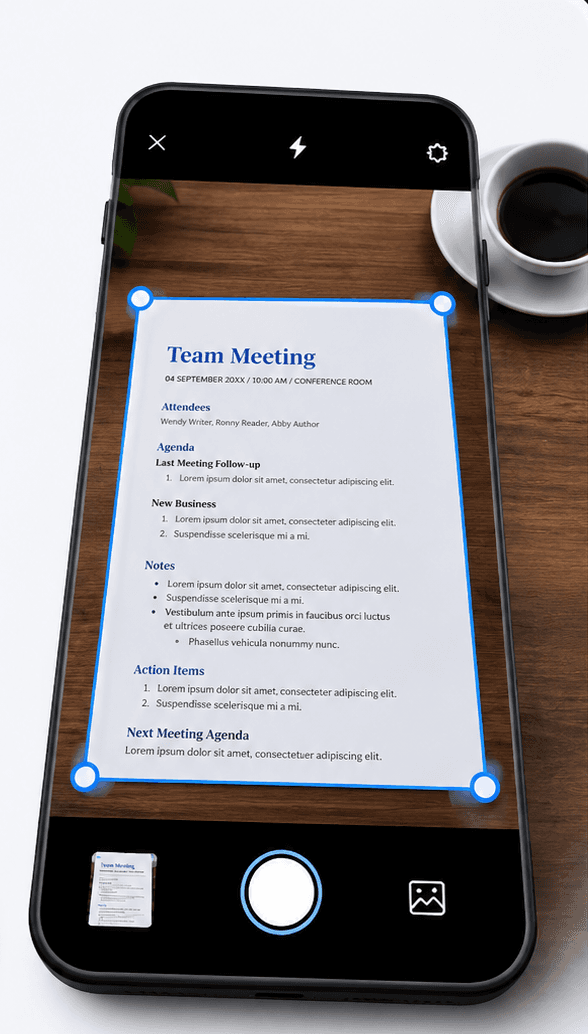
Point your camera at any paper document โ Filex AI reads it, names it clearly, and uploads it directly into your organized cloud storage, no separate scanning app needed.
Tap scan and point your camera
Open Filex AI, tap scan, and point your camera at any document. Then tap organize. That is the whole job.
AI reads the document
OCR and content analysis extract what the document actually is: the type, the dates, the amounts, the key details.
It uploads and files itself
The scan is uploaded to your cloud storage and lands in the folder that fits it โ or Filex AI creates one, with a clear name built from its content.
Find it by asking
Weeks later, just type "find my signed contract" or "show receipts from March" and it is already indexed, named, and stored in the cloud.
Browser Extension
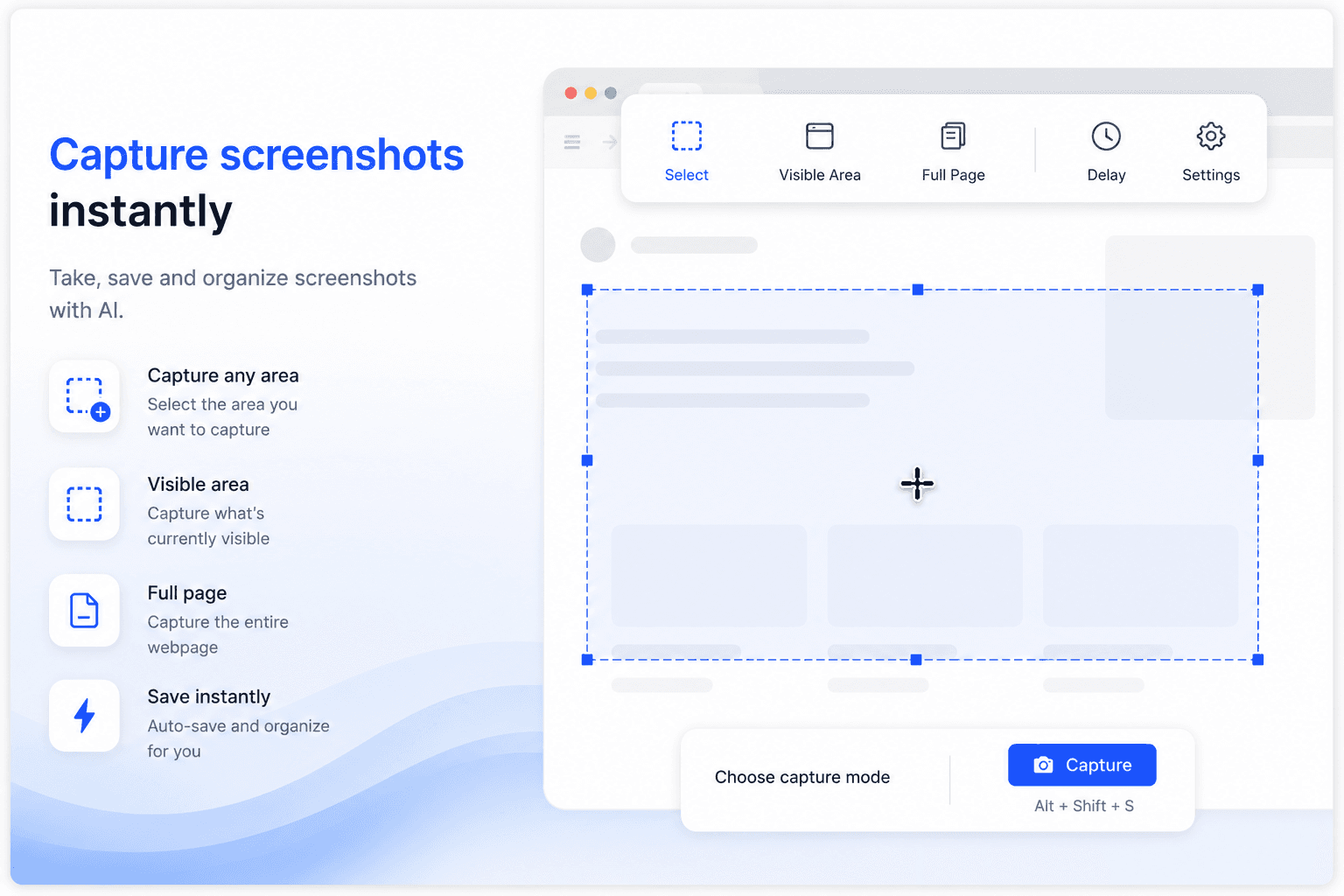
Capture screenshots and save files to your cloud storage without leaving the tab. Every screenshot you capture and every file you download gets named, organized, and synced to Filex AI automatically.

Use cases
โFind the invoice I uploaded last weekโ
โShow all files synced from my phoneโ
โWhich files are taking up the most storage?โ
โFind my passport scan in the cloudโ
โShow every PDF uploaded this monthโ
โFind the contract I saved to the cloudโ
โWhich files are duplicates across my devices?โ
โShow all photos backed up from my camera rollโ
Smart Grouping & Lenses
Describe a group once โ Filex AI keeps it live and up to date automatically.
โGroup all documents by yearโ
โGroup photos backed up from my phoneโ
โCreate a Lens for tax season documentsโ
โGroup receipts and invoices togetherโ
โGroup all files uploaded this monthโ
โCreate a Lens for signed contractsโ
โGroup duplicate files taking up storageโ
โCreate a Lens for files shared with my teamโ
Available Everywhere
Scan documents, organize files, and search by content on the go. Available on iOS and iPadOS.
Get the appScan documents, organize files, and search by content on the go. Available on Android.
Get the appFull-featured workspace in your browser. Organize, search, share, and manage files from anywhere.
Get startedAI file management directly inside Google Drive, OneDrive, and Dropbox. No tab switching.
Add to ChromeComparison
Everything you would organize by hand in Google Drive or Dropbox, Filex AI does automatically the moment a file is uploaded.
Capability
Filex AI
Regular cloud storage
Free storage plan
Free cloud storage included, no credit card required
Auto-organize on upload
Every file sorted into smart folders by content automatically
Content-based search
Search what is inside a file, not just its filename
AI Lenses collections
One file can live in many collections at once, with no duplication
Duplicate detection
Files re-synced from multiple devices are flagged automatically
OCR on scans and photos
Text inside scanned documents and images becomes fully searchable
Cross-device sync
Web, iPhone, and Android stay in sync in real time
Encrypted and private
Files encrypted in transit and at rest, never used to train public models
Start free. Upgrade only when you need more power.
Start organizing smarter with AI-powered file management.
Ideal for professionals who organise files, notes, and projects every day.
Your files are protected using modern security and privacy best practices
All files and related metadata are encrypted both in transit and at rest using industry-standard encryption methods.
Designed in line with GDPR principles including data minimisation, purpose limitation, and user-controlled access.
Files are processed only during the organisation workflow. Once organisation is completed, files are no longer accessed or processed.
Only you can access your files. We do not sell user data, and files are never used for model training or secondary purposes.
Data is stored on hardened cloud infrastructure with strict access controls, auditing, and continuous monitoring.
Security controls follow least-privilege access, secure key management, and proactive risk mitigation practices.
Guides & resources
Deep dives on cloud storage, file organization, and searching your files with AI.

Before you let an AI app scan your camera roll, know the risks: cloud upload exposure, model-training reuse, metadata leaks, and more. Here's how to vet any screenshot organizer.

Looking for the best digital file organizer 2026? We compare top digital file organizers using AI, including Google Drive, Dropbox Dash, Hazel, Filex AI, and more.

ChatGPT, ChatPDF, AskYourPDF, and NotebookLM are great at chatting with your files. Find out which ones can also organize them, and which can't.

Learn how AI file search helps you find thousands of files instantly using OCR, natural language search, entity extraction, cross-format indexing, AI Lenses, and Filex AI.

Learn how AI document search helps users instantly find PDFs, screenshots, scanned files, and handwritten notes using OCR, semantic search, and smart file organization tools like Filex AI.

Filex AI is the best AI document management app in 2026, automatically organizing PDFs, screenshots, and notes using OCR and semantic search โ see how it compares to the other top document organizer apps.
Join thousands who've revolutionized their file management
Iโm a property agent and deal with floor plans, contracts, and client documents every day. This made my files much easier to manage without manual sorting.
As a property agent, Iโm constantly downloading agreements and brochures. Finding things quickly before client calls is way less stressful now.
Iโm a software developer and my Downloads folder was chaosโscreenshots, logs, random PDFs. This organised everything better than I expected.
I work in marketing and download a lot of decks and reports. This saved me during meetings when I needed files fast.
Iโm a college student and my notes and PDFs were always scattered. This helped me clean things up without thinking too much.
I was a bit worried about privacy at first, but it feels safe. I mostly use it for work documents and research files.
Complete guide
Cloud storage solved one problem well: getting your files off a single device and making them accessible everywhere. It never solved the problem of organizing them. Google Drive, Dropbox, and iCloud all give you a place to put files, but the folder structure, the naming, the sorting, is entirely up to you. Upload a hundred files and you have a hundred files sitting in one place, not a hundred files that make sense together.
This gap becomes obvious the moment you actually need to find something. A file synced from your phone six months ago, named whatever your camera or scanner app assigned by default, is just as hard to locate in a plain cloud drive as it would be sitting unsorted on a hard drive. The storage location changed, but the organizing work, or lack of it, did not.
AI cloud storage closes that gap by doing the organizing at the moment of upload. Because Filex AI reads what a file actually contains rather than just storing it wherever it lands, every file gets sorted, renamed, and indexed automatically, so the cloud drive stays usable as it grows instead of becoming a bigger version of the same unsorted pile.
Standard cloud storage search is built around filenames and a small amount of metadata, like file type or upload date. That works fine if you remember exactly what you named something, but most files never get a memorable name in the first place. A scanned receipt saved as "IMG_4821.jpg" or a contract downloaded as "document (3).pdf" is effectively invisible to filename-based search, even though the file itself contains exactly what you are looking for.
Filex AI indexes the actual content of every file stored in the cloud: the text in a document, the numbers on a receipt, the words inside a scanned page. This is what makes a query like "find the invoice I uploaded last week" work, the system is reading what the document says, not guessing based on how it happened to be named.
This becomes more valuable, not less, as a cloud drive grows. A search that works fine across a hundred files becomes essential across thousands, and content-based search is the only approach that keeps working at that scale without requiring years of disciplined manual naming.
Cloud storage limits fill up faster than expected, and duplicates are a big reason why. The same photo syncs from a phone and a backup app. A document gets uploaded, edited, then re-uploaded as a "final" version without the original ever being removed. Over time, a meaningful percentage of stored files are copies or near-copies of something already there, quietly consuming a storage limit that could otherwise last much longer.
Filex AI identifies duplicate and near-duplicate files as part of the same content analysis used for organizing, since recognizing that two files are the same document is a natural extension of reading what each file actually contains. This surfaces redundant storage use without requiring a manual, file-by-file comparison.
Because every file is indexed before any cleanup decision is made, removing duplicates is also safer than it would be otherwise. The searchable record of what a file contained persists independent of which specific copy gets kept, so freeing up storage does not carry the usual risk of accidentally losing something that mattered.
Adding AI to cloud storage raises a fair question: does organizing files with AI mean giving something outside access to everything you store? With Filex AI, the answer is no. Files are encrypted both in transit and at rest, stay private to the account that uploaded them, and are never sold, shared, or used to train public AI models.
The AI processing that organizes and indexes your files happens as part of secure upload and storage, not as a separate step that exposes content elsewhere. Organizing a file creates a structured, searchable record alongside it; it does not change, duplicate outside your account, or expose the original in any way beyond normal encrypted storage.
This is the same standard any cloud storage provider should meet, encryption, account-level privacy, no ad-driven data use, with AI organization added on top rather than trading privacy away for convenience. Free cloud storage and AI organization are not in tension with keeping files private; Filex AI is built to deliver both at once.
Solutions
PDFs
Automatically organize PDFs by content, topic, and category using AI. Smart PDF naming, content-aware sorting, and instant search. Never lose a PDF again.
TXT Files
Automatically organize TXT files by content, topic, and date using AI. Smart text file naming, content-aware sorting, and instant search. Never lose a note or log again.
Word Documents
Automatically organize Word documents by content, client, and date using AI. Smart DOCX naming, content-aware sorting, and instant search. Never lose a contract or proposal again.
Everything you need to know about using Filex AI
AI cloud storage combines regular cloud storage, uploading, syncing, and accessing files from any device, with AI that reads and organizes what you store automatically. Instead of just holding your files, it renames, sorts, and makes them searchable in plain English.
Yes. Every account starts on the free Spark plan with no credit card required, giving you free cloud storage along with AI organization and search from day one.
Google Drive and Dropbox are cloud storage, you upload files and organize them yourself. Filex AI is cloud storage that also reads the content of every file and organizes it automatically, so you get storage and organization in one product instead of two separate steps.
Yes. Files uploaded from your phone sync instantly to the web and vice versa, and every device stays organized the same way since the AI processes files once, centrally.
Yes. All files are encrypted in transit and at rest on secure cloud infrastructure. Your files are private to your account, are never sold or shared, and are never used to train public AI models.
Yes. Filex AI uses OCR to read text inside scanned documents and photographed receipts, so anything you store in the cloud becomes searchable, not just typed documents.
Once you reach the free plan limit, you can upgrade for more storage. Files you have already uploaded remain accessible and organized regardless of your plan.
AI Lenses let you group files stored in your cloud drive using natural language instead of folders. You can create collections like "everything for tax season" or "all signed contracts", and a single file can appear in multiple lenses at once without duplication.
Yes. Filex AI identifies duplicate and near-duplicate files, which commonly happens when the same file syncs from multiple devices, making it easier to free up storage without losing anything important.
No. Upload your files exactly as they are, no pre-sorting or renaming needed. The AI reads the content and handles the organizing for you as part of the upload.
Join thousands of people who switched to cloud storage with AI built in. Free to start, no credit card required.