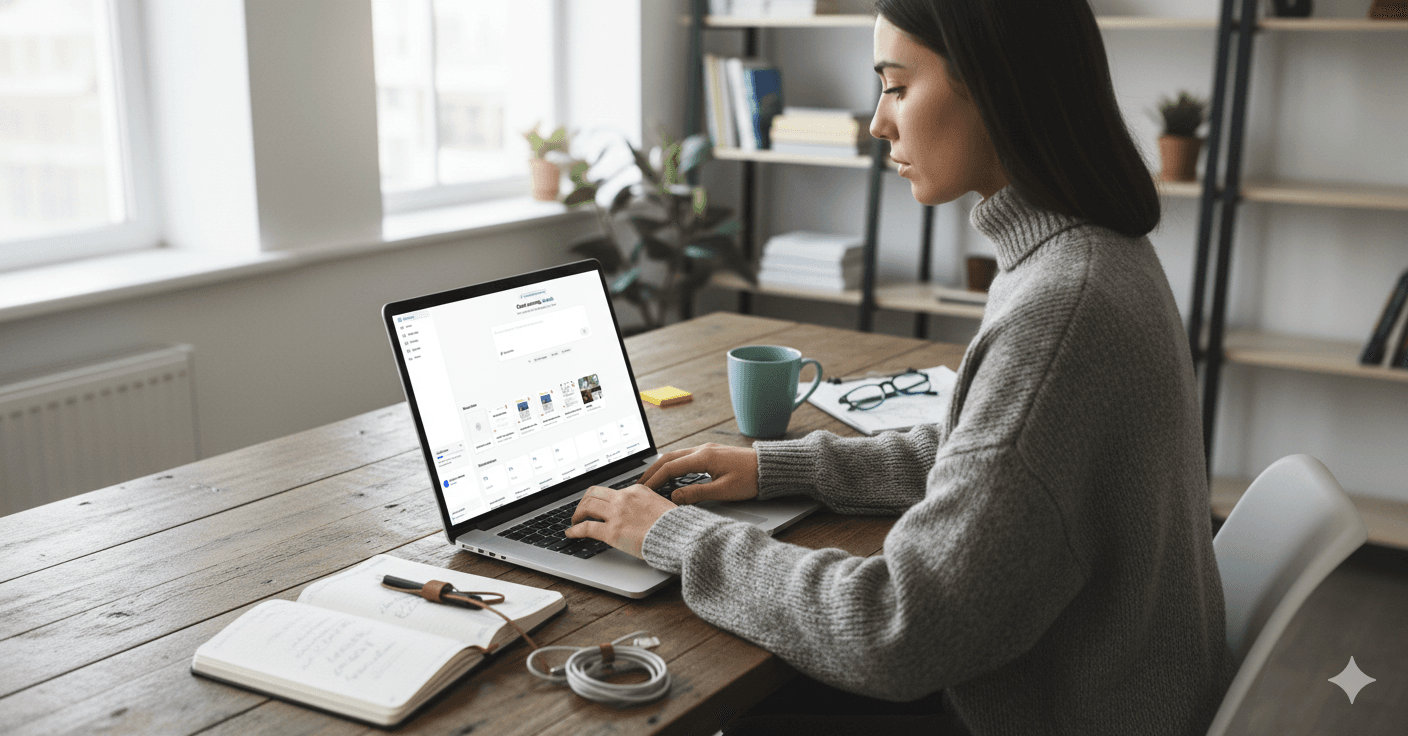
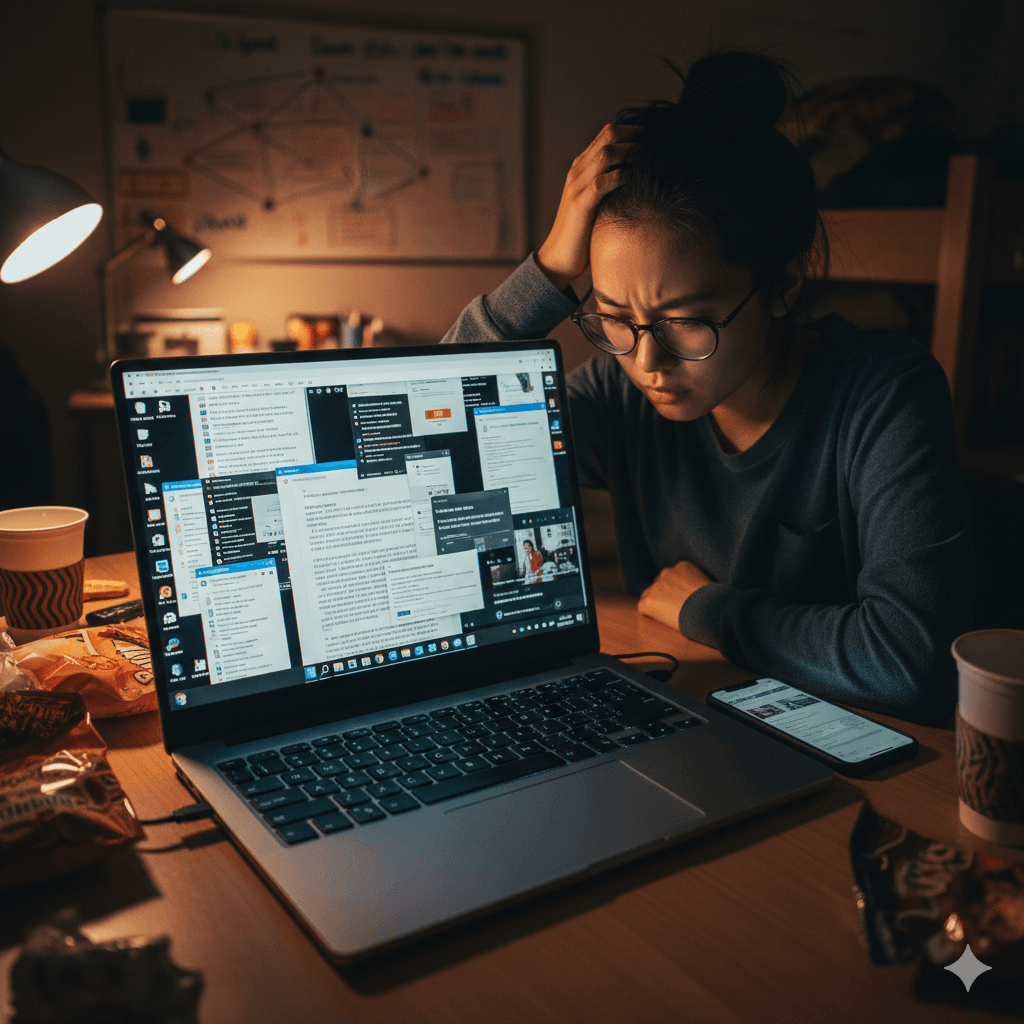
If you are a lawyer, healthcare professional, financial advisor, or simply a privacy-cautious smartphone user, your camera roll is likely a digital filing cabinet. We take screenshots of flight boarding passes, tax documents, private text conversations, and sensitive emails.
To manage this digital clutter, a new wave of AI-powered tools has emerged. These apps promise to automatically categorize, tag, and make your screenshots searchable. But this convenience begs a critical question: is it safe to let AI scan my screenshots?
When you grant an application access to your photo library, you are handing over a highly concentrated visual record of your personal and professional life. Understanding AI screenshot organizer privacy risks is no longer optional—it is a necessity for anyone handling sensitive data.
In this guide, we will break down the eight fundamental security and privacy risks inherent to AI photo and screenshot organizers. We will look at real-world precedents that highlight why these risks matter, and provide you with the exact questions you need to ask any vendor before downloading their app.
Only index what you mean to index
Filex AI lets you scope processing to specific folders, so a screenshot of one receipt doesn't drag your whole notification history along with it.
Try Filex AI Free1. Screenshots Leak More Than Their Subject (The "Everything Else in Frame" Problem)
The Risk: When you take a screenshot, your intention is usually to capture a specific piece of information—perhaps a confirmation number or a single paragraph of an email. However, the resulting image captures exactly what is on your screen, pixel for pixel.
Why it matters: Security researchers monitoring AI and screenshot data exposure throughout 2025 and 2026 have repeatedly noted that screenshots leak far more than their intended subject. A screenshot meant to capture one email often exposes the full thread, contact names, internal company signatures, or even a sensitive Slack notification that happened to drop down at the exact moment you pressed the buttons. For professionals handling protected health information (PHI) or privileged legal communications, this peripheral data capture is a massive liability. You might think you are just organizing receipts, but you are actually indexing confidential client data.
The question to ask any AI organizer app about this: "Does your app allow me to exclude specific folders, or does it automatically ingest every screenshot I take regardless of the content in the margins?"
2. Cloud Upload Exposure
The Risk: To utilize powerful AI models, many screenshot organizers must move your images off your physical device and onto cloud servers for processing and storage. Once you grant an app gallery or screenshot access, the actual image files leave your control.
Why it matters: The destination and handling of these files are often buried in terms of service. For example, Forbes reported in April 2026 that Google Photos expanded the automatic AI scanning of users' full photo libraries in a major update. While large tech companies have robust security, smaller third-party apps might upload your raw images to less secure, rented cloud servers without clear disclosure. If an app is processing your images in the cloud, your data is traversing the internet and sitting on a server you do not control.
The question to ask any AI organizer app about this: "Where exactly do the actual image files go once I grant access, and is that cloud infrastructure clearly disclosed in your privacy policy?"
3. Model-Training Reuse
The Risk: AI models require vast amounts of data to improve. Some vendors offset their costs by using your uploaded screenshots and photos to train their proprietary AI models, often burying the consent for this in lengthy user agreements.
Why it matters: The precedent for this is well-documented. Clearview AI’s mass scraping of social photos for facial recognition remains a widely-cited cautionary example of "your images, someone else's database." More recently, reporting in 2025 and 2026 revealed that Meta tested "cloud processing" features that scanned users' camera-roll photos (including ones never posted) for facial features, timestamps, and location—often with unclear consent and opt-out mechanisms. If an app uses your screenshots for training, fragments of your private data could theoretically influence the model's future outputs.
The question to ask any AI organizer app about this: "Do you use my content to train your AI models, and is there a clear, accessible way to opt out of this data reuse?"
Text extraction, without a sloppy second copy
Filex AI encrypts OCR-extracted text with the same standard as your original images, so your searchable index isn't the weak link.
See How It Works4. OCR'd Text Stored as a Second Copy of Your Data
The Risk: Optical Character Recognition (OCR) is the technology that allows AI to read the text inside your images. Once an app extracts the text from a screenshot, that plaintext becomes a separate, stored asset.
Why it matters: Plaintext is incredibly easy to store, search, and analyze. However, the text extracted from your screenshots can include passwords, bank account numbers, medical terms, and private addresses. This means the app isn't just storing a picture; it is storing a highly readable, easily searchable database of your most sensitive information. Often, this secondary plaintext database is subjected to different, sometimes less rigorous, security protocols than the original image files. Screenshot organizer security must account for both the image and the extracted text.
The question to ask any AI organizer app about this: "How is the OCR-extracted text stored, and is it encrypted with the same level of security as the original image files?"
Least privilege, actually applied
Give Filex AI access to just your Screenshots folder, not your entire camera roll. Organize the clutter without exposing the rest of your life.
Get Filex AI5. Over-Broad Permissions
The Risk: Many screenshot organizers request full, unrestricted access to your entire photo library, even if their stated purpose is only to manage your screenshots.
Why it matters: AI photo organizer privacy is fundamentally compromised when an app asks for more access than it needs to function. If an app only needs to organize the "Screenshots" folder, granting it access to your entire camera roll exposes years of personal family photos, downloaded images, and private moments to the app's scanning algorithms. This violates the principle of least privilege—a core tenet of cybersecurity which states that a program should only have the bare minimum access necessary to perform its job.
The question to ask any AI organizer app about this: "Do you require full photo library access to function, or can I limit your permissions strictly to my screenshots folder?"
6. Metadata Exposure
The Risk: Screenshots and photos contain hidden data called metadata (or EXIF data). This can include the exact GPS coordinates of where the image was captured, the timestamp, the device model, and even the operating system version.
Why it matters: When an AI app ingests your screenshots, it often ingests this metadata as well. If this data survives into the app's organized, searchable index, it creates a detailed timeline of your physical movements and device usage. For privacy-cautious users, the aggregation of this metadata is a significant vulnerability. An attacker or a malicious insider wouldn't just know what you screenshot; they would know exactly where and when you were when you took it.
The question to ask any AI organizer app about this: "Do you strip location and device metadata from my screenshots upon upload, or is that data stored and indexed alongside the images?"
7. Data Breach Blast Radius
The Risk: A data breach is always damaging, but a breach of an AI screenshot organizer has a uniquely devastating "blast radius."
Why it matters: If a standard cloud storage drive is breached, attackers get a messy, unorganized folder of image files that they must manually sift through. If an AI screenshot organizer is breached, the attackers gain access to data that is already categorized, tagged, and summarized. The AI has done the hard work for the attacker. They can simply search the breached database for tags like "tax returns," "passwords," or "medical records." Because the data is pre-organized and structured, the speed and severity of the identity theft or corporate espionage are vastly accelerated.
The question to ask any AI organizer app about this: "What specific encryption standards are in place to ensure that if your servers are breached, my structured, AI-organized data remains unreadable to attackers?"
8. Vendor Lock-In and No Export Path
The Risk: You spend months letting an AI app organize your thousands of screenshots into a beautifully structured, searchable database. Then, the company raises its prices, changes its privacy policy, or shuts down. Can you get your organized data back?
Why it matters: Many proprietary AI organizers use closed systems. While you might be able to download your raw images back, the actual "organization"—the tags, the folders, the OCR text, the AI summaries—is locked into their platform. This vendor lock-in forces users to choose between abandoning their meticulously organized digital life or accepting unfavorable new terms and privacy policies. True data ownership means having an exit strategy.
The question to ask any AI organizer app about this: "Can I export my screenshots along with their AI-generated tags, text, and organizational structure in a standard format if I decide to leave your platform?"
The transparent example other apps get compared to
OCR-first processing, encryption in transit and at rest, no data sales, and a clear deletion policy — see exactly how Filex AI handles your screenshots.
Read the Privacy PageHow to Check Any App Against These Risks
Evaluating an app doesn't have to be a guessing game. You can protect yourself by reading the privacy policy, checking the app's permission requests in your phone's settings, and looking for clear, verifiable statements about data handling.
To demonstrate what transparent data practices look like, we can use Filex AI as one honest example of how a company might address these concerns. We encourage you to hold us—and every other app—to these verifiable standards:
- Processing Method: Filex AI processes screenshots via OCR to extract text first. The extracted text (not the raw image file) is what gets sent to OpenAI's API for classification and tagging.
- Storage and Encryption: Files are encrypted both in transit and at rest, and are stored securely on Cloudflare infrastructure.
- Data Retention: Account data is deleted within 30 days of an account deletion request. Furthermore, inactive accounts are automatically purged after 2 years (with prior notice given to the user).
- Data Sales: The Filex AI privacy policy explicitly states that user data is not sold, traded, or rented to third parties.
When evaluating Filex AI or any competitor, you should also ask the hard questions that aren't always front-and-center. For instance, you should ask any vendor utilizing third-party APIs: Does the underlying AI provider (like OpenAI) use the data sent via the API to train their models?
For a deeper dive into our specific practices, you can review the Filex AI privacy policy and security page. If you are looking for practical tips on managing your digital clutter beyond the security aspects, check out our complete guide to AI screenshot management.