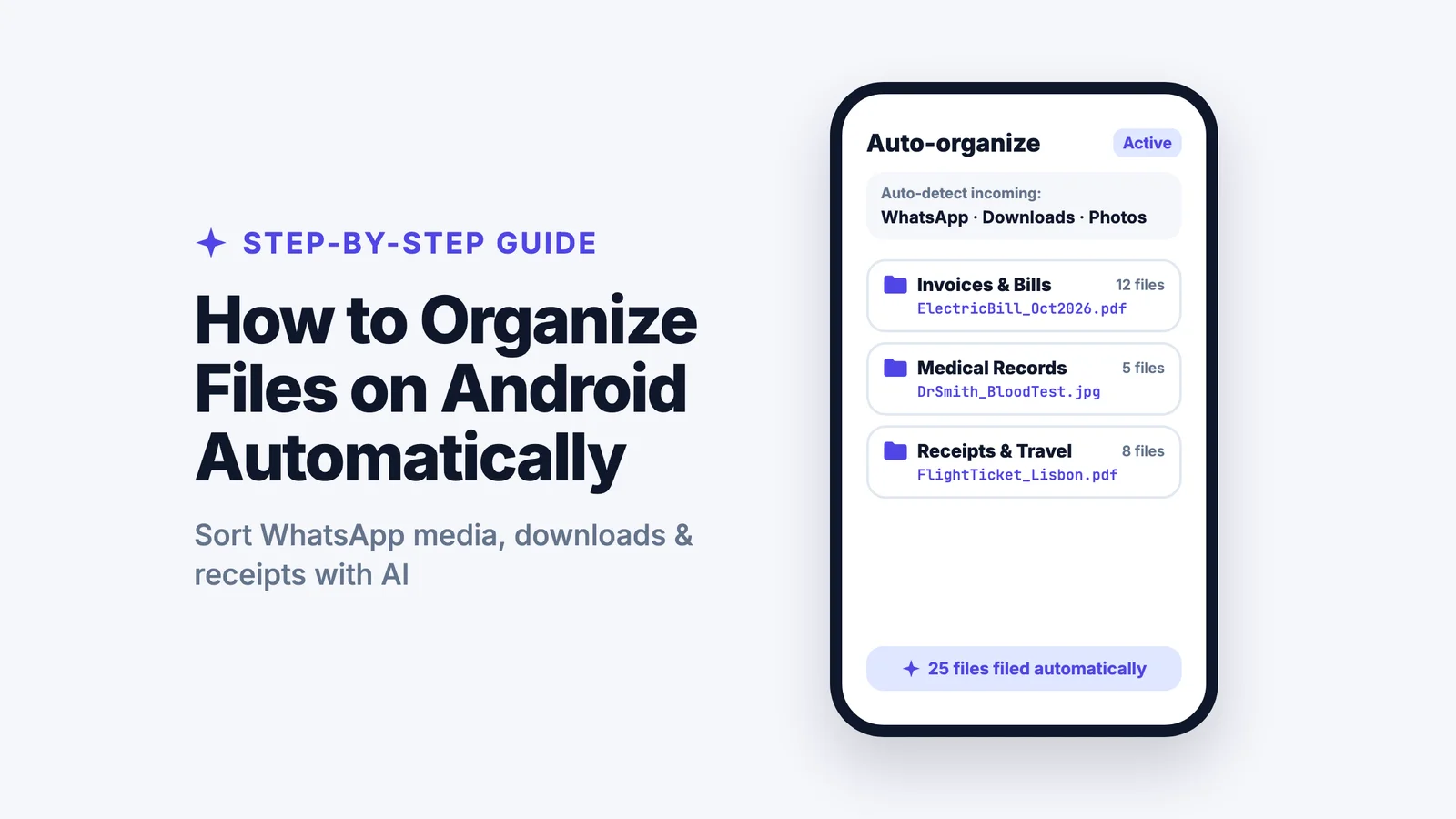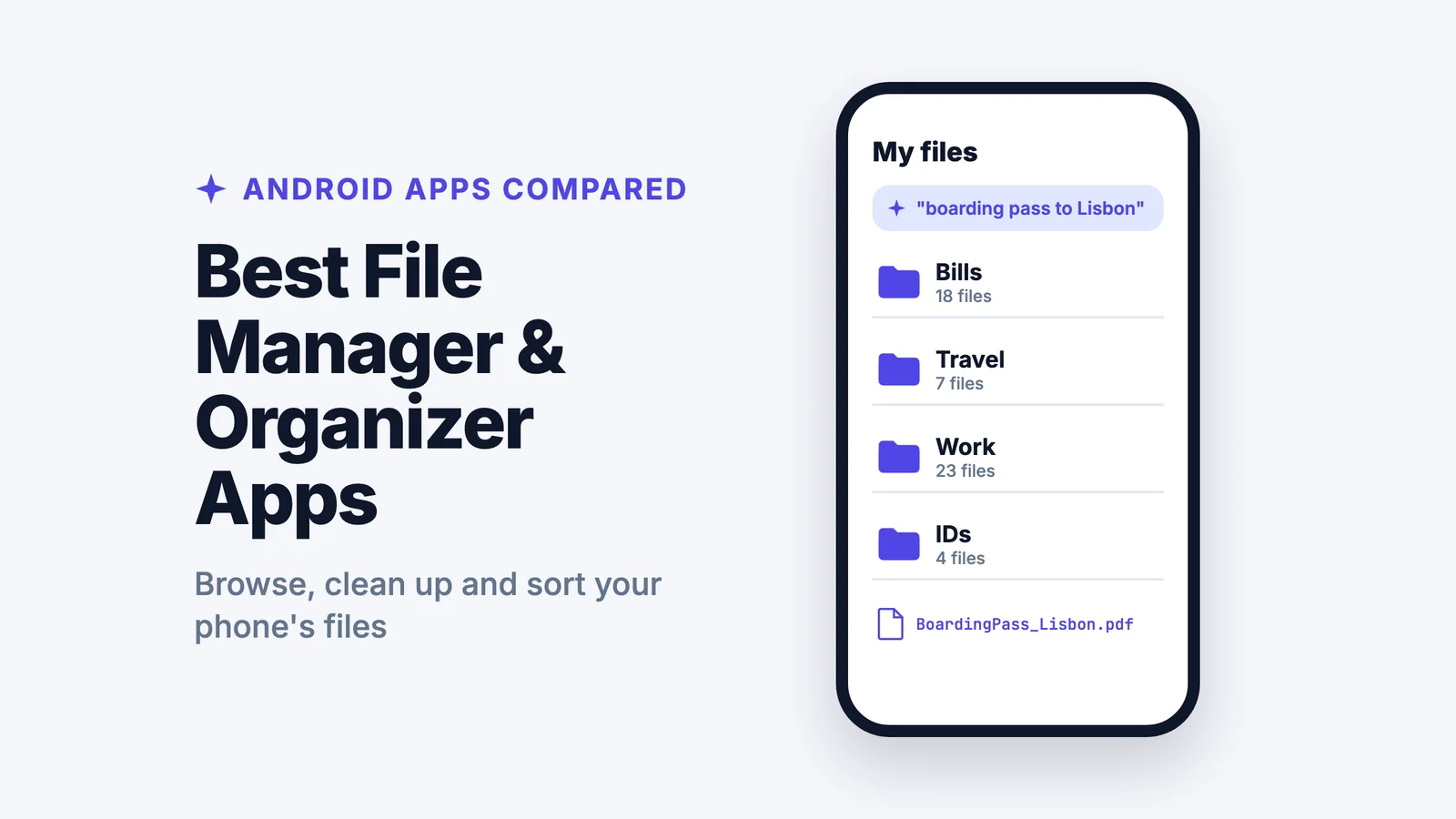
The best file manager for Android for most people is the one already on your phone: Files by Google on most Android phones, or Samsung My Files on a Galaxy. For power features like two panes, network drives and archives, Solid Explorer is the most polished, and Total Commander and Material Files are excellent free alternatives. None of these organize your files for you, though. If you want downloads, WhatsApp files and screenshots sorted into folders, renamed clearly and found by describing them, add a file organizer app like Filex AI.
Below are the seven best file manager and organizer apps for Android, compared side by side. Filex AI is our own app, so we say clearly where a classic file manager is the better pick.
Let your phone's files sort themselves
Add your downloads, WhatsApp files and screenshots, and Filex AI files each one with a clear name. Your first 10 files are free.
Try Filex AI FreeQuick Comparison
| App | Type | Organizes files for you? | Best for | Price |
|---|---|---|---|---|
| Filex AI | AI file organizer | Yes: sorts, renames and finds by meaning | Downloads, WhatsApp files and documents you need to find later | 10 files free, then $7.99/month or $44.99/year |
| Files by Google | File manager | No, groups by file type | Cleaning up storage on any Android phone | Free |
| Samsung My Files | File manager | No, groups by file type | Galaxy phones and tablets | Free, preinstalled |
| Solid Explorer | File manager | No | Power users who want a polished two-pane app | Free trial, then a one-time purchase |
| CX File Explorer | File manager | No | Simple browsing plus network and cloud drives | Free |
| Material Files | File manager | No | Free, open source, no ads | Free |
| Total Commander | File manager | No | Dual-panel file work with plugins | Free |
Prices are from each app's Google Play listing or website in October 2026 and may change.
File Manager vs File Organizer: What's the Difference?
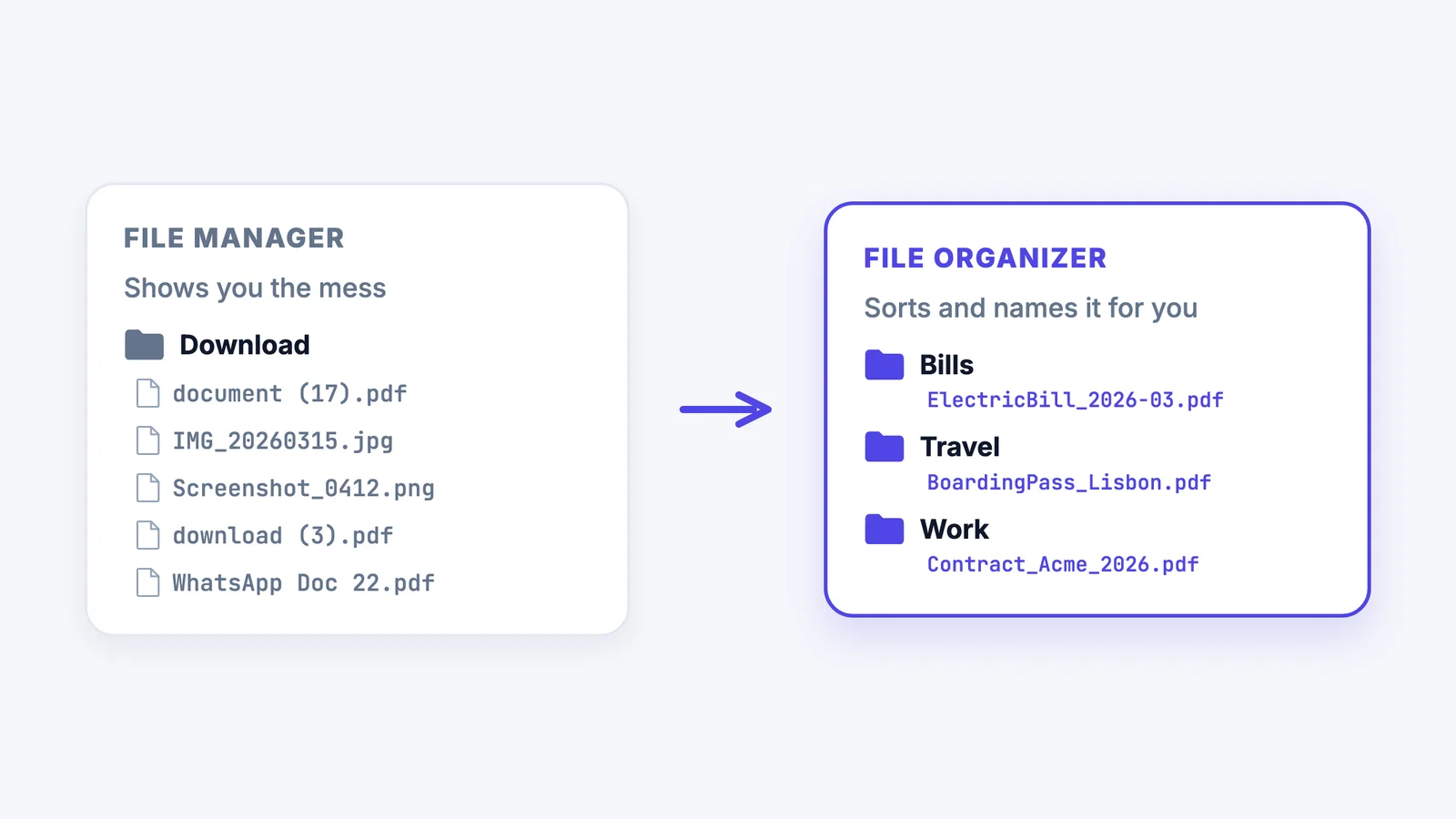
A file manager shows you what's on your phone. You browse folders, move and copy files, unzip archives and delete what you don't need. Every app on this list except Filex AI is a file manager.
A file organizer does the sorting for you. It reads what's inside each file, works out that one PDF is a bill and another is a boarding pass, puts them in the right folders and gives them names you can recognize.
Most people need both: a file manager to browse and clean up storage, and an organizer so they don't have to sort hundreds of downloads by hand.
Get Filex AI on Android
Sort, rename and find any file on your phone by describing it. Your originals are never changed.
Get it on Google PlayHow We Compared Them
We asked the same questions of every app:
- Is it free, and does it show ads?
- Can it reach network and cloud drives, like a home PC, Google Drive or OneDrive?
- Does it help free up storage, with large-file and duplicate finders?
- Does it organize files for you, or only show them?
- Can you find a file by what's inside it, not just its name?
1. Filex AI: Best File Organizer App for Android
Filex AI reads every file you add, including PDFs, photos of documents and screenshots, sorts it into a folder, gives it a clear name, and lets you find it later by describing it, like "the flight ticket to Lisbon". You can tell it how you want things sorted in plain English, such as "group bills by month". Your files stay in one library across Android, iPhone and the web, and your originals on the phone are never changed.
Pros
- Sorts and renames files automatically; no folders to build first.
- Reads document content, scans and screenshots, not just filenames.
- Find files by meaning: "the electricity bill from March".
- Share files straight from WhatsApp and other apps to get them filed.
Cons
- Not a full file manager: no unzipping, no network drives, no storage cleanup.
- Files are processed on Filex servers, not on your phone.
- The free plan covers 10 files, so a big backlog needs Pro.
Best for: anyone whose Downloads folder is a mess and who wants files sorted and easy to find. Get Filex AI on Google Play. For step-by-step instructions, see how to organize files on Android automatically.
2. Files by Google: Best Free File Manager for Most Phones
Files by Google comes preinstalled on many Android phones and is free on Google Play for the rest. Its Clean tab suggests large files, duplicates and unused apps to delete, Browse groups files into Downloads, Images, Documents and other categories, and deleted files stay in Trash for 30 days. It can also share files offline with nearby phones.
Pros
- Free, light and simple.
- Good cleanup suggestions to free up storage.
- Already installed on many phones.
Cons
- Groups files by type only; it doesn't sort them by what they are.
- Search matches filenames, not what's inside documents.
- Few power features (no two panes, limited network access).
Best for: anyone who wants a clean, free file manager and quick storage cleanup.
3. Samsung My Files: Best for Galaxy Phones
My Files is Samsung's built-in file manager on Galaxy phones and tablets. It lists files by category, shows your phone storage, SD card and connected cloud drives such as OneDrive and Google Drive in one place, and its Analyze storage tool flags large, unused and duplicate files.
Pros
- Already on every Galaxy phone, nothing to install.
- Phone, SD card and cloud drives in one view.
- Built-in storage analysis.
Cons
- Only on Samsung devices.
- Doesn't organize files for you.
- Features vary by model and software version.
Best for: Samsung Galaxy owners who want something that just works.
4. Solid Explorer: Best for Power Users
Solid Explorer is a polished two-pane file manager with support for cloud storage, network drives (FTP, SFTP, SMB), archives and file encryption. It has a free trial, after which it's a one-time purchase.
Pros
- Two panes make moving files between folders easy.
- Strong cloud and network support.
- Clean, modern design.
Cons
- Paid after the trial.
- More than most people need.
- Doesn't organize files for you.
Best for: power users who move a lot of files between phone, cloud and computer.
5. CX File Explorer: Best Simple Free Explorer
CX File Explorer is a free, easy file manager that browses your phone and also reaches network drives and cloud storage, so you can open files on a home PC from your phone.
Pros
- Free and easy to use.
- Reaches network shares and cloud storage.
- Clear layout for everyday browsing.
Cons
- Fewer advanced options than Solid Explorer or Total Commander.
- Doesn't organize files for you.
Best for: people who want something simpler than the built-in app with network access.
6. Material Files: Best Free and Open Source
Material Files is a free, open-source file manager with no ads and a clean Material Design look. It supports archives, root access, and network protocols such as FTP, SFTP and SMB.
Pros
- Free, open source and ad-free.
- Modern design that follows your phone's theme.
- Network and root support.
Cons
- No storage cleanup tools.
- Fewer cloud options than Solid Explorer.
- Doesn't organize files for you.
Best for: people who want a clean, private, ad-free file manager.
7. Total Commander: Best Dual-Panel File Manager
Total Commander brings the classic two-panel file manager to Android for free. Plugins add FTP, LAN and cloud storage access, and it handles archives and bulk file operations well.
Pros
- Free, with powerful dual-panel file operations.
- Plugins for network and cloud access.
- Very fast once you learn it.
Cons
- Old-fashioned look with a learning curve.
- Doesn't organize files for you.
Best for: experienced users who want maximum control over their files.
Which Android File App Should You Choose?
| If you... | Choose |
|---|---|
| Want your downloads, WhatsApp files and documents sorted and named for you | Filex AI |
| Want a free, simple file manager with storage cleanup | Files by Google |
| Have a Samsung Galaxy phone | Samsung My Files |
| Move lots of files between phone, cloud and computer | Solid Explorer |
| Want simple browsing plus network drives for free | CX File Explorer |
| Want free, open source and no ads | Material Files |
| Want a powerful two-panel manager | Total Commander |
Mostly managing documents like bills, contracts and IDs? See the best document organizer app for Android. Looking beyond Android? Compare the best AI file organizers for Mac, Windows and the web.
Is It Safe to Let a File App Access My Files?
A file manager needs storage access to work, so stick to well-known apps from Google Play and check what each one asks for. For apps that process files online, check three things:
- Where are files processed? On your phone or on the app's servers.
- Are they used to train AI? Look for a clear statement. Filex AI never uses your files to train AI models and never sells them.
- Can you delete everything? You should be able to remove your files and account at any time.
Find any file by describing it
One library on Android, iPhone and the web, searchable by what is inside every file.
Try Filex AI FreeConclusion
For browsing and cleaning up storage, the best file manager for Android is usually the free one you already have: Files by Google, or Samsung My Files on a Galaxy. Solid Explorer, Total Commander, Material Files and CX File Explorer are great upgrades if you need more control.
What none of them do is sort the mess for you. If your Downloads folder is full of files you can't find, try Filex AI free on your messiest folder, or get it on Google Play.