Free Tool. AI Receipt Organizer

Turn a Pile of Receipts Into a Filed, Searchable Record

Upload a batch of photographed or digital receipts and Filex AI reads each one, then files it by category, vendor, and month automatically, no manual sorting into folders.

|

No credit card required · Free plan included

10+
hours saved monthly on manual filing
3 sec
to find any file with AI search
100%
of files organized automatically

Why choose Filex AI

Why Choose Our Free Online Receipt Organizer?

Extracting a total is one thing. Filing the receipt somewhere you will actually find it again is the part most tools skip.

📂

Filed by Category, Vendor, and Month Automatically

Filex AI does not just save a receipt, it works out what kind of purchase it was and files it accordingly, so a year of receipts ends up structured instead of dumped in one folder.

📸

Works on Photographed Receipts, Not Just PDFs

A photo taken at the till is read and filed the same way as a digital invoice, with no scanner or manual entry required.

🔒

Private and Encrypted

Receipts are encrypted in transit and at rest, never sold or shared, and never used to train public AI models. Your originals are never modified.

How it works

How to Organize Receipts With AI

01

Upload your receipts

Bring in photographed receipts, PDF invoices, or a whole backlog collected over months.

02

AI reads and identifies each one

Filex AI applies OCR, then identifies the vendor, purchase type, and date for each receipt in the batch.

03

Receipts are filed automatically

Each receipt is renamed and filed by category, vendor, and month, building a structured record without manual sorting.

04

Find any receipt later by searching

Search for a receipt by describing the purchase, the vendor, or the month, instead of scrolling through folders.

Supported files

Every Kind of Receipt, Organized

Whether it is a paper receipt from a till or a digital invoice from an inbox, Filex AI files it the same way.

Retail & Grocery Receipts

  • Till receipts
  • Grocery receipts
  • Fuel receipts

Photographed Receipts

  • Phone camera photos
  • Faded thermal paper
  • Crumpled paper receipts

Filed by Month & Year

  • Monthly expense folders
  • Tax year archives
  • Trip-based groupings

Filed by Category

  • Groceries
  • Travel
  • Office supplies
  • Client expenses

Manual vs AI

Sorting a Shoebox of Receipts vs Letting AI File Them

CapabilitySorting manuallyFilex AI
Put a handful of receipts in an envelope
File a year of receipts by category automaticallyNot included
Read and file a faded or crumpled paper receiptNot included
Group receipts by vendor without doing it by handNot included
Sort receipts by month across a whole tax yearNot included
Rename each receipt to something you can recognize laterNot included
Search for a specific receipt by describing itNot included
Synced across web, iPhone, and Android automaticallyNot included

Complete guide

The Complete Guide to Organizing Receipts With AI

Extracting a Total Is Not the Same as Filing the Receipt

Pulling the vendor and total off a receipt answers one question, what did I spend and where. It does not answer a more common one asked months later: where is the receipt for this. A receipt with its data extracted but still sitting unfiled in a generic uploads folder is only marginally more useful than the original photo.

Filing goes a step further than extraction, deciding where a receipt belongs, grouped with similar purchases, named in a way that is recognizable later, sorted by the month or category it actually relates to. This is the difference between knowing what a receipt says and being able to find it again without remembering exactly when you uploaded it.

Filex AI treats filing as part of the same process as reading a receipt, so the output is not just data, but a receipt that is renamed, categorized, and placed somewhere sensible automatically.


Working Out What Kind of Purchase a Receipt Represents

A useful filing system groups receipts by what they were actually for, groceries, fuel, travel, office supplies, rather than by the order they happened to be uploaded in. Working this out from a receipt is not always obvious from the vendor name alone, since a single store might sell groceries and household goods on the same till receipt.

Filex AI reads the itemized content of a receipt where available, along with the vendor and context, to identify the most likely purchase category, rather than relying purely on the store name to guess.

Why Filing by Month Matters More Than It Seems

A pile of receipts organized only by category, all groceries together regardless of when they happened, is useful for some questions but not others. Tax preparation, monthly budgeting, and expense reports usually need receipts grouped by time period as much as by category, this month's spending, this tax year's deductible expenses.

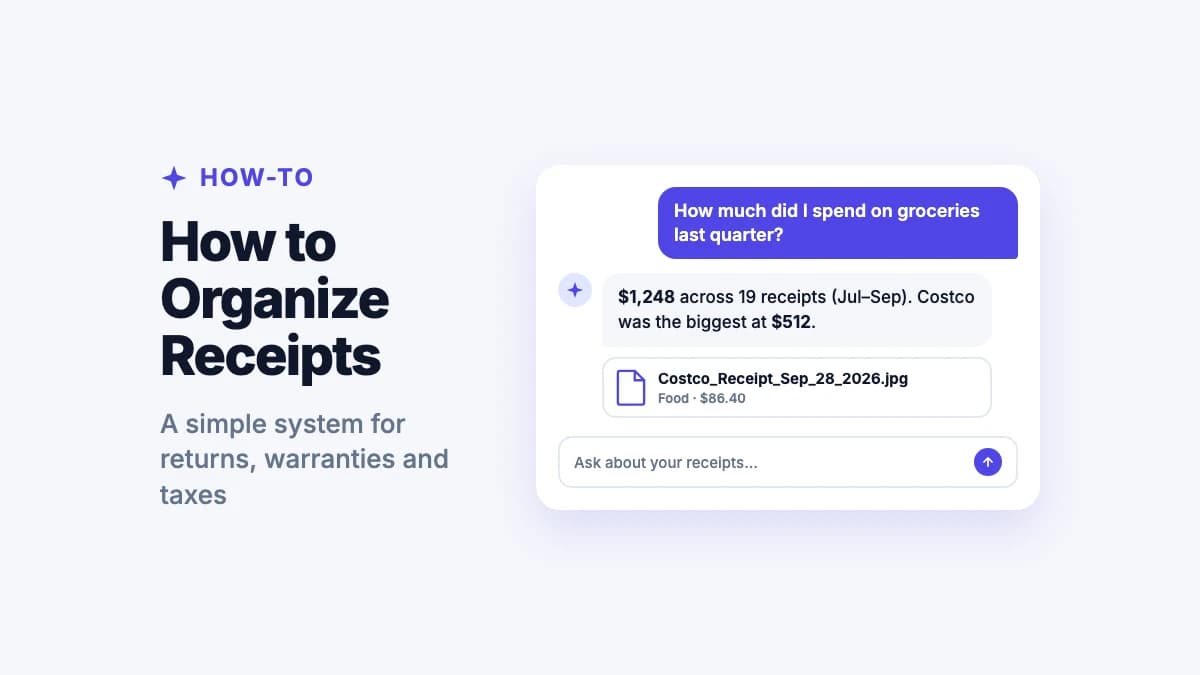
Filex AI files receipts with both dimensions in mind, so a receipt is findable whether the question is "what did I spend on fuel this year" or "what did I buy in March", without needing two separate manual filing systems to answer both.

Clearing a Backlog of Unfiled Receipts

Most people do not organize receipts as they arrive, they accumulate in a drawer, a shoebox, or an unsorted camera roll folder until tax season or an expense deadline forces a reckoning. By that point, sorting them one at a time is a genuinely unpleasant task, made worse by faded thermal paper and receipts with no obvious date visible at a glance.

Filex AI is built to handle this backlog scenario directly, processing a whole batch of accumulated receipts in one upload and returning them filed and categorized, rather than requiring the receipts to have been organized incrementally as they were collected.

Why Privacy Matters When Organizing Receipts Online

Receipts reveal real detail about spending habits, where you shop, how often, and how much you spend. Filing a full backlog of them with an online tool means trusting that tool with a genuine picture of personal or business spending.

Filex AI encrypts every receipt in transit and at rest, keeps files private to your account by default, and never sells, shares, or uses uploaded content to train public AI models. Your original receipts are never modified.

Knowing what a receipt says is only half the problem. Being able to find it again six months later is the part that actually matters.

The short version of this guide

Beyond receipts

Filing receipts is one category. Filex AI organizes everything else too.

A clean receipt archive helps at tax time, but the same filing system works across every document you have. Filex AI files contracts, statements, and scans the same way it files receipts, automatically, as they arrive. Permanently, across every device.

  • Every document renamed and filed automatically, not just receipts
  • Spending totals available by category, vendor, or month
  • Works on photographed receipts and digital invoices alike
  • Natural language search across your whole library, synced on web, iPhone & Android
Extract structured data from a single receipt

Before

40 unsorted receipt photos in Camera Roll

After

Receipts / Groceries / March 2026 (12 filed)

  • Filed by category and month automatically
  • Each receipt renamed for the vendor and date
  • Searchable and totalable across every device

Solutions

Explore more ways to organize with AI

AI File Management for Small Business

Filex AI reads every invoice, receipt, contract, and client document, then files it by client and category, renames it clearly, and makes it searchable in plain English. Run your paperwork without hiring for it.

AI File Management for Tax & Financial Documents

Filex AI reads every receipt, invoice, bank statement, and tax form, then files it by year and category, renames it clearly, and makes it searchable in plain English. No folders to create. No manual sorting.

AI File Management for AI Cloud Storage

Filex AI is free cloud storage with AI built in. Store, sync, and access every file from any device — and unlike Google Drive or Dropbox, Filex AI actually reads what you upload and organizes it for you.

Small Business

Automatically organize invoices, vendor contracts, tax filings, business licenses, employee records, and receipts using AI. Smart file naming, content-aware sorting, and instant access across devices. Free for small business owners.

PDFs

Automatically organize PDFs by content, topic, and category using AI. Smart PDF naming, content-aware sorting, and instant search. Never lose a PDF again.

Accounting

Automatically organize tax returns, receipts, financial statements, invoices, and client documents by client using AI. Smart file naming, content-aware sorting, and instant access across devices. Free for accountants and CPAs.

Insurance

Automatically organize insurance policies, claims, underwriting documents, certificates of insurance, and loss runs using AI. Smart file naming, content-aware sorting, and instant access across devices. Free for insurance professionals.

Guides & resources

Learn more from the Filex AI blog

AI Document Scanner: Scan and Organize Papers Automatically in 2026
AI & Technology7 min read

AI Document Scanner: Scan and Organize Papers Automatically in 2026

Traditional scanner apps just move the mess to your phone. Discover how Filex AI's AI document scanner reads, renames, and files every document automatically the moment you scan it.

May 11
8 Security & Privacy Risks of Letting AI Organize Your Screenshots
AI & Technology8 min read

8 Security & Privacy Risks of Letting AI Organize Your Screenshots

Before you let an AI app scan your camera roll, know the risks: cloud upload exposure, model-training reuse, metadata leaks, and more. Here's how to vet any screenshot organizer.

Jul 1
5 Essential Questions to Ask Before Choosing an AI File Organizer
AI Document Management11 min read

5 Essential Questions to Ask Before Choosing an AI File Organizer

Before you upload a single tax return or medical record to an AI file organizer, ask these five critical questions about data processing, privacy, accuracy, control, and semantic search.

Jun 28
6 Predictable Mistakes AI File Organizers Make (And How to Avoid Them)
AI Document Management9 min read

6 Predictable Mistakes AI File Organizers Make (And How to Avoid Them)

AI file organizers save hours of manual work, but they aren't perfect. Learn the 6 most common mistakes—wrong classification, hallucinated filenames, OCR failures, and more—and how to choose a tool that minimizes them.

Jun 28
Best Digital File Organizers in 2026: Google Drive, Dropbox, Hazel, and More Compared
AI & Technology18 min read

Best Digital File Organizers in 2026: Google Drive, Dropbox, Hazel, and More Compared

Looking for the best digital file organizer 2026? We compare top digital file organizers using AI, including Google Drive, Dropbox Dash, Hazel, Filex AI, and more.

Jun 26
Best ChatGPT Apps for Document Management in 2026: Q&A vs. True Organization
AI & Technology9 min read

Best ChatGPT Apps for Document Management in 2026: Q&A vs. True Organization

ChatGPT, ChatPDF, AskYourPDF, and NotebookLM are great at chatting with your files. Find out which ones can also organize them, and which can't.

Jun 26

Receipt Organizer FAQ

Everything you need to know about organizing receipts with AI

Is the Filex AI receipt organizer really free?

Yes. Every account starts on the free Spark plan with credits to organize files, and no credit card is required to start.

How is this different from a receipt data extractor?

A data extractor pulls the vendor, amount, and date into fields. Filex AI's receipt organizer goes further, filing each receipt into categories and monthly folders so a whole backlog ends up structured, not just extracted.

Can it organize photographed receipts, not just PDFs?

Yes. Filex AI applies OCR to photographed receipts, including faded thermal paper, and files them the same way it files digital invoices.

Can it organize a whole year of receipts at once?

Yes. Upload an entire backlog and each receipt is read, categorized, and filed by month in one pass, without processing them one at a time.

Does it group receipts by category automatically?

Yes. Filex AI identifies the likely purchase category for each receipt, groceries, travel, office supplies, and others, based on its content, not just the vendor name.

Is my data private while receipts are being organized?

Yes. Receipts are encrypted in transit and at rest, are private to your account, and are never sold, shared, or used to train public AI models.

Will it rename my original receipt files?

Your original file is never modified. Filex AI creates a clearly named, organized version within your library, alongside the original.

Can I search for a receipt after it has been organized?

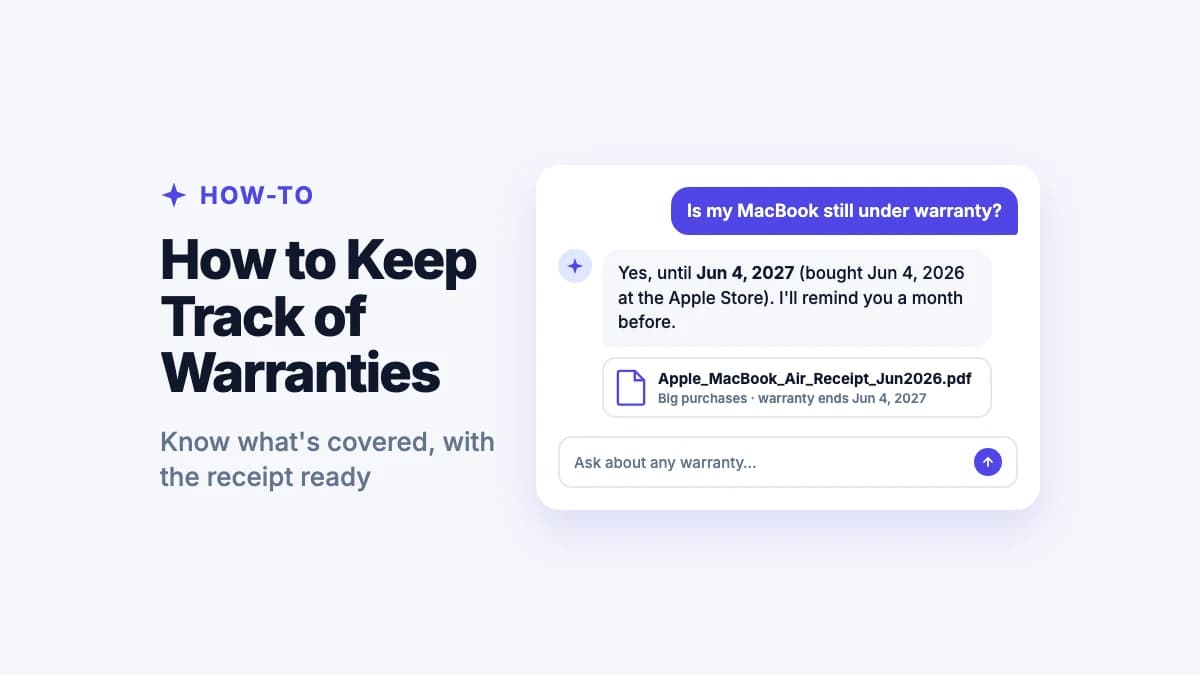
Yes. Every organized receipt is searchable in plain language, by vendor, category, amount, or month, without needing to remember the exact filename.

Does it also work for business expense receipts?

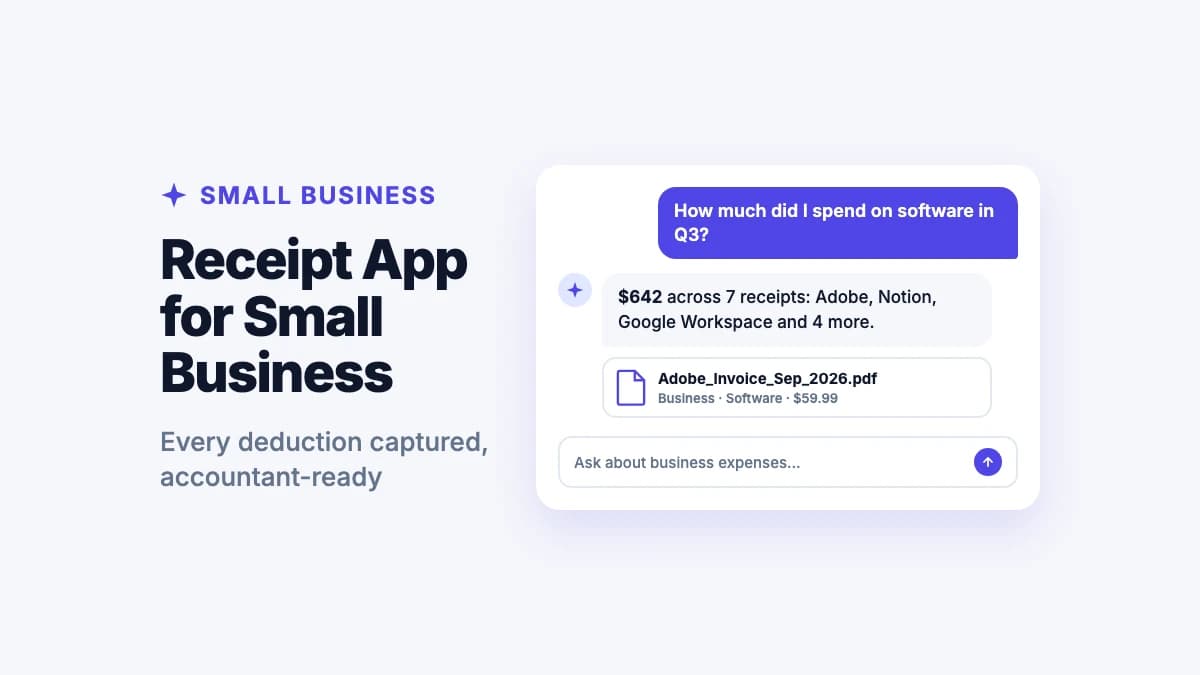
Yes. Filex AI files business expenses, travel receipts, and client-related purchases the same way it files personal receipts, grouped by category and time period.

Which devices does this work on?

Filex AI runs on web, iPhone, and Android, with everything synced. A receipt organized on one device is searchable from any other device moments later.

Organize your first batch of receipts free

Upload a pile of receipts and let Filex AI file them by category, vendor, and month. No credit card required.