
The drawer, the glove box, the wallet, the inbox. Receipts end up everywhere, and the faded one you need for a return, a warranty claim or a tax deduction is always the one you can't find.
The short answer: to organize receipts, go digital. Scan paper receipts the day you get them, save email receipts to the same place, file them by year and category, and keep the ones you need for returns, warranties and taxes for as long as they matter. The easiest way is Filex AI: scan or share a receipt and it reads the store, amount and date, files it, tracks warranties, and tells you what you spent when you ask.
Here's a simple system you can set up in an evening and keep up in ten minutes a month.
Why paper receipts don't work anymore
- Thermal paper fades. Many store receipts are unreadable within months, especially in a warm car or wallet.
- Half your receipts aren't paper. Online orders, subscriptions and digital receipts arrive by email or in apps.
- You can't search a shoebox. Finding one receipt means going through all of them.
A digital system fixes all three: the copy doesn't fade, everything lives in one place, and you can search it.
Step 1: Decide which receipts to keep
You don't need every receipt forever. Keep:
- Big purchases: electronics, appliances, furniture, anything with a warranty.
- Returns window: clothes and gifts until the return period ends.
- Tax-related: business expenses, home office, charitable donations, medical costs, childcare, anything you might deduct.
- Home and car: repairs and improvements (useful when you sell), car servicing.
- Work expenses you'll be reimbursed for.
You can toss small everyday receipts (coffee, groceries) once the purchase is confirmed on your statement, unless you're tracking spending. With a digital system, keeping them costs nothing, and they make spending answers more complete.
Step 2: How long to keep receipts
| Receipt | Keep it for |
|---|---|
| Everyday purchases | Until it shows on your statement (or longer if you track spending) |
| Returnable items | Until the return window closes |
| Items with a warranty | Until the warranty ends |
| Tax-deductible expenses | At least 3 years after you file (see below) |
| Home improvements | As long as you own the home, plus 3 years after you sell |
| Business receipts | At least 3 years, often longer (ask your accountant) |
For taxes, the IRS generally recommends keeping records 3 years from when you filed, 6 years if you under-reported income by more than 25%, and 7 years for a bad debt or worthless securities claim. Read the IRS guidance on how long to keep records, and check with a tax professional for your situation.
Scan a receipt, it files itself
Filex AI reads the store, amount and date from every receipt and files it by category. Your first 10 files are free.
Download Filex AIStep 3: Go digital the same day
The secret is capturing a receipt before it reaches the drawer.
- Paper receipts: scan them with your phone at the till or when you get home. In Filex AI, the built-in scanner reads the receipt and files it straight away. Even faded or crumpled receipts are readable if you scan them early.
- Email receipts: share the PDF or email to Filex AI, or set up a mail filter that labels anything with "receipt" or "order confirmation" so you can save them in one go each week.
- App receipts (Amazon, Uber, Apple): download the receipt or invoice PDF and save it the same way.
Once a paper receipt is saved and readable, you can usually recycle it, except where a store or the IRS asks for originals.
Step 4: Set up simple categories
Six to eight folders cover most households:
- Food & household
- Big purchases & warranties
- Home (repairs, improvements, utilities)
- Health (medical, pharmacy, insurance)
- Kids & education
- Car & travel
- Work & business
- Taxes (copies of anything deductible)
Inside each, one folder per year. Filex AI files receipts into categories like these automatically, and with Lenses one receipt can appear in two places (a laptop in both "Big purchases" and "Tax 2026") without copying it.
Step 5: Name receipts so you can find them
If you file by hand, use one pattern: date, store, amount.
2026-09-28_Costco_86.40.jpg
Date first keeps receipts in order. Filex AI names receipts like this for you, from what's printed on them.
Step 6: Track warranties and returns
Big purchases deserve one extra step: note when the warranty or return window ends. Filex AI pulls the warranty end date from the purchase receipt, including Apple devices, and reminds you before it ends, with the receipt ready to show. See how to keep track of warranties.
Step 7: A 10-minute monthly routine
Once a month:
- Scan any paper receipts still in your wallet or bag.
- Save the month's email receipts.
- Check your card statement for anything without a receipt you need.
- Glance at what you spent.
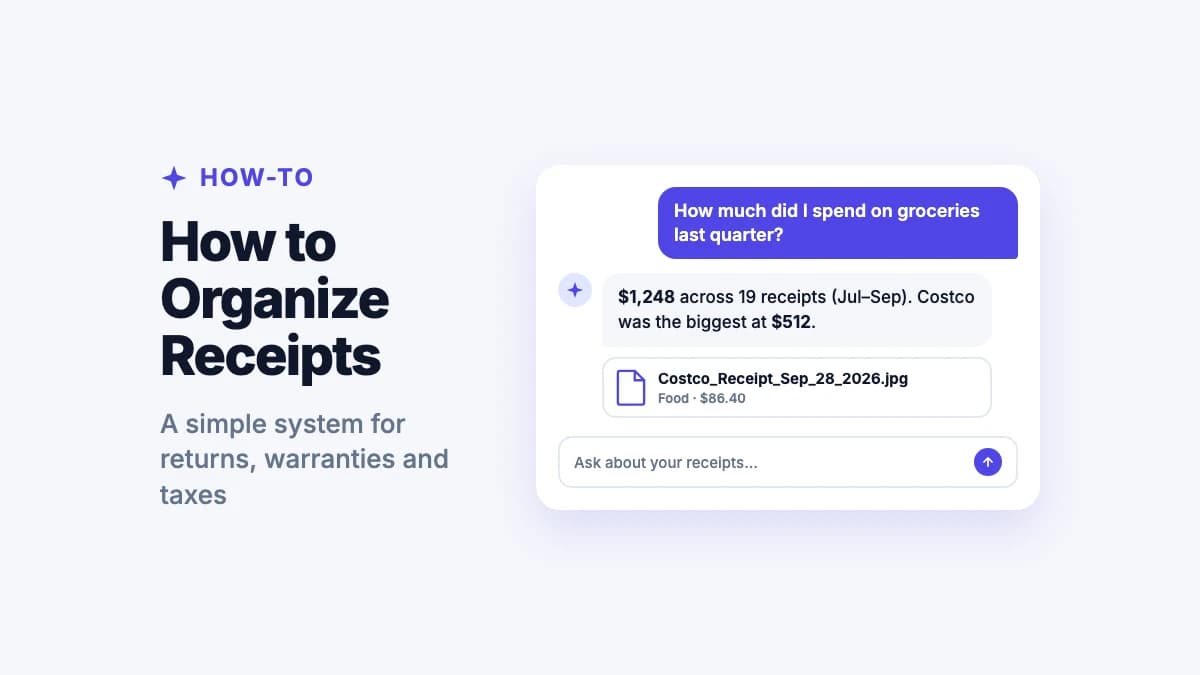
With Filex AI, step 4 is a question: "how much did we spend on groceries this month?" or "what did the kids' activities cost this year?"
"How much did we spend on groceries this month?"
Ask Filex AI and get the answer from your saved receipts, by store, category or time.
Try Filex AI FreeGetting receipts ready for tax time
If you've filed receipts as you go, tax time is a search, not a weekend:
- Keep a Taxes folder (or a Filex Lens) for anything deductible.
- At year end, ask Filex for the year's medical, charity or business receipts, or open the folder.
- Download what your accountant needs as PDFs.
Freelancers and small business owners have extra to track. See our guide to the receipt app for small business.
The easiest way: let Filex AI organize your receipts
Filex AI does steps 3 to 7 for you:
- Scan or share any receipt: paper, email, PDF or app.
- Read automatically: store, amount, date and items.
- Filed and named by category, with a clear name.
- Warranty reminders from purchase receipts.
- Spending answers in plain words, by store, category or time.
- Find any receipt by what it says: "the vacuum receipt" or "pharmacy receipts from June".
Your first 10 files are free. Comparing apps first? See the best receipt apps.
Receipts organized for returns, warranties and taxes
Scan, file and find every receipt on iPhone, Android and the web.
Get Filex AIKeep every receipt, find it in seconds
A receipt system only works if it's easy to keep up. Capture receipts the day you get them, keep the ones that matter for as long as they matter, and let Filex AI do the naming, filing and adding up. The next return, warranty claim or tax question takes seconds, not a search through the drawer.
