Turn a Downloads Folder of
Resumes Into an Organized Pipeline

Upload a batch of candidate resumes and Filex AI reads each one, then files it by role, skill set, and experience level automatically, so a hiring pipeline is organized from the first upload.

The short answer

How do I organize candidate resumes by role and skill?

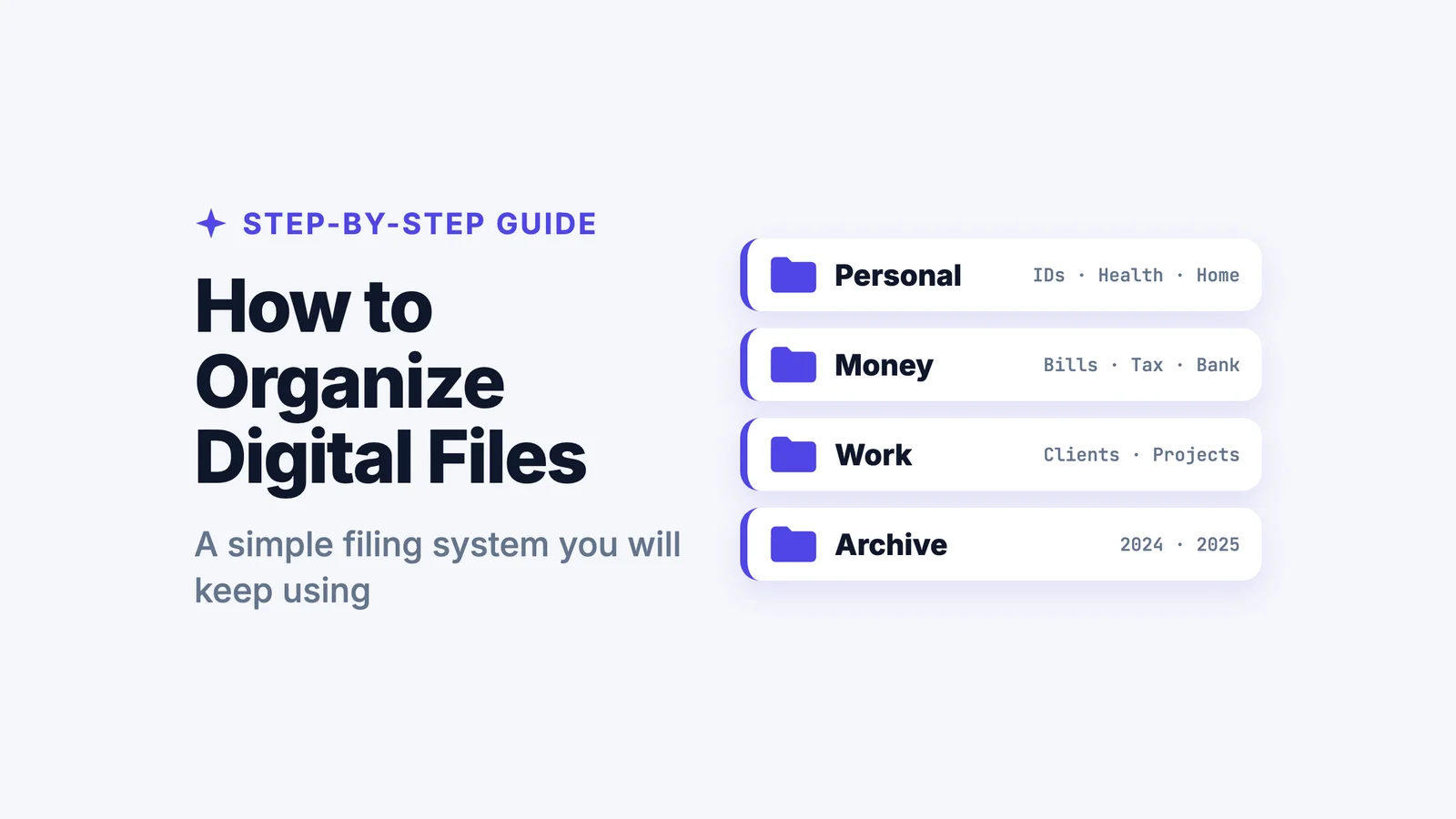
Read the work history, skills and qualifications on each resume, then file by likely role, skill set and experience level rather than by which posting it came through. Filex AI does this across a whole batch of applications at once, for PDF, Word and scanned resumes, so you can filter by seniority without opening each file.

  • Extracts an experience level from the employment history
  • Handles a whole hiring pipeline or event batch in one pass
  • Reads scanned and photographed applications with OCR

Why choose Filex AI

Why Choose Our Free Online Resume Organizer?

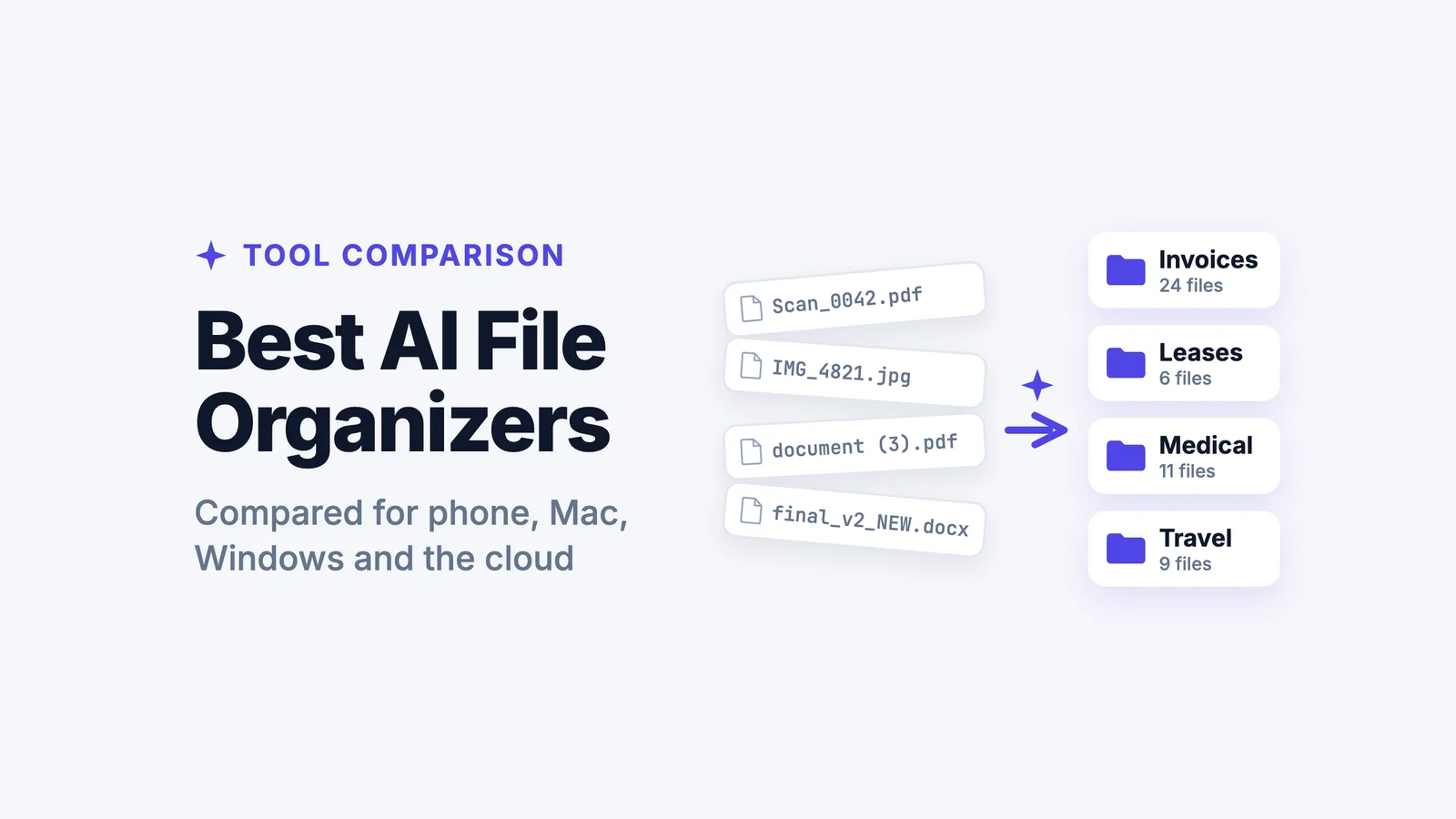
A folder of resume_final(3).pdf files tells a hiring manager nothing. Filed by role and skill, it becomes a usable pipeline.

📋

Filed by Role and Skill Set Automatically

Filex AI reads each resume's content and identifies the role it targets and the key skills listed, filing it accordingly rather than leaving it in a flat, unsorted folder.

🎓

Experience Level Identified Automatically

Years of experience and seniority are read from the resume itself, making it possible to filter candidates without opening each file individually.

🔒

Private and Encrypted

Resumes are encrypted in transit and at rest, never sold or shared, and never used to train public AI models. Your originals are never modified.

How it works

How to Organize Resumes With AI

01

Upload your candidate resumes

Bring in a batch of resumes collected from a job posting, referral pipeline, or applicant tracking export.

02

AI reads each resume

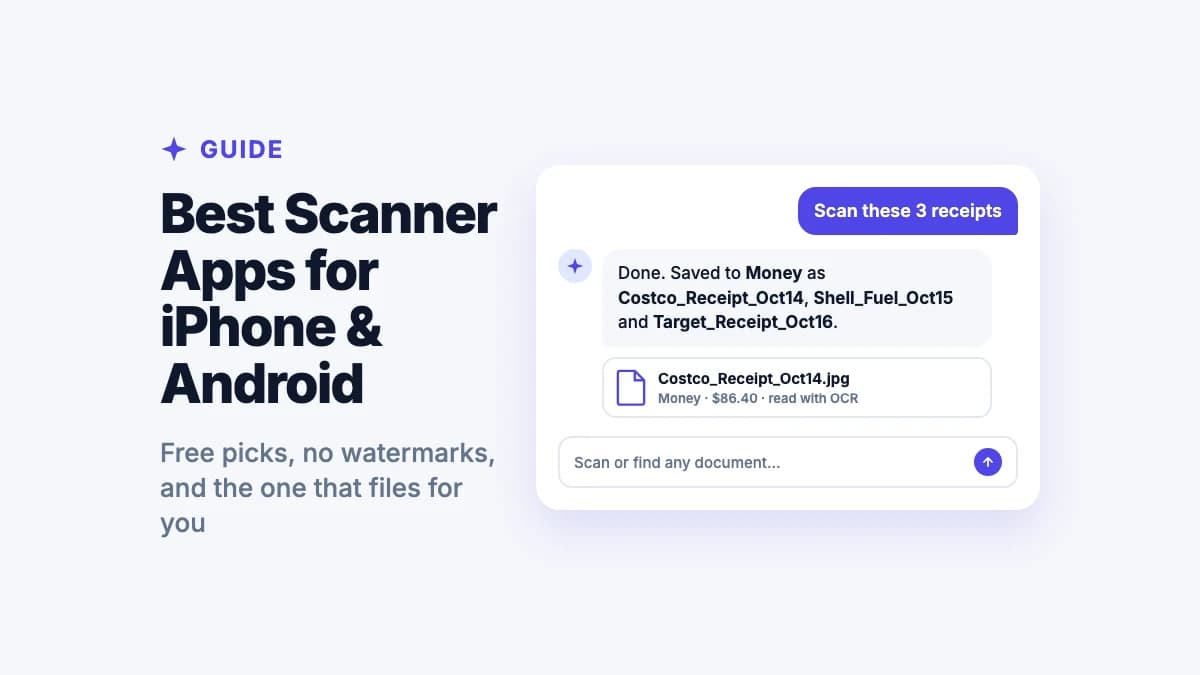
Filex AI applies OCR where needed and identifies the target role, key skills, and experience level on each resume.

03

Resumes are filed automatically

Each resume is renamed and filed by role and skill set, building an organized pipeline without manual sorting.

04

Find candidates later by searching

Search by role, skill, or experience level, and find matching candidates instantly, instead of reopening every file.

Supported files

Every Kind of Resume, Organized

Whether it is a PDF resume or a scanned application, Filex AI files it by role and skill set.

Resumes by Role

  • Engineering candidates
  • Sales candidates
  • Operations candidates

By Experience Level

  • Entry level
  • Mid level
  • Senior and leadership

By Skill Set

  • Technical skills
  • Certifications
  • Language proficiencies

Scanned & Photographed Applications

  • Scanned paper resumes
  • Photographed applications
  • Emailed PDF resumes

Manual vs AI

Sorting a Resume Folder by Hand vs Letting AI File It

CapabilitySorting manuallyFilex AI
Rename a single resume after reading it
File a hundred resumes by role automaticallyNot included
Identify experience level without opening every fileNot included
Group resumes by shared skill setNot included
Read a scanned or photographed applicationNot included
Organize a whole hiring pipeline in one passNot included
Search for candidates by role or skillNot included
Synced across web, iPhone, and Android automaticallyNot included

Works with your AI assistant

Organize resumes with ChatGPT, Claude or any AI assistant

Connect your files once, then ask your assistant to file candidate resumes by role and find the right people fast.

  • ChatGPT
  • Claude
  • Gemini
  • Grok
  • + any AI assistant

You ask ChatGPT

Find candidates with five or more years of React experience.

ChatGPT read through the resumes

  • Priya_Nair_Resume.pdf

    Frontend Engineer

  • Tom_Becker_CV.pdf

    Frontend Engineer

Complete guide

The Complete Guide to Organizing Resumes With AI

Why a Flat Resume Folder Stops Working Past a Handful of Candidates

A single open role with a handful of applicants is manageable in a flat folder, opening each resume individually is not a real burden at that scale. That changes quickly once a role attracts dozens of applicants, or once several roles are being filled at the same time, at which point a flat folder becomes a genuine obstacle to comparing candidates efficiently.

Filex AI addresses this by filing resumes into a structure based on their actual content the moment they are uploaded, so the organization exists from the start rather than needing to be built manually once the folder has already become unmanageable.
Identifying the Role and Skills a Resume Actually Targets

A resume does not always state explicitly which role it is for, particularly when candidates apply through general channels or when a resume is being considered for multiple open positions. Working out fit requires reading the actual experience and skills listed, not just a cover letter or an application form field.

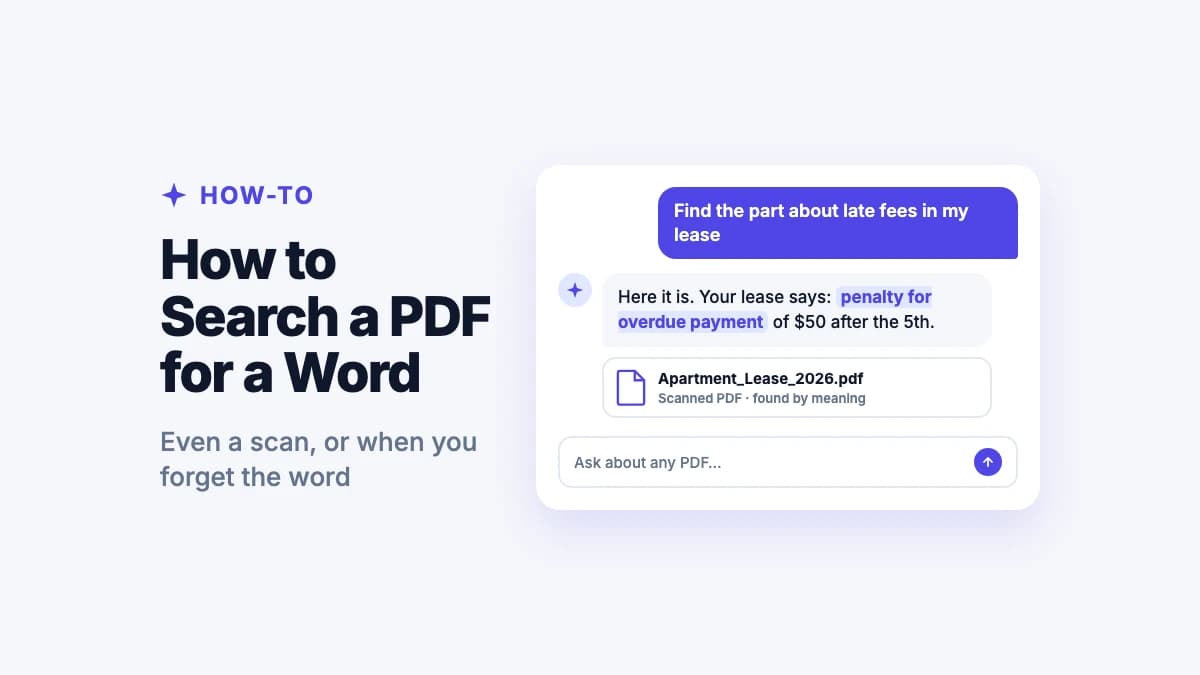
Filex AI reads the substantive content of a resume, work history, listed skills, and stated qualifications, to identify the roles a candidate is likely suited for, rather than relying solely on which specific job posting the resume happened to be submitted against.

Reading Experience Level as a Filtering Signal

Years of experience and seniority level are often the first filter a hiring manager applies when reviewing a stack of resumes, but confirming this for every resume individually, checking dates and titles across a work history section, adds up across a large applicant pool.

Filex AI extracts experience level from the resume's work history automatically, making it possible to filter or search a pipeline by seniority without manually reviewing each resume's employment dates one at a time.

Organizing for a Pipeline, Not Just a Single Open Role

Recruiting often runs multiple open roles simultaneously, or maintains a pool of strong candidates considered for future openings rather than a specific role right now. A resume organization system built around a single job posting does not serve this reality well.

Filex AI files by role and skill set in a way that supports an ongoing pipeline, so a strong candidate for one role can also surface later for a different, related opening based on their actual skills, rather than being tied permanently to the single posting they originally applied to.

Processing a Large Batch of Applications at Once

A popular job posting or an open recruiting event can generate a large batch of resumes arriving at once, more than can reasonably be reviewed and filed one at a time before the review process needs to actually begin.

Filex AI processes a whole batch in one upload, reading and filing every resume in the group, so a hiring pipeline built from a large influx of applications is organized from the outset rather than requiring resumes to be filed individually as they trickle in for review.

Why Privacy Matters When Organizing Candidate Resumes

Resumes contain personal information about candidates, work history, education, and sometimes contact details and references, which makes handling them with care a genuine responsibility, both for candidate trust and for compliance with applicable hiring regulations.

Filex AI encrypts every resume in transit and at rest, keeps files private to your account by default, and never sells, shares, or uses uploaded content to train public AI models. Original resumes are never modified.

A stack of resumes named resume_final(3).pdf tells a hiring manager nothing until someone opens every single one. Filing by role and skill removes that step entirely.

The short version of this guide

Beyond resumes

Organizing candidates is one workflow. Filex AI handles every HR document the same way.

A filed resume pipeline helps during hiring, but the same system works for onboarding paperwork, employee records, and HR files generally. Filex AI files every document automatically as it arrives. Permanently, across every device.

  • Every HR document renamed and filed automatically, not just resumes
  • Ask questions across a whole batch of candidate resumes at once
  • Works on scanned and photographed applications alike
  • Natural language search across your whole library, synced on web, iPhone & Android
Ask questions across a batch of resumes

Before

40 files: resume_final(3).pdf, John_CV_updated.pdf...

After

Candidates / Senior Engineer / 5+ years (12 filed)

  • Filed by role and experience level automatically
  • Skills and qualifications extracted for each candidate
  • Searchable across every device

Guides & resources

Learn more from the Filex AI blog

AI Resume Organizer FAQ

Everything you need to know about organizing candidate resumes with AI

Is the Filex AI resume organizer really free?

Yes. Every account starts on the free Spark plan with credits to organize files, and no credit card is required to start.

How does it know what role a resume is for?

Filex AI reads the actual work history, skills, and qualifications listed on the resume to identify the roles a candidate is likely suited for, rather than relying only on which job posting it was submitted against.

Can it identify a candidate's experience level?

Yes. Filex AI reads the employment history on a resume and extracts an experience level, making it possible to filter candidates by seniority without opening each file.

Can it organize a large batch of applications at once?

Yes. Upload a whole batch of resumes from a job posting or hiring event, and each one is read and filed in the same pass.

Does it work on scanned or photographed resumes?

Yes. Filex AI applies OCR to scanned and photographed applications and files them the same way it files native PDF or Word resumes.

Is my data private while candidate resumes are being organized?

Yes. Resumes are encrypted in transit and at rest, are private to your account, and are never sold, shared, or used to train public AI models.

Will it modify my original resume files?

No. Original files are never modified. Filex AI creates clearly named, organized versions within your library, alongside the originals.

Can I search for candidates by skill afterward?

Yes. Every organized resume is searchable in plain language by role, skill, or experience level, without needing to remember which file matches.

Does it work for an ongoing candidate pipeline, not just one role?

Yes. Filing by role and skill set supports maintaining a pool of candidates considered across multiple current and future openings, not only a single job posting.

Which devices does this work on?

Filex AI runs on web, iPhone, and Android, with everything synced. A candidate pipeline organized on one device is searchable from any other device moments later.

Get it on App Store