Filex AI vs Apple Files: the document app your iPhone is missing

The Files app is a competent browser for folders you create and maintain yourself. Filex AI reads every document you add, renames it from its contents, sorts it into the right category, extracts the dates and amounts inside, and runs OCR on every image. Here is the full side by side across search, AI features, file types, and devices.

Last reviewed

No credit card required ยท Free plan included

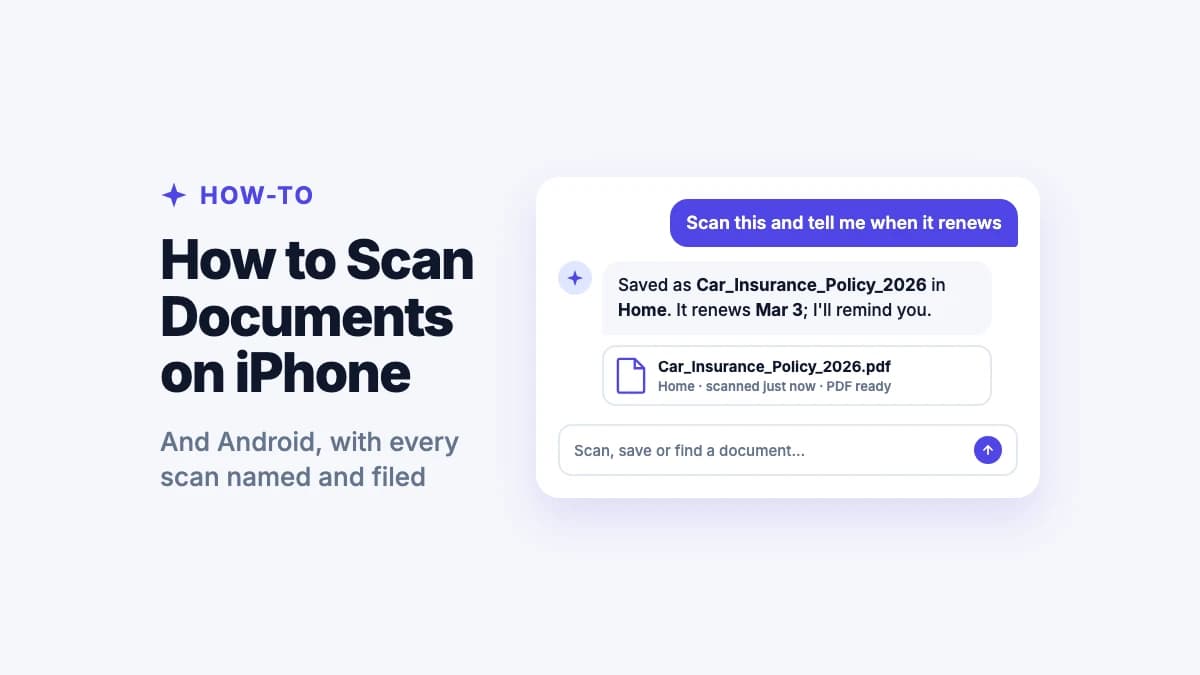
A real Filex AI workflow. Hundreds of unsorted PDFs, screenshots, and scans are renamed, categorized, and made searchable in seconds. The Files app would show that same folder as a grid of unreadable filenames.

The verdict

Which one belongs on your phone?

Apple Files is a file browser. Filex AI is a document brain. They can live side by side, but they answer very different questions.

Choose Filex AI ifโ€ฆ

  • ๐Ÿ“ธ

    Your scans and screenshots pile up

    Scanned paperwork lands in Files with names like Scanned Document 4.pdf and screenshots stay in Photos. Filex AI reads both and gives them meaning.

  • ๐Ÿ”

    You search by memory, not by filename

    Files search needs a filename or a phrase in indexed text. Filex AI matches on meaning and extracted data, so describing the document is enough.

  • ๐Ÿงพ

    You want the numbers pulled out

    Amounts, due dates, policy numbers, and vendors are extracted into structured fields rather than left buried in a PDF you have to open.

  • ๐Ÿ”ญ

    One file belongs in several places

    A flight receipt is travel, an expense, and a tax record at once. AI Lenses let one file live in every relevant collection with no duplicate copies.

  • โฐ

    Renewal dates slip past you

    Insurance renewals and passport expiries hide inside documents. Filex AI finds those dates and surfaces them before they lapse.

  • ๐Ÿค–

    You use Android or Windows too

    Filex AI runs on Android, iPhone, iPad, web, and Chrome with one synced library, so your documents are not tied to Apple hardware.

Choose Apple Files & iCloud Drive ifโ€ฆ

  • ๐ŸŽ

    You want zero setup and zero cost

    Files is already installed, already signed in, and free with your device. For light use that is genuinely hard to beat.

  • ๐Ÿ“‚

    You need a system-wide file picker

    Files is wired into the share sheet and the document picker across iOS, so any app can save into it or open from it.

  • ๐Ÿ”Œ

    You connect external drives and servers

    Files browses USB drives, SD cards, and SMB network shares directly from an iPhone or iPad, which Filex AI does not attempt.

  • ๐Ÿ–ฅ๏ธ

    You rely on Mac and iPhone continuity

    iCloud Drive keeps your Desktop and Documents folders in sync between a Mac and an iPhone with no configuration at all.

Head to head

Apple Files vs Filex AI, feature by feature

Both give you somewhere to keep documents on an iPhone. They differ in whether anything understands those documents.

Capability

Filex AI

Apple Files & iCloud Drive

Free and pre-installed

Available on every iPhone and iPad with no download or account setup

Built into iOS

System file picker integration

Any app can save into it or open from it through the iOS document picker

Native to iOS

External drives and network shares

Browse USB drives, SD cards, and SMB servers from the device

Automatic file organization

Files sorted into meaningful categories without you creating folders

Runs on upload
You build folders

Automatic intelligent renaming

Scanned Document 4.pdf becomes Electricity_Bill_April_2026.pdf

Manual renaming only

Natural language search

Describe the document instead of recalling its filename

Name and keyword search

OCR on images and scans

Text inside screenshots and photographed documents becomes searchable

On every image
Live Text, per image

Entity extraction

Amounts, due dates, invoice numbers, and companies pulled into structured fields

One file in multiple collections

A receipt can be travel, expenses, and tax at once with no duplicate copies

AI Lenses
Tags, applied manually

Date-based reminders from documents

Renewal and expiry dates detected inside files and surfaced before they pass

Built-in document scanner

Camera capture that also names and files the result automatically

Scans, names, and sorts
Scans to PDF, you name it

Works across Android and Windows

Same library available outside the Apple ecosystem

iCloud web, limited

Works on a messy existing backlog

Point it at years of unsorted files and get structure back

Full support Partial or manual Not available

AI capabilities

What each one does with AI

Apple has shipped genuinely clever on-device intelligence, most of it aimed at Photos and text selection rather than document management.

AI featureFilex AIApple Files & iCloud Drive
AI file renamingReads content and generates a descriptive filename automatically
Automatic on upload
Manual only
AI categorizationAssigns each file to a meaningful category without predefined rules
Smart folders and collectionsGroups that populate themselves as new matching files arrive
AI Lenses
Smart folders by tag or name
Natural language searchPlain-English description instead of keyword matching
Document understandingIdentifies what a document actually is, not just the words in it
Entity extraction into fieldsAmounts, dates, vendors, and reference numbers become structured data
Data detectors on dates
OCR on scanned documentsText recovered from photographs and scans of paper
Indexed and searchable
Live Text, per image
Duplicate handlingDetects near-identical copies of the same document
Content-aware
Photos duplicates only
Date-based remindersSurfaces renewals and expiries found inside documents
Summarising a documentGenerates a short summary of a long file
Apple Intelligence, newer devices

File types

Filex AI vs Apple Files: what gets understood

The Files app will store and preview almost anything. This table is about which contents get read, indexed, and turned into something you can search.

File typeWhat Filex AI extractsFilex AIApple Files & iCloud Drive
PDF documentsInvoices, statements, policies, reportsFull text plus extracted dates, amounts, vendors, and document type
Preview and name search
Scanned PDFsDocuments scanned with the iPhone cameraOCR applied, then classified and renamed by content
Saved as Scanned Document
Word documentsDOCX contracts, letters, notesFull text with automatic categorization and renaming
Stored and previewed
Excel spreadsheetsXLSX budgets, trackers, ledgersCell content indexed and the sheet classified by purpose
CSV filesExports, transaction lists, data dumpsContents parsed and the file categorized by what the data represents
ScreenshotsConfirmations, chats, WiFi passwords, error messagesOCR on every image so the text inside becomes fully searchable
Live in Photos, not Files
Photos of documentsReceipts and letters photographed on a phoneOCR plus vendor, amount, and date extraction
Live Text on open images
ReceiptsTill receipts, order confirmations, expense slipsVendor, total, date, and category pulled into structured fields
Stored, not understood
CertificatesAcademic, professional, training certificatesInstitution, holder name, and year extracted and made searchable
ContractsAgreements, NDAs, leases, service termsParties, effective dates, and renewal dates extracted
Insurance documentsPolicies, premium receipts, renewal noticesProvider, policy number, and expiry date extracted with reminders
ID documentsPassports, licences, national IDsRecognised by type, with expiry dates surfaced before they lapse

Devices

Where each app actually runs

Apple Files is superb inside the Apple ecosystem and largely stops at its edge. Filex AI treats every platform as a first-class place to capture and retrieve documents.

๐Ÿ“ฑ

iPhone & iPad

Filex AI

Native app with organization, natural language search, Lenses, and a scanner that names what it captures

Apple Files & iCloud Drive

Built in, free, wired into the share sheet and document picker across iOS

Download on the App Store
๐Ÿค–

Android

Filex AI

Full native app with the same library, scanning, and search

Apple Files & iCloud Drive

Not available

Get it on Google Play
๐Ÿ’ป

Web

Filex AI

Full workspace in any browser for upload, organizing, search, and Lenses

Apple Files & iCloud Drive

iCloud.com offers basic browsing and download

Open the web app
๐Ÿงฉ

Chrome extension

Filex AI

Save files and pages straight from the browser, organized on arrival

Apple Files & iCloud Drive

Not available

Add the Chrome extension

One synced library across every device

Everything stays in one synced library that is not tied to a single ecosystem. Scan a receipt on an iPhone and it is searchable from an Android phone or a Windows laptop moments later, with no export step and no dependency on staying with Apple hardware.

In depth

Filex AI vs Apple Files & iCloud Drive, in detail

Is Filex AI a good Apple Files alternative?

Yes, for documents you need to find rather than merely store. The Files app is a browser: it shows you folders, previews contents, and connects to iCloud and other apps. It never forms an opinion about what any file is. Filex AI reads each document on arrival, renames it from its contents, files it under the right category, and makes it retrievable by description rather than by remembering where you put it.

The difference is sharpest with scans and photographed paperwork, which is most of what an iPhone captures. A document scanned through Files lands as Scanned Document 4.pdf unless you stop and rename it. Filex AI runs OCR on every image, identifies the document type, extracts the vendor, amount, and dates, and files it, so a query like "find the receipt for my laptop" works even when you never touched the filename.

It also adds capabilities the Files app has no equivalent for: AI Lenses, so one receipt can sit in travel, expenses, and tax at once without duplicate copies; reminders drawn from renewal and expiry dates inside your documents; and a search that spans scans, PDFs, spreadsheets, and screenshots together rather than splitting them between Files and Photos.

The practical setup keeps Files for what it does well, browsing iCloud, reaching external drives, and acting as the system document picker, while personal and financial paperwork moves into Filex AI. You also stop being tied to Apple hardware, since the same library opens on Android, Windows, and the web.

  • Stronger for scans, receipts, and paperwork that arrives through the camera
  • Searches documents and screenshots together instead of splitting them across apps
  • Adds Lenses, entity extraction, and reminders with no Files app counterpart
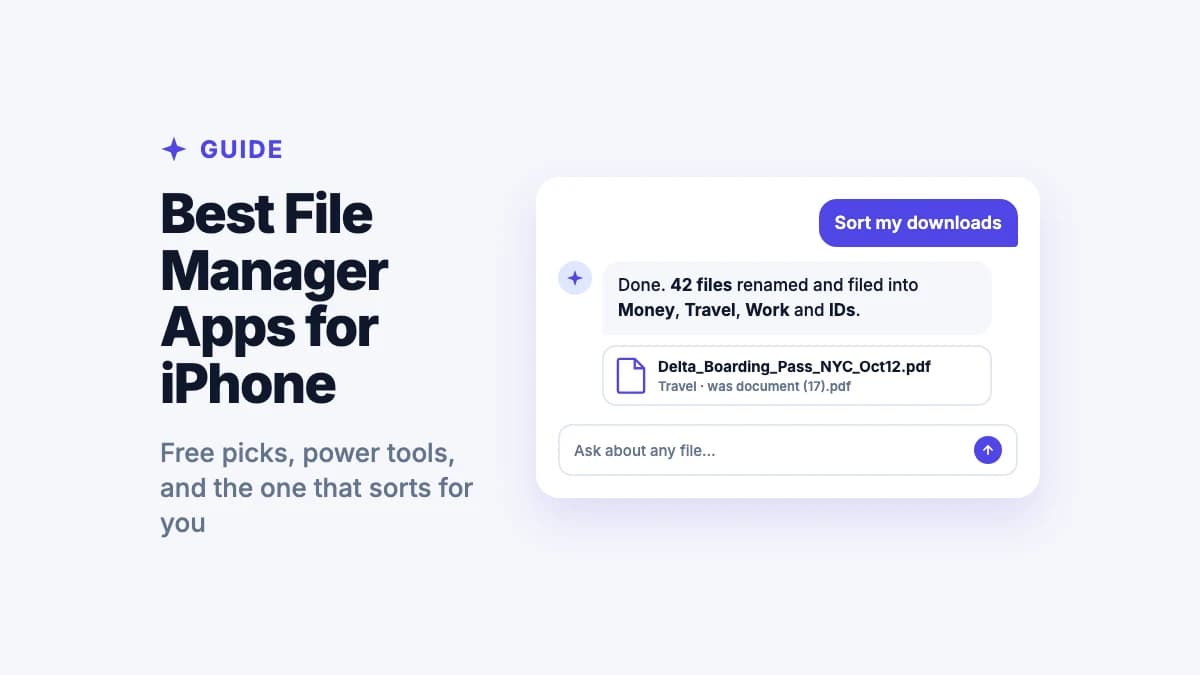
Your documents are split across two apps

On an iPhone, paperwork ends up in two places that do not talk to each other. Anything scanned or downloaded goes to Files. Anything photographed or screenshotted goes to Photos. Both are reasonable destinations, and together they guarantee that no single search covers everything you own.

That split is why finding a receipt so often turns into a hunt. You remember paying for something but not whether you saved the emailed PDF, photographed the printed slip, or screenshotted the confirmation. Each possibility lives in a different app with a different search box, and the one you check first is usually the wrong one.

Filex AI removes the distinction. Scans, PDFs, photographed documents, spreadsheets, and screenshots all enter the same indexed library and come back from the same query. Whether a receipt started as an attachment or a camera shot stops being something you need to recall.

  • Files holds scans and downloads; Photos holds screenshots and camera captures
  • No single search covers both, so retrieval depends on guessing the right app
  • Filex AI indexes every format together in one searchable library

Live Text is clever, but it is not a search index

Live Text is one of the better features Apple has shipped in years. Point at an image with text and you can select, copy, and act on it directly. For grabbing a phone number off a poster or copying a WiFi password from a photo you already have open, it is excellent.

The limitation is that it operates on the image in front of you. It helps once you have found the right picture; it does not help you find it among four thousand others. Photos does index some recognised text for search, but coverage varies, and it does not extend across into documents sitting in Files.

Filex AI treats OCR as an indexing step rather than a viewing feature. Every image is read at upload and its text becomes part of the searchable record, alongside the document type and extracted fields. That is what makes "find the screenshot with the WiFi password" resolve in one query rather than a scroll.

Tags help, until you forget to apply them

The Files app does offer tags, and they genuinely improve on plain folders by letting one file carry several labels. In principle a flight receipt could be tagged travel, expenses, and tax and appear under all three.

In practice tags depend on discipline at exactly the moment you have none. Tagging happens when you save a file, which is usually when you are in a hurry and thinking about something else. A tagging system that is applied sporadically ends up worse than no system, because it creates the impression of structure that only covers part of your library.

AI Lenses invert the effort. A Lens is a collection described in natural language ("everything for my Japan trip", "documents I need for tax season", "medical records for my parents"), and files join it because of what they contain, not because you remembered to label them. The receipt appears in every relevant context without you having categorised it at the moment of saving.

  • Tags work well when applied consistently, which rarely survives a busy week
  • Lenses populate from document contents rather than from manual labelling
  • One file can sit in several Lenses with no duplication and nothing to maintain

What happens to a document you scan on your phone

The iPhone has an excellent scanner built into Files and Notes. The optics, edge detection, and perspective correction are all very good, and the resulting PDF is clean and legible.

What happens next is where documents get lost. The scan saves as Scanned Document 4.pdf into whichever folder you chose, and unless you rename it on the spot you have added another anonymous file. Multiply that by a year of scanned bills, letters, and forms and the folder becomes a wall of near-identical names that only opening each one can distinguish.

Filex AI merges capture and filing into one action. Photograph a document and OCR runs, the type is identified, the vendor, amount, and dates are extracted, the file is renamed to something you would recognise, and it joins any Lenses that apply. Nothing is left half-done when you put the phone back in your pocket.

The Files app will show you every document you own. It just will not tell you which one is the electricity bill.

โ€” The short version of this comparison

Pricing

What each one costs

Apple Files is free with your device, and iCloud storage is sold by capacity. Filex AI sells document processing. The comparison is less about price than about what happens to your files.

Filex AI

Apple Files & iCloud Drive

Free tier

Spark plan with free credits, no card required

Files app free, iCloud 5 GB

iCloud 5 GB is shared with device backups and Photos, so usable document space is often much lower

What you pay for

AI processing, organization, and search

iCloud storage capacity

Automatic AI organization

Included on every plan

Not offered

Works outside Apple devices

Android, Windows, web, Chrome

Limited to iCloud.com

Pre-installed on your phone

App Store download

Built into iOS

iCloud+ tiers and pricing change periodically and vary by region, so check Apple's current pricing page for exact figures. Filex AI pricing is shown in full below.

Simple, transparent pricing

Start free. Upgrade only when you need more power.

Free

Start organizing smarter with AI-powered file management.

$0
  • 20 files one time
  • AI content analysis & auto-sorting
  • Smart file renaming
  • Basic tagging
  • Cloud sync across devices
  • Export Organized Folders
Most Popular

Premium

Ideal for professionals who organise files, notes, and projects every day.

$2.99/month
  • 500 files organization per month
  • Advanced subject-based folders
  • OCR for images & scans
  • Handwritten notes analysis
  • Mobile app access
  • Share-to-organize from anywhere
  • Priority support
  • Export Organized Folders
Best Value

Premium (Yearly)

Save more with annual billing

$29/year
  • 6000 files organization per year
  • Advanced subject-based folders
  • OCR for images & scans
  • Handwritten notes analysis
  • Mobile app access
  • Share-to-organize from anywhere
  • Priority support
  • Export Organized Folders

Getting started

Getting your iPhone documents into Filex AI

No sorting required beforehand. Anonymous scans and untitled screenshots are exactly the input the AI expects.

  1. 01

    Share in whatever you have

    Send documents across from Files, Photos, Mail, or WhatsApp using the iOS share sheet. Do not rename anything on the way.

  2. 02

    Let the AI read everything

    Each file is parsed, every image goes through OCR, and details like dates, amounts, and companies are extracted into searchable fields.

  3. 03

    Check the structure it built

    Files come back renamed and categorized. Skim the result, adjust anything you would have grouped differently, and the system adapts.

  4. 04

    Set up Lenses for how you think

    Describe the collections you use, like tax season, a house purchase, or medical records for a parent, and matching documents gather into each.

  5. 05

    Keep Files for what it does well

    Nothing forces you to stop using it. Files remains the right tool for browsing iCloud, reaching external drives, and acting as the system document picker.

Guides & resources

More on organizing documents on a phone

Guides on scanning paperwork, searching screenshots, and building a document system that survives a busy week.

Which Apple Intelligence Features Actually Organize Your Photos and Files? (2026)
iPhone8 min read

Which Apple Intelligence Features Actually Organize Your Photos and Files? (2026)

Apple Intelligence brings powerful AI to your iPhone and Mac in 2026, but does it actually organize your files? Discover the native features and why Filex AI is the ultimate upgrade.

Jun 26
Apple Files vs Filex AI: The Best File Organizer on iPhone (2026)
iPhone8 min read

Apple Files vs Filex AI: The Best File Organizer on iPhone (2026)

Ditch the manual sorting. See why Filex AI is the best alternative to Apple Files, acting as a powerful file sorter and automatic document organizer for iOS.

May 10
How to Find Any File on iPhone in 2026 Using AI (Better Than Spotlight & Files App)
iPhone8 min read

How to Find Any File on iPhone in 2026 Using AI (Better Than Spotlight & Files App)

Struggling to find files on your iPhone? Spotlight and the Files app often fail. Learn how AI-powered file organizers use OCR and smart search to instantly find documents, screenshots, and PDFs in seconds.

Apr 27
Files App vs Filex AI: Which Is Better for iPhone File Organization in 2026?
iPhone9 min read

Files App vs Filex AI: Which Is Better for iPhone File Organization in 2026?

Confused between the iPhone Files app and Filex AI? Discover which one is better for finding, organizing, and managing PDFs, screenshots, and documents using AI in 2026.

Apr 27
The Best AI File Organizer for iOS: Organize Your iPhone Files Automatically
iPhone9 min read

The Best AI File Organizer for iOS: Organize Your iPhone Files Automatically

Looking for the best AI file organizer for iOS? This guide breaks down why iPhone file management gets messy so fast, how AI actually works on iOS, and why Filex AI is the only app that combines OCR, smart renaming, and natural language search in one place.

Apr 15
Best AI PDF Organizer App for iPhone in 2026: Stop Losing Your Documents
iPhone5 min read

Best AI PDF Organizer App for iPhone in 2026: Stop Losing Your Documents

Discover the best PDF organizer apps for iPhone in 2026. Learn how to automatically manage, rename, and search PDFs using AI tools like Filex AI.

Apr 15

Frequently asked questions

Everything you need to know about using Filex AI

Is Filex AI a replacement for the Apple Files app?

For personal paperwork, yes. For system-level jobs, no. Files is wired into iOS as the document picker, browses external drives and network shares, and comes free on every device, and Filex AI does not replace those roles. Filex AI replaces what Files leaves undone: reading your scans, receipts, and screenshots, naming and categorizing them, and making them findable by description. Most people keep both.

Does the Files app organize documents automatically?

No. Files browses and stores documents, and it supports tags and smart folders, but every folder and tag exists because you created and applied it. It does not read a document, work out what it is, rename it, and file it. Filex AI performs that step automatically the moment a file arrives.

Can I search text inside scanned documents on an iPhone?

Only partly. Live Text lets you select and copy text from an image you already have open, and Photos indexes some recognised text, but coverage varies and it does not extend to documents stored in Files. Filex AI runs OCR on every image and scan at upload as a guaranteed step, so text inside a screenshot or a photographed receipt is searchable from the moment it lands, in the same search that covers your PDFs.

Why do my scanned documents all have unhelpful names?

Because the iPhone scanner names by sequence rather than content, so scans save as Scanned Document 1, 2, 3 unless you rename each one at the moment of capture. Under time pressure almost nobody does, which is how a folder of visually identical filenames builds up. Filex AI reads the scan, identifies what it is, and renames it to something like Electricity_Bill_April_2026.pdf without being asked.

What is the main difference between Filex AI and Apple Files?

Apple Files is a file browser: it shows you what you have and where you put it. Filex AI is a document brain: it reads what is inside each file so you can retrieve it by describing it. Files preserves whatever structure you built. Filex AI creates the structure from the contents of your documents.

Does Filex AI work on iPad as well as iPhone?

Yes. Filex AI runs natively on both iPhone and iPad with the full feature set, including organization, natural language search, AI Lenses, and the scanner. The same library also opens on Android, the web, and through the Chrome extension, so your documents are not tied to Apple hardware.

Do I need to organize my files before importing them?

No. Filex AI is built for exactly the unsorted state an iPhone produces. Files called Scanned Document 4.pdf, IMG_4821.jpg, and untitled screenshots are what the AI is designed to interpret. Share everything across as it stands and let the system read, rename, and categorize it.

How does Filex AI handle a file that belongs in several categories?

Through AI Lenses. A flight receipt might belong to travel, expenses, tax records, and a specific trip all at once. The Files app offers tags for this, but only if you remember to apply them at save time. In Filex AI the file joins every relevant Lens automatically based on its contents, with no duplication and nothing to maintain.

Is Filex AI free?

Yes, every account starts on the free Spark plan with credits to organize and sync files, and no payment details required. OCR and AI organization are included rather than reserved for a paid tier, so you can run a real batch of your own scans through it before deciding whether to upgrade.

What happens to my documents if I switch from iPhone to Android?

They come with you. Filex AI keeps one synced library across Android, iPhone, iPad, web, and Chrome, so moving between platforms does not require exporting or re-filing anything. Documents stored only in iCloud Drive are considerably harder to take to another ecosystem.

Give your iPhone documents a memory.

Point Filex AI at your scans, receipts, and screenshots and watch them name and sort themselves. Free to start, no credit card required.